
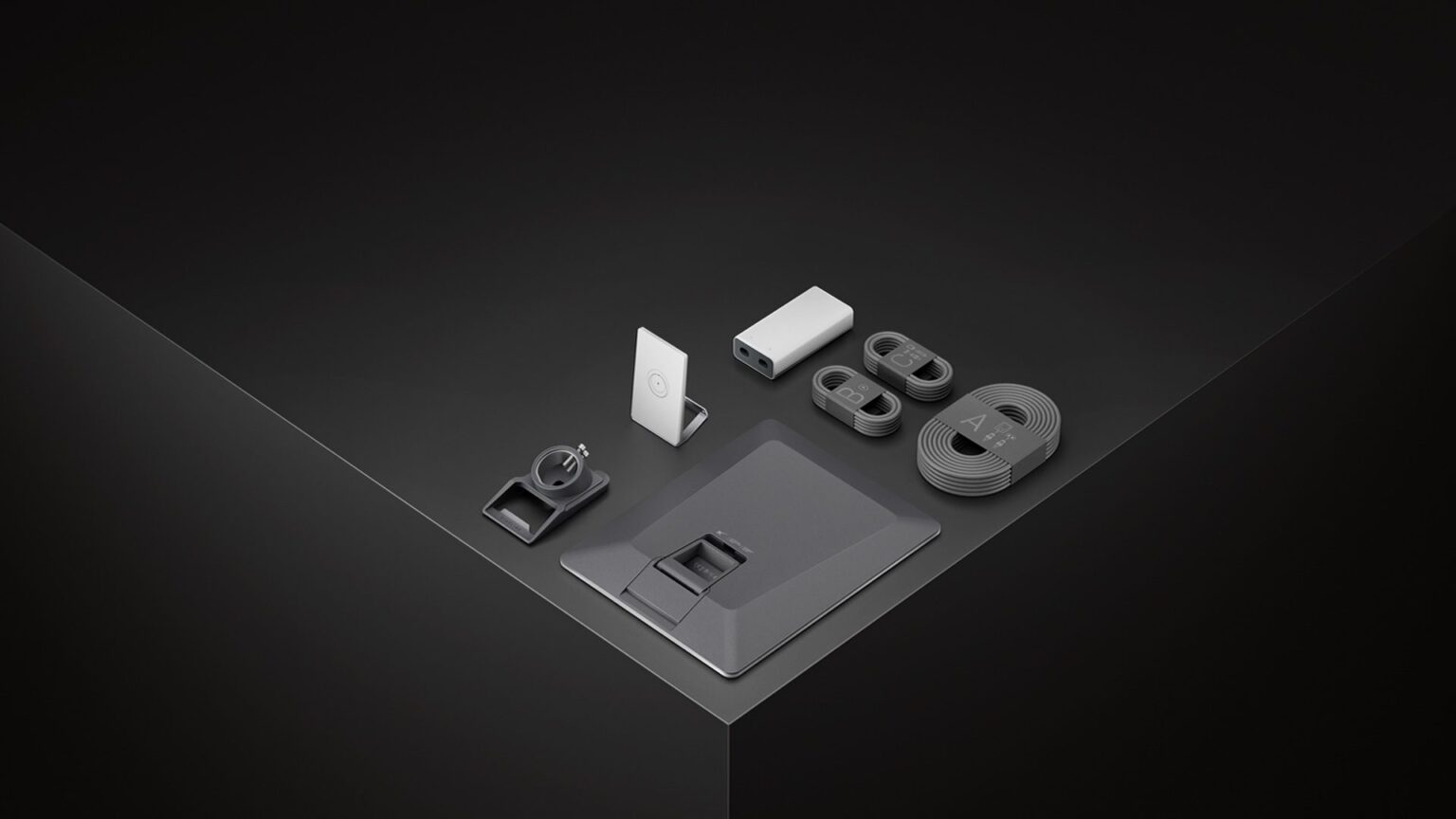
Starlink is preparing a major overhaul of the wireless network its customers use at home. The company has confirmed its new Router 4, identified as the UTR-261, the first in its lineup equipped with a WiFi 7 chipset. The device promises coverage of up to 325 m², packs more antennas than the previous generation, and can be part of mesh networks, though it skips the 6 GHz band usually associated with the most fully-featured WiFi 7 gear.
The new Starlink Router 4 in 30 seconds
- The Router 4, model UTR-261, is Starlink’s first router equipped with a WiFi 7 chipset.
- Starlink is advertising maximum coverage of about 325 m², up from roughly 297 m² specified for the Router 3.
- It works on 2.4 and 5 GHz and adds more antennas, but doesn’t include a 6 GHz WiFi radio.
- It can be powered via Power over Ethernet (PoE) or USB-C, and includes Ethernet connectivity.
- Rollout will begin in select areas, with no confirmed date yet for Spain.
The device’s existence had already surfaced in U.S. regulatory filings. Records tied to Space Exploration Technologies before the Federal Communications Commission (FCC) identify a new router with the code R261 and show documentation filed in August 2026. Starlink has now confirmed the product and expects it to become available soon in certain markets.
The generational shift is especially interesting because WiFi 7 is usually associated with multi-gigabit fiber connections, while here it’s being applied to a satellite access link. The upgrade doesn’t mean a Starlink connection will automatically reach several gigabits: internet speed still depends on the terminal, the satellite network, available capacity, and the plan subscribed to.
What the new router can improve is the part of the connection that’s inside the home. Weak WiFi can become the bottleneck even when the Starlink link itself has capacity to spare.
More antennas and WiFi 7, but without using 6 GHz
The Router 4 introduces a chipset compatible with WiFi 7, the commercial name for the new generation based on IEEE 802.11be.
However, not every WiFi 7 router implements exactly the same capabilities.
One notable feature of the UTR-261 is that Starlink chose to work with the 2.4 and 5 GHz bands, without adding a third 6 GHz radio for client devices.
That’s a meaningful decision.
The 6 GHz band offers a lot more available spectrum and can be especially useful in areas with many nearby wireless networks. It also allows the use of very wide channels without competing against as many older devices.
But there’s a trade-off: higher frequencies pass through walls and other obstacles less effectively.
In a large house or a rural setup, extending coverage over 2.4 and 5 GHz may matter more than chasing top speeds at short range via 6 GHz. Starlink hasn’t publicly explained every factor behind this decision, so it shouldn’t be attributed solely to the rural profile of its customers.
On 5 GHz, the new model uses a 4×4 MIMO configuration for transmission, paired with additional receive capability according to the documentation available. The 2.4 GHz band also uses a 4×4 configuration.
The goal seems to be aimed more at coverage, stability, and multi-device capacity than at chasing an eye-catching WiFi speed figure.
Router 3 vs. Router 4
A side-by-side comparison helps illustrate the change:
| Feature | Starlink Router 3 | Starlink Router 4 |
|---|---|---|
| WiFi generation | WiFi 6 | WiFi 7 |
| Client bands | 2.4 and 5 GHz | 2.4 and 5 GHz |
| MIMO | 4×4 | 4×4 with more antennas |
| 6 GHz | No | No |
| Advertised coverage | Up to 297 m² | Up to 325 m² |
| Mesh | Yes | Yes |
| Dedicated mesh radio | Tri-band architecture | Yes, per the new model’s specs |
| Ethernet | Yes | Yes |
| Power | Starlink power supply | PoE or USB-C on Router 4 |
The current Router 3 was already a major step up from earlier generations. It uses WiFi 6, 4×4 MU-MIMO, and OFDMA, and Starlink specifies coverage of up to about 297 m² for it.
The Router 4 pushes that figure to 325 m², roughly 9% more on paper.
It’s important to read that number correctly. A router’s coverage in square meters is an estimate under specific conditions, not a guarantee for any given home.
Concrete or stone walls, multiple floors, furniture, interference, and the router’s placement can all significantly reduce real-world range.
What WiFi 7 really brings to a Starlink connection
WiFi 7 can seem like overkill for a satellite connection if you only compare maximum internet speed against the theoretical capacity of a modern wireless network.
But a router doesn’t carry only internet-bound traffic.
It also manages every device on the local network and has to split radio resources among phones, TVs, computers, game consoles, cameras, connected home devices, and mesh nodes.
A more modern wireless generation can improve efficiency when many devices are transmitting at once.
The Router 4 is also designed with streaming, gaming, and everyday use in mind, according to Starlink’s description.
Even so, having WiFi 7 doesn’t mean every device will benefit from it right away.
A WiFi 5 phone will keep connecting over WiFi 5. A WiFi 6 laptop will use WiFi 6 capabilities. Taking advantage of specific WiFi 7 features also requires a compatible client.
On top of that, the lack of 6 GHz limits some of the speed advantages offered by high-end tri-band WiFi 7 routers.
| Client device | Expected connection with Router 4 |
|---|---|
| WiFi 4 | Compatible via legacy standards |
| WiFi 5 | Compatible |
| WiFi 6 | Compatible |
| WiFi 6E | Compatible, but without using 6 GHz |
| WiFi 7 | Compatible with the capabilities available on 2.4/5 GHz |
That’s why the main benefit for many users likely won’t show up as a much higher number on a speed test, but rather as better coverage and wireless capacity inside the home.
Mesh networking will still matter in larger homes
Not even a router with lots of antennas can solve every coverage problem.
A multi-story house or one with thick walls may need more than one access point.
That’s why Starlink keeps its mesh system in place. Additional nodes extend the wireless network and help cover areas where the main router’s signal arrives weakened.
The company currently recommends placing mesh routers roughly one to two rooms apart and not exceeding three additional nodes in its typical setups.
The Router 4 also includes a radio dedicated to mesh communication, according to the equipment’s advance specifications.
Separating part of the node-to-node communication from client device traffic can help keep the two from constantly competing for the same wireless resources.
It’s also worth remembering that Starlink allows third-party routers to be used with most of its kits via Ethernet and the appropriate configuration. So a user who already has an advanced WiFi 6E or WiFi 7 setup isn’t necessarily required to replace their entire home network with Starlink equipment.
PoE and USB-C simplify installation options
Another interesting change is in power delivery.
The Router 4 can be powered via Power over Ethernet (PoE) through its WAN connection or via USB-C.
PoE allows power and data to travel over the same Ethernet cabling, which is especially useful in installations where reducing the number of cables and power supplies matters.
With Starlink’s matching PoE adapter, the router can be connected directly to the terminal.
This kind of setup can be especially useful outside a conventional home: RVs, boats, small businesses, temporary installations, or remote locations.
The design also fits with the broader evolution of Starlink’s own hardware. The company keeps developing new generations of terminals with smaller size, lower power consumption, and different installation options.
When will the Starlink Router 4 reach Spain?
For now, that’s the big unknown.
Starlink has said the Router 4 will become available soon in select areas, but hasn’t announced a specific launch date for Spain.
FCC documentation confirms the device has moved through the U.S. regulatory process, but certification doesn’t equal simultaneous commercial availability in every country.
It also hasn’t been confirmed which kits will include the Router 4 by default in each market, whether it can be purchased separately from the outset, or what it will cost in Europe.
Until Starlink publishes those details, it also can’t be assumed that every new Spanish customer will immediately receive this generation.
What is clear from the UTR-261 is the direction Starlink’s home hardware is taking. After progressively improving its antennas, the company is now also paying closer attention to the last stretch of the connection: the few meters between the router and the user’s devices.
Sources:
- Starlink, announcement and preliminary specifications for the Router 4 UTR-261.
- Federal Communications Commission (FCC), regulatory documentation for the Starlink Router R261, FCC ID 2AWHPR261.