
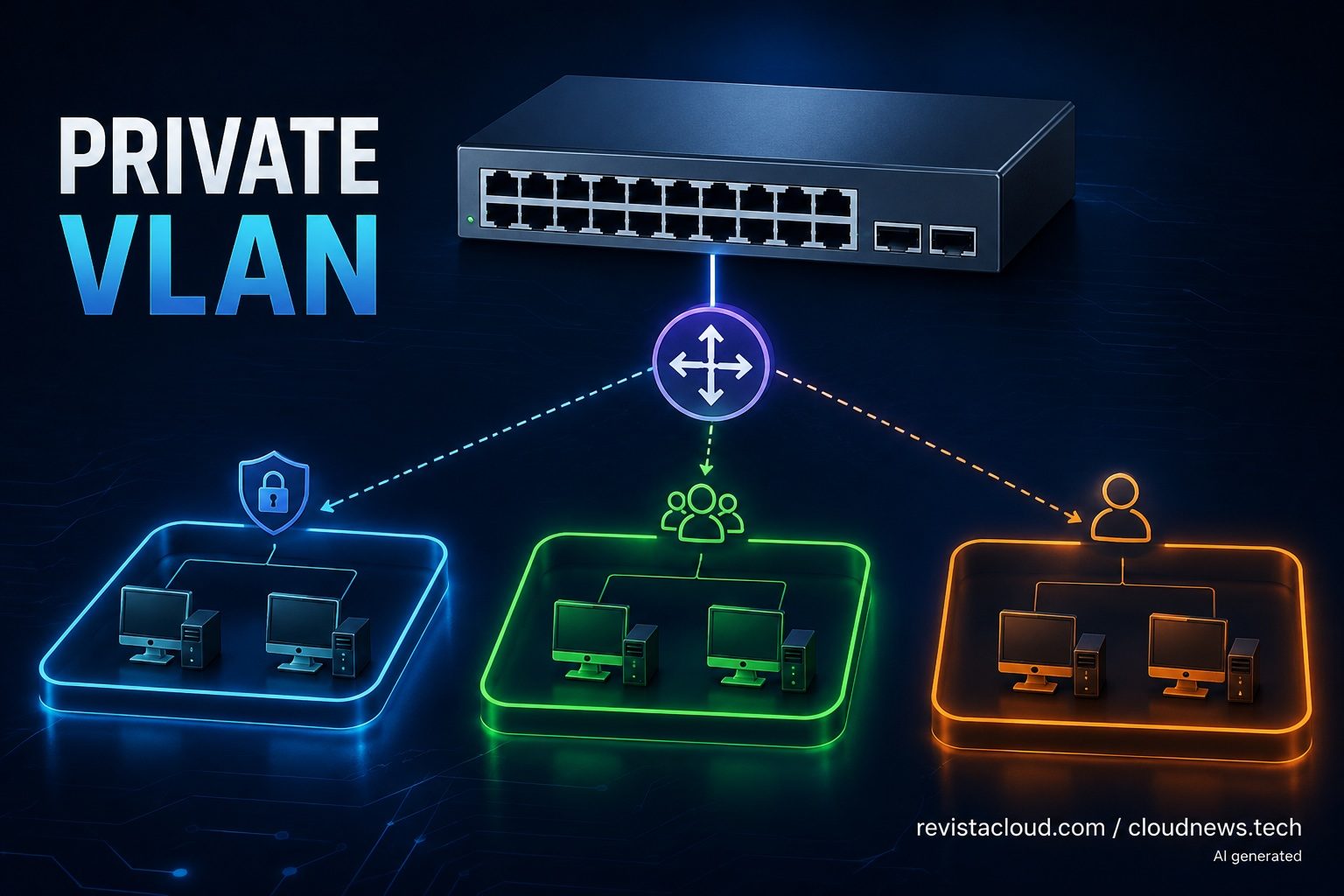
Private VLANs (PVLANs) let you introduce isolation between devices that belong to the same IP network, without having to split it into multiple subnets. This Layer 2 switching feature can be especially useful in data centers, industrial networks, multi-tenant environments, and migration projects where changing IP addressing would mean reconfiguring systems that are already in production.
Private VLANs in 30 seconds
- A PVLAN lets you isolate devices within the same IP subnet using Layer 2 controls.
- It uses a primary VLAN and secondary VLANs of the isolated or community type.
- Isolated devices can reach a shared gateway without communicating directly with each other.
- Promiscuous ports can communicate with their associated devices.
- It’s useful when changing VLANs, addressing, or system configuration would be complex or would trigger a bigger migration.
The difference from conventional segmentation matters here. When an organization wants to separate groups of servers or devices, it usually creates several VLANs and typically associates each one with a different IP subnet.
That works well when the architecture can be designed from scratch. The problem shows up when the network already exists.
There may be servers with addressing that’s hard to change, industrial devices, PLCs, legacy machines, or applications that depend on static configurations. There can also be migration projects where changing both the network and the systems at the same time would needlessly increase risk.
PVLANs offer another option: keep the same subnet and restrict who can talk directly to whom within it.
How a Private VLAN works
A PVLAN introduces an additional structure within the Layer 2 domain. Instead of treating every port in a VLAN as able to communicate directly with every other port, it establishes different relationships.
The first element is the Primary VLAN, which represents the PVLAN’s main domain.
Below it sit the Secondary VLANs, which define host behavior. Cisco distinguishes two main types: isolated and community.
An Isolated VLAN does exactly what its name suggests. Devices connected to its ports are isolated from one another at Layer 2.
They can use the same IP range and even the same gateway, but they cannot establish direct communication with each other.
A Community VLAN works differently. Devices in the same community can communicate with each other, while staying isolated from devices in other communities and from isolated ports.
The third piece is the promiscuous port.
This port can communicate with the hosts in the secondary VLANs associated with it. It’s typically used to connect a gateway, firewall, router, or other shared service that every device needs to reach.
The result is easier to understand with a simple scenario.
A company has 50 servers within 192.168.100.0/24. All of them need to reach the gateway at 192.168.100.1, but there’s no reason for any server to be able to initiate connections directly to the other 49.
With a conventional VLAN, unless other controls are in place, those servers belong to the same Layer 2 domain.
With a PVLAN, they can be configured as isolated.
They’ll keep using 192.168.100.0/24. They’ll keep 192.168.100.1 as their gateway. But the switch will block direct communication between the isolated ports.
Cisco documents exactly this scenario: several isolated hosts within the same subnet can reach the gateway through a promiscuous port while still being unable to communicate directly with each other.
A useful tool for migrations and data centers
This feature has some fairly clear infrastructure applications.
One of them shows up in data centers and multi-tenant platforms.
Imagine several servers that need to share an internet access network. Using a single conventional VLAN could potentially allow lateral communication between them. Creating a separate VLAN and subnet for each server would provide separation, but it would considerably increase the number of networks that need to be managed — the same scaling problem covered in our guide to scaling data center networks without extending Layer 2.
A PVLAN offers a middle ground.
The servers can share addressing and a gateway while the switch introduces isolation between specific ports.
It’s also useful in infrastructure migrations.
Changing a server’s IP addressing is rarely just a matter of modifying an interface. The address can be referenced in firewalls, DNS, applications, monitoring systems, access lists, third-party configurations, or legacy software.
In industrial networks the problem can be even bigger. PLCs, control systems, specialized equipment, and devices with very long lifecycles can turn a seemingly simple change into an intervention that requires planning and a maintenance window.
PVLANs can allow introducing a degree of Layer 2 segmentation without immediately changing that addressing.
That doesn’t mean they’re a universal substitute for a properly segmented architecture.
A PVLAN mainly controls communication within Layer 2. It doesn’t replace a firewall, a Layer 3 or Layer 4 access control policy, or a Zero Trust architecture. Nor should it be used as an excuse to indefinitely keep a poorly designed network.
Its value lies in solving a specific problem: preventing certain devices on the same Ethernet infrastructure from communicating directly even though they share a subnet.
Isolated, community, and promiscuous: three different behaviors
A PVLAN’s logic is easier to follow once you look at what communications each port type allows.
| Type | Can communicate with | Cannot communicate directly with |
|---|---|---|
| Promiscuous | Isolated, Community, and other associated destinations | Depends on configuration |
| Isolated | Associated promiscuous ports | Other Isolated and Community ports |
| Community | Same Community and Promiscuous | Other Communities and Isolated ports |
Cisco explains that traffic coming from an isolated port is forwarded only to its corresponding promiscuous ports. In a community, by contrast, hosts can exchange traffic among themselves in addition to communicating with those promiscuous ports.
This makes it possible to create different levels of separation without abandoning the same IP infrastructure.
For example, a set of application servers could form a community because they need internal communication. A group of devices that only requires gateway access could stay isolated. A firewall connected to the promiscuous port could provide the exit path and then apply the corresponding Layer 3 policies.
Huawei uses MUX VLAN for a similar approach
The terminology changes depending on the vendor.
On Huawei equipment you’ll find MUX VLAN, a feature designed to provide Layer 2 isolation and share certain network resources without creating a separate VLAN for every user.
The concepts map roughly onto standard PVLAN terminology:
| Private VLAN | Huawei MUX VLAN |
|---|---|
| Primary VLAN | Principal VLAN |
| Isolated VLAN | Separate VLAN |
| Community VLAN | Group VLAN |
| Promiscuous Port | Principal Interface |
| Isolated Port | Separate Interface |
| Community Port | Group Interface |
This means you need to pay attention when working on networks with equipment from multiple vendors.
The architectural concept can be similar, but the syntax, restrictions, and some implementation details are not necessarily identical. Before carrying a configuration straight over from Cisco to Huawei, or the other way around, it’s worth checking the documentation for the specific model and software version in use.
Lateral isolation is also a security matter
Beyond migrations, PVLANs have a direct security application.
A flat network makes lateral movement easier.
If an attacker compromises a server that can communicate directly with dozens of machines on the same VLAN, they gain extra surface for reconnaissance or for trying to reach other systems.
Layer 2 isolation can cut down on some of that unnecessary communication.
The same principle applies to guest networks, hosting environments, labs, certain IoT segments, or infrastructures where many devices need to reach a shared service but have no operational need to talk to each other.
Even so, a PVLAN shouldn’t be treated as a complete security boundary.
Traffic that reaches the gateway can later be routed and sent back toward other destinations if Layer 3 policies allow it. The actual behavior depends on the full architecture, the switch, the router or firewall, and the rules configured.
Design also matters when a PVLAN spans multiple switches. Cisco notes that the primary and secondary VLANs can be carried over trunk links, but the configuration has to correctly preserve the PVLAN associations and properties across the infrastructure.
That’s why adopting it should be part of the network design rather than just flipping on a switch feature.
A well-used PVLAN solves a need that keeps coming up: devices that need to share a network and gateway, but shouldn’t be able to see each other.
New infrastructures may have more complete architectural alternatives. In existing environments, migrations, or systems that are hard to reconfigure, adding isolation without changing every IP address can save considerable work and, above all, avoid unnecessary changes to production systems.
Frequently asked questions
What is a Private VLAN or PVLAN?
A Private VLAN is a Layer 2 segmentation mechanism that restricts communication between devices belonging to the same PVLAN domain. It can use isolated or community secondary VLANs associated with a primary VLAN.
Does a PVLAN need different IP subnets?
Not necessarily. One of its main benefits is that several hosts can stay on the same IP subnet and use the same gateway, while the switch restricts their direct Layer 2 communication.
What’s the difference between a VLAN and a PVLAN?
A conventional VLAN creates a separate Layer 2 domain and is usually tied to a specific subnet. A PVLAN adds isolation within that domain through a primary VLAN, secondary VLANs, and different port types.
Does a Private VLAN replace a firewall?
No. PVLANs mainly provide isolation at Layer 2. A firewall is still necessary whenever you need security policies covering communications between networks, protocols, ports, applications, or identities.
