
MaxIOFS is an S3-API-compatible object storage server, open source under the MIT license, that its author, infrastructure engineer Aluisco Miguel Ricardo Mastrapa, started as an alternative for his own environments. It now brings together Veeam-validated Object Lock, multi-tenancy, IAM, encryption, replication, and a high-availability cluster in a single binary. The current stable release is 1.8.0.
MaxIOFS in 30 seconds
- An S3 server written in Go, shipped as a single binary with a web console and no external database.
- Includes Object Lock, stated compatibility with Veeam, multi-tenancy with quotas, IAM/STS, and SSO.
- Its author says that when a disk becomes saturated, it slows writes down instead of letting them fail.
- It’s a young project, with community-only support and some features still in nightly builds.
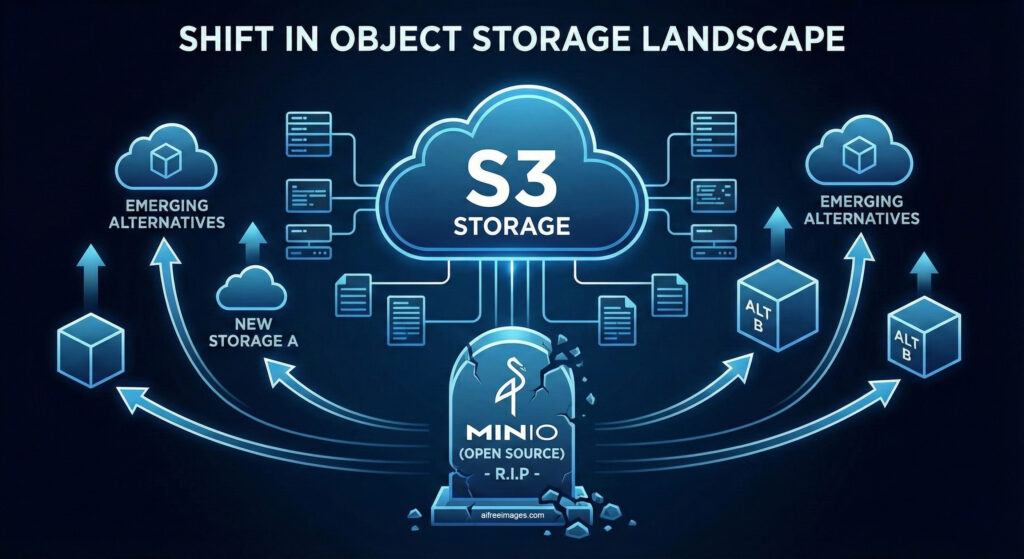
S3 object storage has become the standard destination for modern backups, largely thanks to Object Lock, which prevents a copy from being deleted or modified for a set period and protects against ransomware. For years, MinIO was the go-to free option, but changes to its business model and community edition have pushed many administrators to look for alternatives such as Garage, RustFS, or VaultS3. MaxIOFS joins that list with a clear focus on operations and backup on existing infrastructure.
What MaxIOFS includes
According to its GitHub repository, MaxIOFS covers much of the S3 API: multipart uploads, pre-signed URLs, versioning, Object Lock, bucket policies, lifecycle rules, notifications, static website hosting, replication, and SSE-S3 encryption. Data is always encrypted at rest with AES-256-GCM. It adds multi-tenancy with per-tenant quotas and bandwidth limits, IAM and STS, LDAP or Active Directory and OAuth2/OIDC login, auditing, S3 Select, Prometheus metrics with a Grafana dashboard, background integrity checks, and a web console in nine languages.
For backup use, the most relevant point is Veeam: the project states that its Object Lock is validated with Veeam Backup & Replication and that it supports SOSAPI, the API Veeam uses to query repository capacity. The cluster has been tested with up to five nodes and synchronous replication between them. It can be installed via Docker, as a standalone binary, with .deb and RPM packages, or by compiling the source code.
Slower rather than failed
The author highlights one specific behavior. In his own load tests against MinIO, on storage with high latency, he observed that when the disk can’t keep up with the write rate, MaxIOFS applies backpressure: transfers slow down, but they don’t fail due to saturation. In a backup repository, he explains, it’s preferable for a copy to take longer than to be interrupted. These are tests run by the developer himself, with no published methodology or figures, so it’s worth verifying in each environment before relying on it.
The repository is also upfront about its limits. It has few stars on GitHub and support is community-only. Erasure coding, storage tiers, and Hadoop and Spark compatibility are only available in nightly builds. Quotas are applied per node, so simultaneous writes on different nodes can briefly exceed them. It doesn’t support SAML, has no SOC 2 or ISO 27001 certifications, and ships with default admin/admin credentials that need to be changed right after installation. For a backup repository, it’s worth also testing restores, not just backups, as part of a strategy where recovery objectives are defined and proven through testing.
Frequently Asked Questions
What is MaxIOFS?
An S3-compatible object storage server written in Go, open source under the MIT license, and distributed as a single binary.
Does it work with Veeam?
According to the project, yes: its Object Lock is validated with Veeam Backup & Replication and it supports SOSAPI.
Is it an alternative to MinIO?
It can be, for backup and self-hosted storage environments, but it’s a young project with community support and some features still in development.
Sources:
This article is also available in Spanish: “MaxIOFS: almacenamiento S3 open source pensado para backups con Veeam,” on revistacloud.com.
