
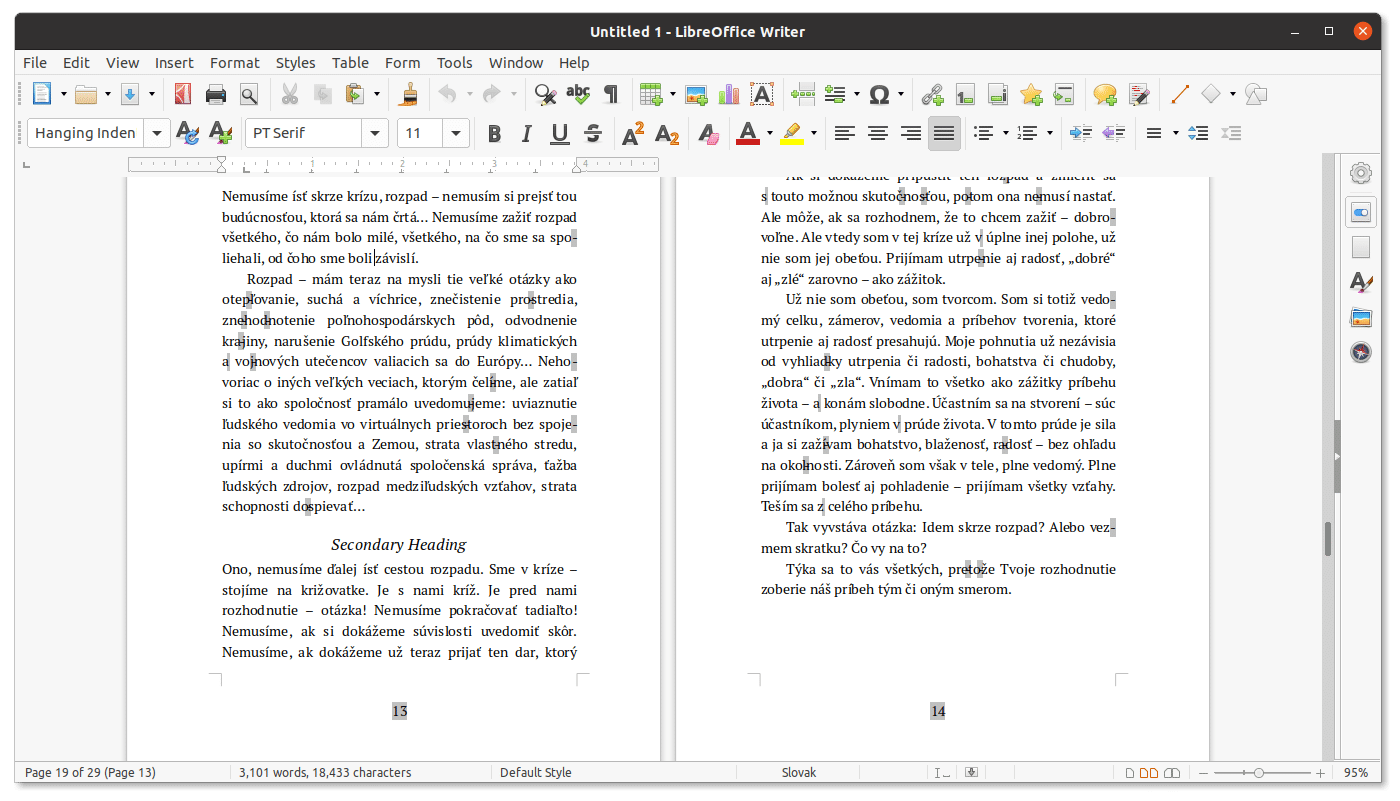
The Document Foundation released LibreOffice 26.8.3 on November 12, 2026, the third minor update to the 26.8 series of the free office suite, for Windows, macOS, and Linux. It fixes around 45 bugs, including several unexpected crashes in Writer, Calc, Impress, and Draw, and arrives just weeks before the 26.2 series loses support on November 30. It’s a good moment to revisit why LibreOffice is still the most complete, fully free option for a desktop office suite today, and where it still falls short of Microsoft Office.
LibreOffice 26.8.3 in 30 seconds
- LibreOffice 26.8.3 fixes around 45 bugs, including several unexpected crashes and freezes.
- It improves Office compatibility in numbered PPTX lists and ZIP files over 2 GiB.
- Calc adjusts TEXTBEFORE and TEXTAFTER to behave like their Excel equivalents.
- The 26.2 series loses support on 11/30/2026.
- Against Office, it wins on price and open formats, and loses on cloud collaboration and advanced Excel features.
The community recommends updating for all users, and especially for anyone still on the 26.2 series: starting November 30, 2026, it will receive neither bug fixes nor security patches. The 26.8 series requires Windows 10 or later.
What LibreOffice 26.8.3 fixes
The full list is in the release notes, but the most visible fixes are these:
- Stability. Several unexpected crashes are gone: in Draw and Impress when copying, pasting, or clicking on comments; in Impress when pasting unformatted text into notes; in Writer when inserting a section around another nested one; and in Calc when reordering column fields in a pivot table. A freeze when editing the default table style is also fixed.
- CPU usage. The Navigator would get stuck in a loop, with continuous processor use since 26.8.0, whenever there was a group of shapes in a footer.
- macOS. It now uses the system interface font, document signing with X.509 certificates works again, and sending attachments to Thunderbird works again too.
- Calc. The TEXTBEFORE and TEXTAFTER functions now behave like their Excel equivalents, and the input line no longer shows up empty in some cases.
- Microsoft Office compatibility. Numbered lists imported from PPTX files now show the correct sequence, and valid ZIP packages over 2 GiB without Zip64 are no longer flagged as damaged.
- Languages. Correct alphabetical sorting in Kurdish, and sorting algorithms that work properly in Japanese.
For large deployments, the foundation recommends the enterprise editions of LibreOffice offered by its partners, which come with service-level agreements, professional support, and security patches for three to five years.
LibreOffice vs. Microsoft Office
LibreOffice is free, open source under the MPL 2.0 license, and works the same way on Windows, macOS, and Linux. It includes a word processor (Writer), spreadsheet (Calc), presentations (Impress), drawing and layout (Draw), a database tool (Base), and a formula editor (Math). Its native format is ODF, an ISO standard, and it opens and saves Office formats (DOCX, XLSX, and PPTX). No other fully free suite brings together this many applications at this level of maturity on the desktop.
| Aspect | LibreOffice | Microsoft Office / Microsoft 365 |
|---|---|---|
| Price | Free | Subscription (Microsoft 365) or paid license (Office 2024) |
| License | Open source (MPL 2.0) | Proprietary |
| Platforms | Windows, macOS, and Linux | Windows and macOS; web and mobile |
| Applications | Writer, Calc, Impress, Draw, Base, Math | Word, Excel, PowerPoint, Outlook, OneNote, and others depending on plan |
| Native format | ODF (ISO) | OOXML (DOCX, XLSX, PPTX) |
| Cloud collaboration | Not built in; Collabora Online exists, built on LibreOffice | Real-time co-authoring with OneDrive and SharePoint |
| AI assistant | Not built in | Copilot, depending on plan |
| Macros | Basic and Python; partial VBA support | Full VBA |
| Offline data and privacy | Everything local by default | Integration with Microsoft’s cloud |
The comparison makes clear who each one is for. LibreOffice more than covers the needs of most home users, students, freelancers, and many government agencies: writing documents, building spreadsheets and presentations, exporting to PDF, and working without depending on an account or a connection. It’s also the natural choice for anyone seeking sovereignty over their documents, since the ODF format doesn’t depend on any single vendor.
Microsoft Office remains stronger in three areas. The first is real-time collaboration and integration with email, Teams, and cloud storage. The second is advanced spreadsheets, with tools like Power Query or Power Pivot and complex VBA macros that LibreOffice doesn’t run the same way. And the third is fidelity with very complex documents created in Office, where conversion can alter formatting, although every LibreOffice version, including this 26.8.3, keeps polishing that compatibility. For anyone who needs collaborative editing without leaving free software, there’s a range of options, from Collabora Online to ONLYOFFICE, though migrations don’t always go smoothly, as shown by the halted pilot in Denmark.
Frequently asked questions
What’s new in LibreOffice 26.8.3?
About 45 fixes, including several unexpected crashes in Writer, Calc, Impress, and Draw, macOS improvements, and better compatibility with Microsoft Office files.
When does support for LibreOffice 26.2 end?
On November 30, 2026. After that it will receive neither bug fixes nor security patches.
Can LibreOffice replace Microsoft Office?
For most word processing, spreadsheet, and presentation needs, yes. It falls short on built-in cloud collaboration, complex VBA macros, and advanced Excel features.
Does LibreOffice open Word and Excel files?
Yes, it opens and saves DOCX, XLSX, and PPTX, although its native format is ODF.
Sources:
- The Document Foundation (Spanish community): LibreOffice 26.8.3 is now available
- The Document Foundation: Announcement of LibreOffice 26.8.3
- Release notes for version 26.8.3
This article is also available in Spanish: “LibreOffice 26.8.3: la suite libre más completa frente a Microsoft Office,” on revistacloud.com.
