
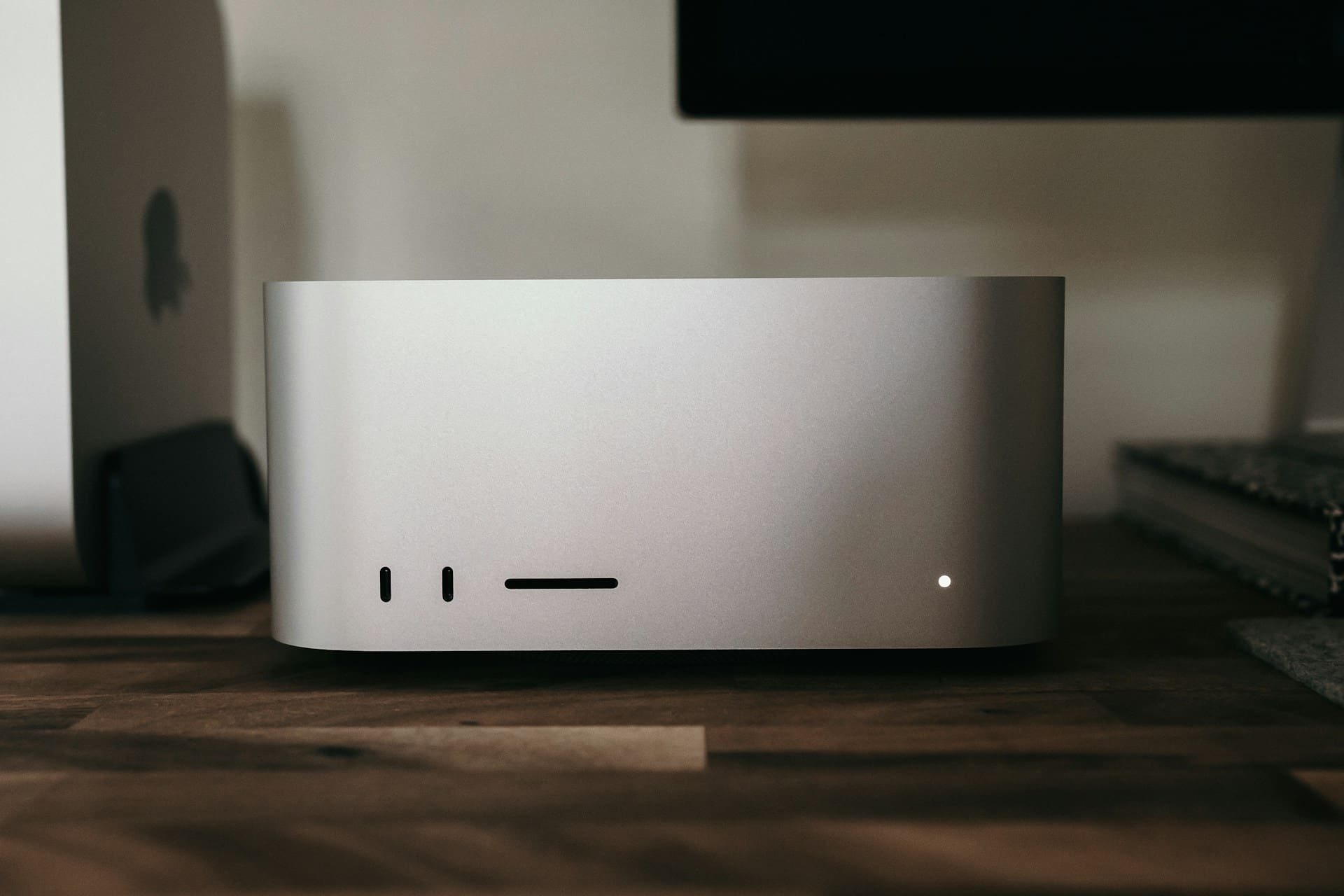
Apple has changed the game for the Mac Studio with the M5 Ultra. The most interesting part isn’t that it’s the fastest Mac to date, but a configuration far less common in a desktop machine: up to 512 GB of unified memory with 1.2 TB/s of bandwidth. These numbers bring the new Mac closer to a different category altogether — workstations built to run large artificial intelligence models locally.
The Mac Studio M5 Ultra for AI in 30 seconds
- The new Mac Studio with M5 Ultra supports up to 512 GB of unified memory and reaches 1.2 TB/s of bandwidth.
- Apple says it can run large language models with hundreds of billions of parameters locally.
- The M5 Ultra can pack a 36-core CPU and an 80-core GPU with Neural Accelerators.
- NVIDIA DGX Spark offers 128 GB of coherent memory and the CUDA ecosystem starting at $4,699.
- Apple’s big advantage is fitting huge models into a single pool of memory; its main drawback remains AI software that’s less mature than CUDA.
Apple announced the new Mac Studio on August 25 and will begin shipping it on September 22, 2026. The 512 GB configuration will arrive later, at the end of October. In the United States, the M5 Max model starts at $2,499 and the M5 Ultra starts at $5,499, before adding memory, storage, and other upgrades.
Comparing it purely to a conventional PC is therefore not very useful. The new Mac Studio can end up costing several thousand dollars more than a workstation equipped with a consumer GPU, but it also isn’t trying to solve exactly the same problem.
512 GB of Memory Changes What a Mac Studio Is For
Memory is becoming one of the most important constraints for artificial intelligence run locally.
A desktop GPU with 24 or 32 GB can deliver plenty of performance, but the model has to fit in its video memory or use mechanisms to split data between GPU and RAM, with the corresponding performance hit.
Apple Silicon‘s design works differently. CPU, GPU, and other system components access the same pool of unified memory.
In its maximum configuration, the M5 Ultra has 512 GB.
That doesn’t mean all 512 GB can be used solely to store a model, since macOS, applications, and the runtime environment itself also need memory. But it provides headroom that’s hard to find in a conventional single-GPU workstation.
To understand why, it helps to look at the approximate size of the models.
A dense model with 70 billion parameters would need around 140 GB just for its weights if stored at 16 bits per parameter. With 8-bit quantization that would drop to close to 70 GB, and with 4-bit, to about 35 GB.
The math doesn’t end there either. During inference there’s other memory use to account for: KV cache, context, framework structures, temporary activations, and auxiliary applications.
That’s why a model’s file fitting into memory doesn’t automatically mean it can run comfortably.
With 256 or 512 GB, Apple widens that margin considerably.
Apple itself claims the new M5 Ultra can work with large language models with hundreds of billions of parameters directly on the device.
1.2 TB/s: The Number That Best Explains Apple’s Approach
Memory capacity is only part of the equation. The other part is how quickly the processor can access it.
The M5 Ultra delivers 1.2 TB/s of memory bandwidth, 50% more than the M3 Ultra, according to Apple.
That figure matters especially for large language model inference.
In certain scenarios, especially when generating text for a handful of simultaneous users, performance can be largely determined by how fast the model’s weights reach the compute units.
A system can have enough memory to load a model and still run it slowly if that memory doesn’t provide the bandwidth needed.
Apple combines both variables here: plenty of memory available within a single system, and high bandwidth to its GPU.
The M5 Ultra can also scale up to 36 CPU cores and 80 GPU cores, with Neural Accelerators built into the graphics cores.
Apple says the chip delivers up to 4.3 times the peak AI performance of the previous M3 Ultra. That figure comes from the company’s own testing, so independent benchmarks with real models and runtimes will be needed before translating it directly into tokens per second.
The Rival Isn’t Necessarily a PC: NVIDIA DGX Spark Enters the Comparison
A more interesting comparison emerges when you put the Mac Studio next to machines built specifically for local AI.
The NVIDIA DGX Spark currently costs $4,699 in NVIDIA’s US store and uses the Grace Blackwell GB10 superchip.
It has:
- 128 GB of coherent unified LPDDR5x memory.
- 273 GB/s of bandwidth.
- Up to 1 PFLOP of FP4 performance.
- NVIDIA ConnectX-7 at 200 Gb/s.
- 4 TB of NVMe storage.
- DGX OS and access to NVIDIA’s software environment.
NVIDIA says a DGX Spark can work with AI models up to 200 billion parameters and fine-tune models up to 70 billion.
Its systems can also connect to each other via ConnectX. NVIDIA’s current documentation even covers multi-DGX Spark configurations for working with larger models.
That’s where an important difference shows up.
Two DGX Spark units provide 256 GB of combined memory, but they remain two computers with two separate memory spaces. If a model needs to use both, it has to be split across the systems, with communication happening over the network.
A Mac Studio with 256 GB offers that capacity within a single unified memory pool. The upcoming 512 GB configuration doubles that space again before work needs to be split across machines.
That doesn’t mean the Mac Studio is automatically faster.
Capacity and performance are different problems.
NVIDIA keeps major advantages in AI kernels, reduced precision, Tensor Cores, frameworks, and specialized software. Apple is mainly trying to compete by offering an exceptionally large memory space within a single computer.
CUDA Remains NVIDIA’s Big Advantage
Hardware only explains part of any artificial intelligence platform.
For nearly two decades, NVIDIA has built around CUDA a vast collection of libraries, tools, frameworks, and optimizations that today form part of the everyday operation of much of the AI world.
PyTorch, TensorRT-LLM, NCCL, NVIDIA NIM, and numerous open-source projects are usually developed or tuned with NVIDIA GPUs in mind first.
Apple has increasingly capable alternatives.
MLX is designed specifically for Apple Silicon and its unified memory architecture. Metal provides acceleration for applications and frameworks, while projects like llama.cpp and apps like LM Studio make it easier to run local models.
But there’s no perfect equivalence between the two worlds.
A model that fits in 512 GB might use an operation that doesn’t yet have a particularly efficient Metal implementation. A project built with CUDA in mind may need changes to run properly on Apple Silicon.
That’s why memory capacity shouldn’t become the only purchasing criterion.
Apple Also Wants Several Mac Studios to Work as a Cluster
Apple has added another interesting piece through Thunderbolt 5 and RDMA (Remote Direct Memory Access).
The company lets users connect several Mac Studios to distribute certain AI workloads. Apple claims the new model can achieve up to three times more distributed-inference performance compared to a single system, in its own tests.
RDMA allows data to move between the memories of different machines while reducing some of the CPU’s involvement.
Even so, a connection between machines should never be confused with access to a chip’s internal memory.
The M5 Ultra’s 1.2 TB/s describes the bandwidth of its local memory. DGX Spark’s 200 Gb/s ConnectX-7 describes a network connection. These are technologies built for different jobs, and their figures can’t be compared directly.
The advantage of having 512 GB inside a single machine is precisely delaying the point at which a model has to be split.
The Mac Can Also Run the Rest of the AI Pipeline
Large models don’t usually work in isolation.
An enterprise AI application might combine an LLM with OCR, embeddings, a vector database, reranking, image recognition, document processing, and various agents or services.
If the main model uses up nearly all of a specialized machine’s memory, those other services have to run somewhere else.
The Mac Studio’s 512 GB provides room to keep several of those workloads on the same system, as long as the software being used is compatible.
It also remains a full workstation.
Users get macOS, Xcode, development tools, video editing, a browser, Thunderbolt 5, 10 Gb Ethernet, and Apple’s multimedia engines while running their AI workloads.
For certain researchers, developers, universities, creative studios, or companies working with sensitive information, that combination can be more appealing than a machine dedicated exclusively to inference.
Running Local AI Also Changes Where the Data Lives
Another draw of this class of machine is data sovereignty.
Running a model locally lets you work with information without necessarily sending it to an external cloud provider. That can be useful in software development, research, engineering, business intelligence, or environments with privacy restrictions.
That doesn’t automatically turn a Mac Studio into a data center replacement, either.
Training a large foundation model from scratch requires enormous accelerator clusters, specialized networking, and far more memory than any workstation has available.
Where machines like the M5 Ultra make more sense is in inference, evaluation, synthetic data generation, experimentation, distillation, and efficient fine-tuning techniques like LoRA or QLoRA.
Apple uses the term local training in its presentation, but it’s worth distinguishing this kind of work from pretraining a frontier model.
Apple Has Built Something Closer to AI Infrastructure Than a PC
The M5 Ultra is still a Mac Studio and keeps everything you’d expect from a professional workstation.
But its specs show where Apple is shifting part of its strategy.
512 GB of unified memory and 1.2 TB/s of bandwidth don’t look designed with only Final Cut Pro, Blender, or Xcode builds in mind.
They address a specific limitation of local AI: models that simply don’t fit in the VRAM of conventional GPUs.
NVIDIA still offers a far more developed AI software environment, and DGX Spark provides a direct path from the desktop to larger CUDA infrastructure. For many developers, that compatibility may matter more than having more memory.
Apple is proposing the opposite trade-off: much more capacity inside a single machine, macOS, and a full development environment, in exchange for giving up CUDA.
The result is that the Mac Studio has entered a comparison it would barely have taken part in just a few years ago.
It’s no longer competing solely against workstations built for audiovisual work. For some buyers, the decision may now be between a dedicated NVIDIA AI station or a Mac with hundreds of gigabytes of memory that can run the model while still working as a daily computer.
The first independent M5 Ultra benchmarks with real models will show how far that proposition actually goes. The spec sheet, at least, makes the direction clear: Apple wants part of AI infrastructure to fit back under a desk.
Frequently Asked Questions
How much memory can the Mac Studio M5 Ultra have?
The new Mac Studio supports configurations of up to 512 GB of unified memory with the 36-core CPU, 80-core GPU M5 Ultra. The 512 GB version is expected at the end of October 2026.
Can the M5 Ultra run large AI models locally?
Yes. Apple says its unified memory lets it run language models with hundreds of billions of parameters on the machine itself. The exact size that can run will depend on precision, quantization, context, and runtime.
Is a Mac Studio M5 Ultra better than an NVIDIA DGX Spark?
There’s no general answer. The Mac offers up to 512 GB of unified memory and 1.2 TB/s within a single machine, while DGX Spark offers CUDA, NVIDIA’s software, and hardware specifically designed for AI.
Can several Mac Studios be connected to work on AI together?
Yes. Apple allows Thunderbolt 5 and RDMA to be used to connect several Mac Studios and distribute certain artificial intelligence workloads between them.
