
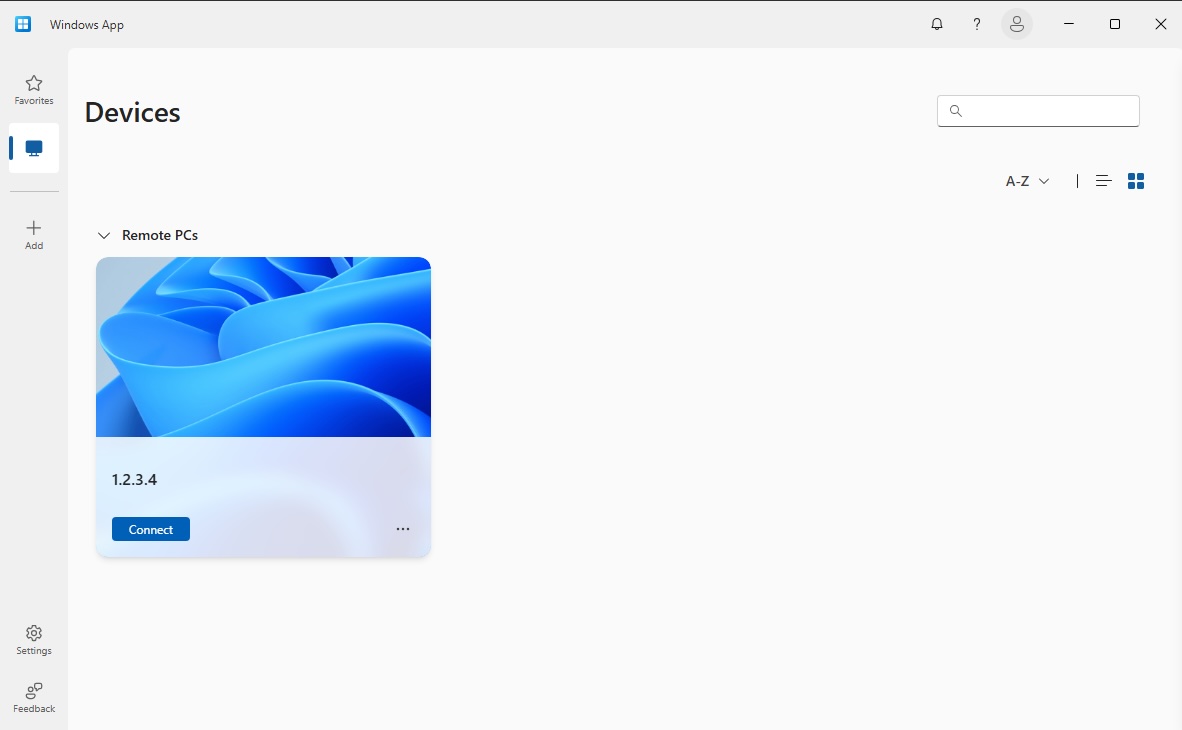
Microsoft has accelerated the transition away from traditional remote access tools, and although it hasn’t completely phased out all classic Remote Desktop features in Windows 11, it has made clear which platform it wants as the primary gateway to its ecosystem: Windows App. This shift primarily affects businesses and IT departments working with Windows 365, Azure Virtual Desktop, and Microsoft Dev Box, where migration is no longer just a recommendation but effectively the official path endorsed by the company.
The technical interpretation of this change goes beyond a simple reorganization of applications. Microsoft is attempting to reduce the fragmentation that has persisted in remote Windows access for years: multiple clients, experiences poorly aligned across platforms, and a coexistence of tools that caused overlaps and confusion. Windows App is created precisely to centralize access to Cloud PCs, virtual desktops, remote applications, physical PCs, and corporate resources distributed across various services within a single interface.
However, what’s most important isn’t just what disappears, but what is emerging behind the scenes. This shift can be seen as one of the first visible steps of a broader future strategy to bring users and organizations closer to Microsoft’s cloud solutions. It’s not yet about the complete disappearance of local Windows or the classic RDP protocol, but it signals clearly the direction in which the company wants Windows usage in professional environments to evolve.
Unified remote access, but with important nuances
Microsoft set March 27, 2026, as the deadline for end-of-support for the Windows Remote Desktop client in MSI format within commercial clouds. Additionally, it had already removed the Remote Desktop app available through the Microsoft Store. From then on, the corporate message is clear: to continue supported access to Azure Virtual Desktop, Windows 365, and Microsoft Dev Box, organizations must plan the transition to Windows App.
That said, it’s important to distinguish eye-catching headlines from the technical reality. Microsoft hasn’t completely disabled traditional Remote Desktop in Windows 11. The company maintains that Remote Desktop Connection, the classic MSTSC client integrated into Windows, remains a compatible application for remote desktop connections. Moreover, its documentation acknowledges that in Windows there are still scenarios where Windows App doesn’t fully replace existing tools, especially concerning certain Remote Desktop Services workflows and some remote connections to PCs.
This detail is crucial because it prevents oversimplified conclusions. Microsoft hasn’t abruptly erased all legacy features, but it is increasingly sidelining them. New functionalities, investments in development, product narratives, and the supported pathways for its cloud services are converging more and more on Windows App. For a tech-oriented audience, this is arguably the most significant piece of news.
Part of a broader strategy
Windows App is more than just a renamed remote client. Microsoft describes it as a unified access point for Windows devices and applications via Azure Virtual Desktop, Windows 365 Cloud PCs, Microsoft Dev Box, Remote Desktop Services, and physical PCs. This definition is significant: it places physical devices, virtual desktops, cloud PCs, and remote development environments on the same level. The line between “my local Windows” and “my Windows as a service” begins to blur within a single experience.
Therefore, this change can be viewed as a progressive move toward Microsoft’s cloud-centric model. The more natural it is for users to open a single app and from there access their workspace, Dev Box, Windows 365, or virtual infrastructure, the easier it becomes for the company to turn remote desktops into a standard extension of its cloud platform. It’s not an immediate or complete transition, but it is a way to familiarize the market with Windows no longer being just an operating system installed on a device but an experience managed and delivered remotely.
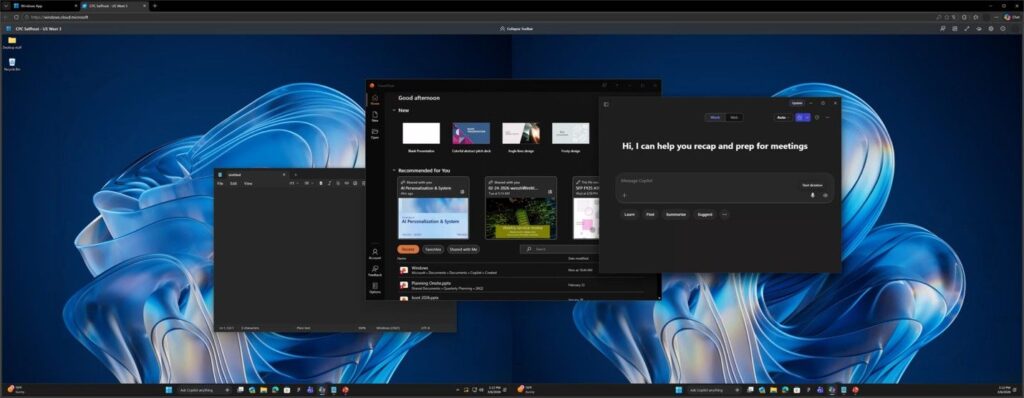
This approach also aligns with the evolution of Windows 365 and Azure Virtual Desktop. During 2025 and 2026, Microsoft has invested in strengthening cross-platform experiences across Windows, macOS, iOS, Android, and the web, along with improving connection reliability, productivity features, and security controls within Windows App. Recent updates include enhancements like RDP Multipath transport, more diagnostics, support for shortcuts from familiar system locations, and preliminary support for remote PC connections in Windows.
From a corporate perspective, the logic is straightforward: if Microsoft can make Windows App the centerpiece of remote experiences and ensure transparent access to cloud resources from any platform, it enhances the value of subscriptions like Windows 365, bolsters Azure Virtual Desktop, and gains more control over the digital workspace access layer. In the medium term, this can lead to greater dependency on its cloud services without forcing a sudden break from traditional Windows.
Fewer apps, greater control over the experience
For IT teams, this promise appears attractive: less fragmentation, a more consistent experience, and a single tool for deployment, documentation, and support. For power users and some administrators, the transition might be less smooth. Microsoft implicitly acknowledges there have been functional gaps between the old client and Windows App, though it claims many of these have been addressed. In other words, the strategy is clear, but execution is underway.
Nevertheless, the core message is hard to ignore. Microsoft aims to unify remote access under one brand and one application because it wants cloud desktops to no longer feel like something special or separate. The more natural it becomes for users to connect to their cloud Windows just as they open any other app, the closer the company gets to making this model the main focus of its enterprise offering.
It’s not a coincidence that this change arrives just as Windows 365, Azure Virtual Desktop, and Dev Box are becoming increasingly prominent in Microsoft’s commercial narrative. While Windows App isn’t the final chapter for traditional Remote Desktop, it could mark the beginning of a Windows environment more dependent on the cloud, more centralized, and more aligned with the company’s service-oriented strategy.
FAQs
Has Microsoft completely eliminated Remote Desktop in Windows 11?
No. Microsoft has decommissioned and unsupported some Remote Desktop clients, but Remote Desktop Connection, the classic MSTSC client included in Windows, remains compatible for connecting to remote desktops.
What does this change mean for companies using Windows 365 or Azure Virtual Desktop?
That Windows App is now the supported method from Microsoft to access those cloud services, making migration effectively mandatory in practice.
Can Windows App be considered part of a broader cloud strategy?
Yes. Although Microsoft doesn’t explicitly state it this way, unifying access to Cloud PCs, virtual desktops, Dev Box, and remote PCs points toward a strategy that increasingly integrates the Windows experience with its cloud services.
Are there still remote access functions that Windows App doesn’t cover?
Yes. Microsoft’s own documentation indicates certain scenarios continue to involve Windows Desktop, Remote Desktop, or Remote Desktop Connection, especially with Remote Desktop Services workflows and specific remote PC connections.
source: Microsoft phases out Remote Desktop in favor of Windows App