
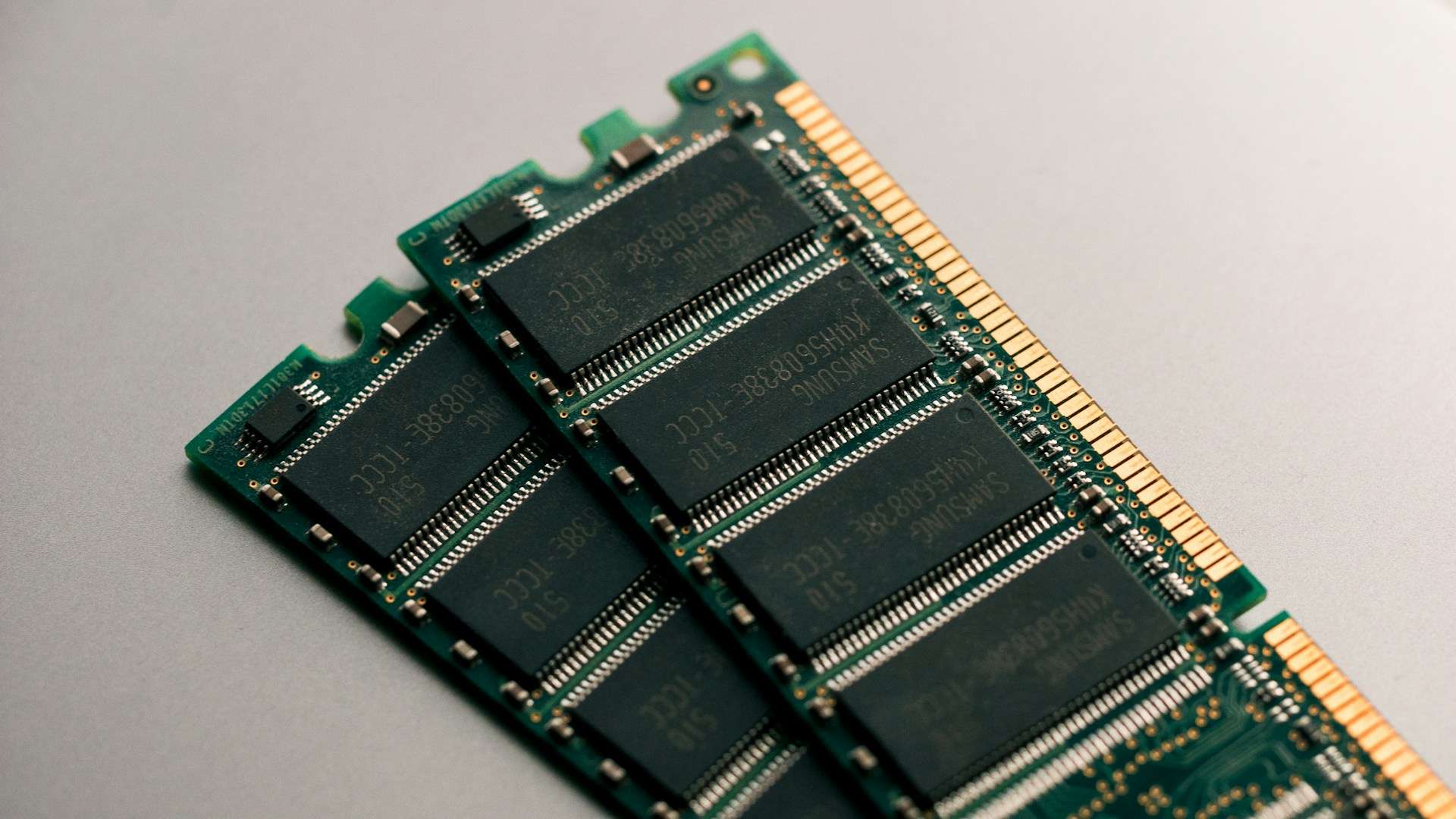
RAM memory remains one of the most critical components in the actual performance of a computer, laptop, or server. It is the fast workspace area where the system temporarily holds data and programs that the processor needs to access at that moment. Unlike an SSD or hard drive, its contents disappear when the machine is turned off, but while the machine is on, its impact on smoothness, multitasking, and responsiveness is huge.
This explains why talking about RAM isn’t just about “how many gigabytes the PC has.” The type of memory, effective speed, bandwidth, channel configuration, and even platform compatibility also matter. Manufacturers like Micron also remind us that DDR5 not only increases speed compared to DDR4 but also introduces improvements in density, efficiency, and internal architecture. Meanwhile, Intel continues to specify the type of memory, number of channels, and bandwidth supported by each processor in their technical specifications.
What is RAM and why isn’t it the same as VRAM?
System RAM and VRAM serve different functions. The system RAM works alongside the CPU and supports general tasks such as browsing, office applications, editing, databases, virtualization, or the operating system itself. The VRAM, on the other hand, is high-speed memory associated with the graphics card, providing quick access to textures, buffers, geometry, and images that the GPU needs to process and display on the screen. NVIDIA defines it precisely as high-speed memory located on the graphics card that helps the GPU process and present images smoothly.
A practical consequence to remember: more RAM does not mean better graphics performance. If the bottleneck lies with the GPU, then the amount and type of VRAM remain critical. System RAM supports the entire system, but it does not replace dedicated video memory.
SRAM and DRAM: two types of memory with different roles
When talking about RAM in a home or professional PC, it almost always refers to DRAM, the main system memory. The SRAM is much faster but also more expensive and less dense, so it’s reserved for cache close to the processor. DRAM requires periodic refresh, but offers a much better density and cost structure for use as main memory. In simple terms: SRAM is used where latency is critical; DRAM where large amounts of memory at a reasonable cost are needed.
Comparison table: SRAM vs DRAM
| Memory Type | Speed | Cost | Density | Typical Use |
|---|---|---|---|---|
| SRAM | Very high | High | Low | CPU cache |
| DRAM | High, but lower than SRAM | Much lower | High | Main RAM in PCs and servers |
Memory channels: why capacity alone isn’t enough
One of the most common mistakes when buying RAM is focusing solely on gigabytes. Channel configuration significantly changes the outcome. Intel documents that their memory controllers support single-channel and dual-channel configurations on DDR4 and DDR5 platforms, and how modules are populated directly affects organization and available bandwidth. Practically, using identical modules in pairs is usually the simplest way to maximize memory performance in consumer systems.
Comparison table: capacity vs configuration
| Configuration | Example | Main Advantage | Risks or Limitations |
|---|---|---|---|
| 1 module | 1×16 GB | Simplicity, leaves one slot free | Lower bandwidth if platform stays in single-channel mode |
| 2 identical modules | 2×8 GB or 2×16 GB | Better dual-channel utilization | Must respect compatibility and recommended slots |
| 4 modules | 4×8 GB or 4×16 GB | More total capacity and distributed load | Can complicate stability or limit max speed depending on motherboard and CPU |
DDR, DDR2, DDR3, DDR4, and DDR5: how RAM has evolved
The evolution of DDR memory has focused on increasing effective speed and bandwidth, as well as improving efficiency and module capacity. Micron summarizes well the jump from DDR4 to DDR5: DDR4 ranges from 600 to 3,200 MT/s, while DDR5 starts at 4,800 MT/s and scales much higher, with lower voltages and internal improvements like more bank groups, larger prefetch, and new training and correction capabilities.
It’s important to clarify a common misconception: in DDR memory, it’s more accurate to speak of MT/s than MHz when referring to effective transfer speed. Micron notes that transfer speed and actual clock are not exactly the same because DDR transfers data on both clock edges. Therefore, DDR4-3200 doesn’t operate at 3,200 MHz real clock speed, but at 3,200 MT/s, with an actual physical clock lower than that.
Comparison table: DDR memory evolution
| Generation | Reference Speed | Theoretical Bandwidth per Channel* | Current Situation |
|---|---|---|---|
| DDR | 400 MT/s | 3.2 GB/s | Obsolete |
| DDR2 | 800 MT/s | 6.4 GB/s | Obsolete |
| DDR3 | 1,600 MT/s | 12.8 GB/s | Very residual |
| DDR4 | 3,200 MT/s | 25.6 GB/s | Very widespread |
| DDR5 | 4,800 MT/s or more | 38.4 GB/s or more | Reference in recent platforms |
*Theoretical calculation for a 64-bit channel.
Micron also adds that DDR5 operates at 1.1 V versus 1.2 V for DDR4, incorporates on-die ECC to improve internal stability, and uses two subchannels of 32 bits. Kingston also highlights this in their commercial documentation for consumer DDR5 modules.
DDR4 or DDR5: what’s more relevant in 2026?
The short answer depends on the platform and budget. DDR4 continues to hold significant weight due to its huge installed base, and Micron has confirmed it will continue manufacturing for years to support that installed base. However, DDR5 is now the clear standard in recent platforms, especially where bandwidth, module density, AI workloads, virtualization, workstations, and next-generation servers matter most.
Comparison table: DDR4 vs DDR5
| Aspect | DDR4 | DDR5 |
|---|---|---|
| Typical Speed | Up to 3,200 MT/s | Starting from 4,800 MT/s |
| Base Voltage | 1.2 V | 1.1 V |
| Per Module Capacity | Smaller | Larger | Efficiency | Good | Better |
| New Platforms | More limited | Better fit for recent systems |
| Price | Typically lower | Usually higher |
Basic maintenance: useful but with caution
RAM generally requires little maintenance, but it’s wise to watch for symptoms like random crashes, freezes, boot errors, or instability after moving the system. When handling modules, do so with the system turned off, discharging static electricity, and avoiding unnecessary interventions. More important than routine cleaning is ensuring modules are well seated, slots are free of excessive dust, and the configuration is compatible with the motherboard and CPU.
How much RAM makes sense today?
As a general guideline, 16 GB remains a very reasonable point for a balanced home PC. 32 GB fits better for editing, heavy multitasking, development, and light virtualization. Beyond that, scenarios like workstations, AI, rendering, databases, or intensive virtualization are common. The key is not just the number but having a balanced setup with appropriate modules and proper CPU support. This typically yields better performance than impulsively opting for just “more GB.”
Frequently Asked Questions
What exactly does RAM do in a computer?
It temporally stores data and programs that the CPU needs to use in real time. Its role is to speed up access compared to permanent storage and improve overall system fluidity.
What’s the difference between RAM and VRAM?
System RAM assists the CPU in general OS and application tasks. VRAM is high-speed memory associated with the GPU and optimized for graphics, video, and visual workloads.
Is DDR5 better than DDR4?
Technically, yes: it offers higher speed, greater bandwidth, lower voltage, and internal architectural improvements. But that doesn’t always mean it’s worth switching platforms if the current DDR4 setup still meets your needs well.
Does using two modules improve performance?
In many platforms, yes, because it allows better utilization of modes like dual-channel. Intel specifies that the memory controller setup and DIMM placement directly influence bandwidth.
Source: Componentes