
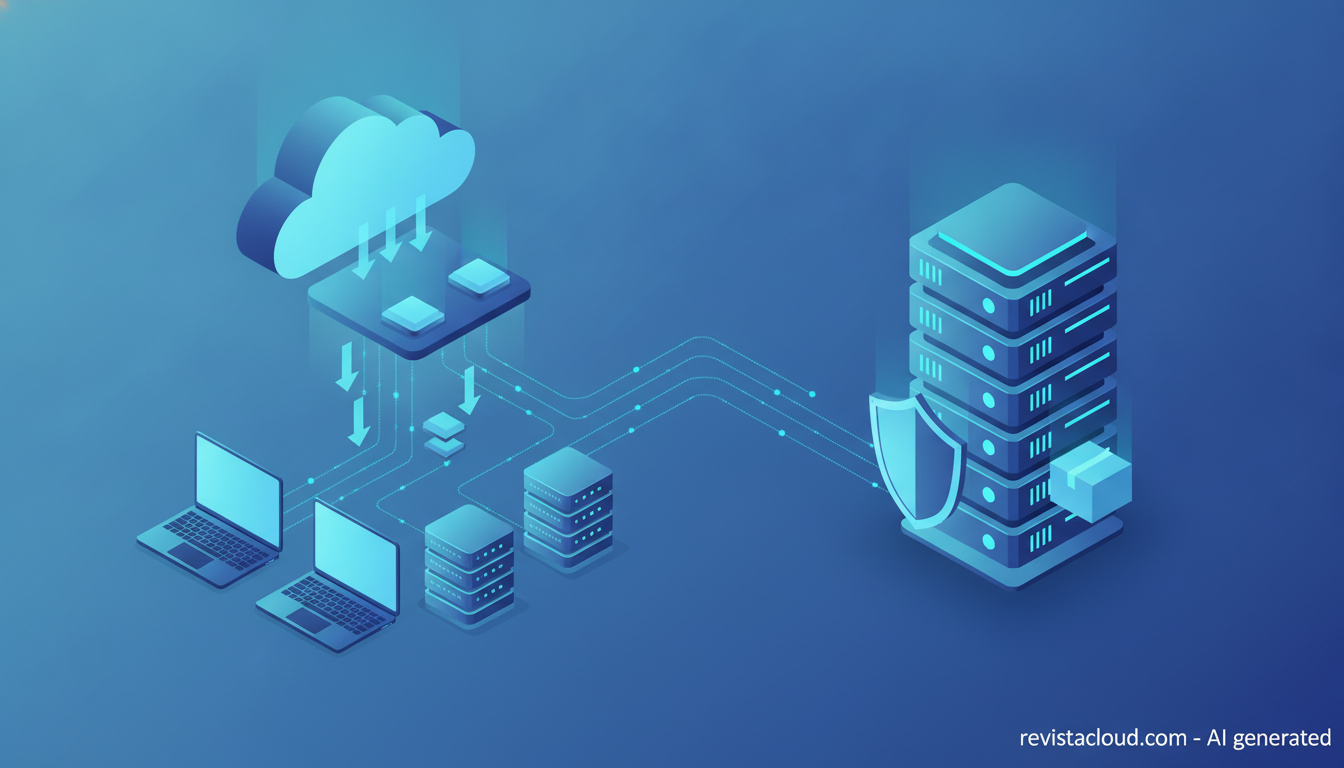
Patch management has become as much an architectural decision as a security one. Companies can choose between SaaS platforms that manage updates for all their machines from a cloud console, with no servers of their own, and open-source tools that install on their own infrastructure and give them full control in exchange for more work. With 2026 on track to close with around 72,000 cataloged vulnerabilities, according to Microsoft, the choice has direct consequences for costs, vendor dependence, and data sovereignty.
Choosing between SaaS and open-source patching in 30 seconds
- SaaS platforms like NinjaOne or Automox remove the need for servers and simplify patching remote machines.
- Salt, Ansible, Foreman, Uyuni, or OpenVox let you do it on your own infrastructure with no license fees.
- A SaaS console concentrates inventory data and privileged access to every machine in a third party’s hands.
- Many organizations combine both models: open source for servers and SaaS for end-user devices.
opensecurity.es has published a comprehensive guide to patch management tools that lists open-source options first and commercial ones after, with security criteria for choosing between them. Here we focus on the other side of the decision: where the tool lives, what that means for your infrastructure, and how it fits with the cloud.
The pressure to get this right keeps growing. Microsoft’s Digital Defense Report 2026 puts the average time between a vulnerability’s discovery and its exploitation well under 24 hours, and exploiting internet-facing applications is already the entry point in 24% of the incidents the company handles. An unpatched server is just as exposed whether it sits with a public cloud provider or in your own data center.
The SaaS model: no servers, but a third party inside
Cloud-native platforms have grown alongside remote work. NinjaOne and Automox install a lightweight agent on each machine and manage Windows, macOS, Linux, and third-party applications from a web console, with no local servers or VPN needed to reach laptops sitting in employees’ homes. ManageEngine Patch Manager Plus and HCL BigFix offer both cloud and on-premises versions, and BigFix adds a SaaS mode focused on threat-prioritized remediation. For managed service providers, remote management platforms such as Kaseya VSA, Datto RMM, ConnectWise Automate, or Pulseway fold patching into the monitoring and remote support they already run for hundreds of clients.
The advantage is obvious: there’s no tool to maintain, third-party application catalogs arrive already packaged and tested, and deployment is fast. The cost shows up as a different kind of risk. The SaaS console holds the organization’s complete inventory of machines and software and has the ability to run code on every one of them, which makes it a single point of failure and an attractive target. The 2021 ransomware attack that used Kaseya VSA to reach managed service providers’ clients is the most-cited example. For companies and government bodies with sovereignty requirements, it also matters where the console is hosted and under which jurisdiction the vendor operates.
The self-hosted model: open source on your own infrastructure
At the other end are the free tools, which install on your own servers, in a private cloud, or on virtual machines at a trusted provider. Salt, under the Apache 2.0 license, and Red Hat’s Ansible let you automate updates across thousands of servers; the former with agents and an event bus, the latter agentless, over SSH. Foreman with Katello and Uyuni add what’s missing for serious control: synchronized local repositories, content views for testing patches in a staging environment before promoting them to production, and security-errata management. OpenVox, the community fork of Puppet born in 2025 when Perforce moved new binaries to a private repository, keeps the declarative alternative alive. And Rudder and Fleet cover continuous compliance and device management.
This model fits especially well with private-cloud or dedicated-server infrastructure, where the organization already manages its own systems layer. Local repositories save bandwidth and make it possible to patch isolated networks; inventory never leaves the building; and there are no per-device license fees, though there is a staffing cost to maintain the tool itself, its backups, and its own updates. For Windows, free options are more limited: winget and Chocolatey handle third-party applications, and WSUS — free but not open source — keeps working even though Microsoft declared it deprecated in 2024.
The combination many companies choose
In practice, many organizations don’t settle on a single model. It’s common to manage Linux servers — in a data center or private cloud — with Ansible or Salt plus a repository manager like Foreman or Uyuni, while leaving Windows and macOS workstations to a SaaS platform or specialized solutions like Jamf for Macs. Large companies with strict compliance requirements tend to favor solutions such as BigFix or Ivanti — whose own research has flagged a gap between security teams’ appetite for AI-driven automation and their actual readiness — and VMware-virtualized environments use vSphere Lifecycle Manager for ESXi hosts.
Whatever the combination, there are questions worth asking before signing anything: where inventory data is stored and under which law, how console access is protected (multi-factor authentication, least privilege, audit logs), whether it lets you test patches on a small group and roll them back, whether it prioritizes using real-world exploitation data such as CISA’s KEV catalog or EPSS, and what happens if the vendor changes hands or changes its license — something the Puppet community has already lived through. The tool that updates every machine in an organization deserves the same scrutiny as its identity directory.
Frequently asked questions
What are the advantages of a SaaS patch management tool?
It needs no servers of its own, reaches remote machines without a VPN, and comes with third-party application catalogs already packaged.
What open-source options exist for patching servers?
Salt, Ansible, Foreman with Katello, Uyuni, OpenVox, and Rudder, among others.
What risks does a cloud patch console carry?
It concentrates the inventory and the ability to run code on every machine, making it an attractive target and a single point of failure.
Sources:
- opensecurity.es: Patch management tools in 2026
- Cybersecurity News: Best Patch Management Tools
- Microsoft Digital Defense Report 2026 (PDF)
This article is also available in Spanish: “Gestión de parches en la nube o en casa: código abierto frente a SaaS en 2026,” on revistacloud.com.
