
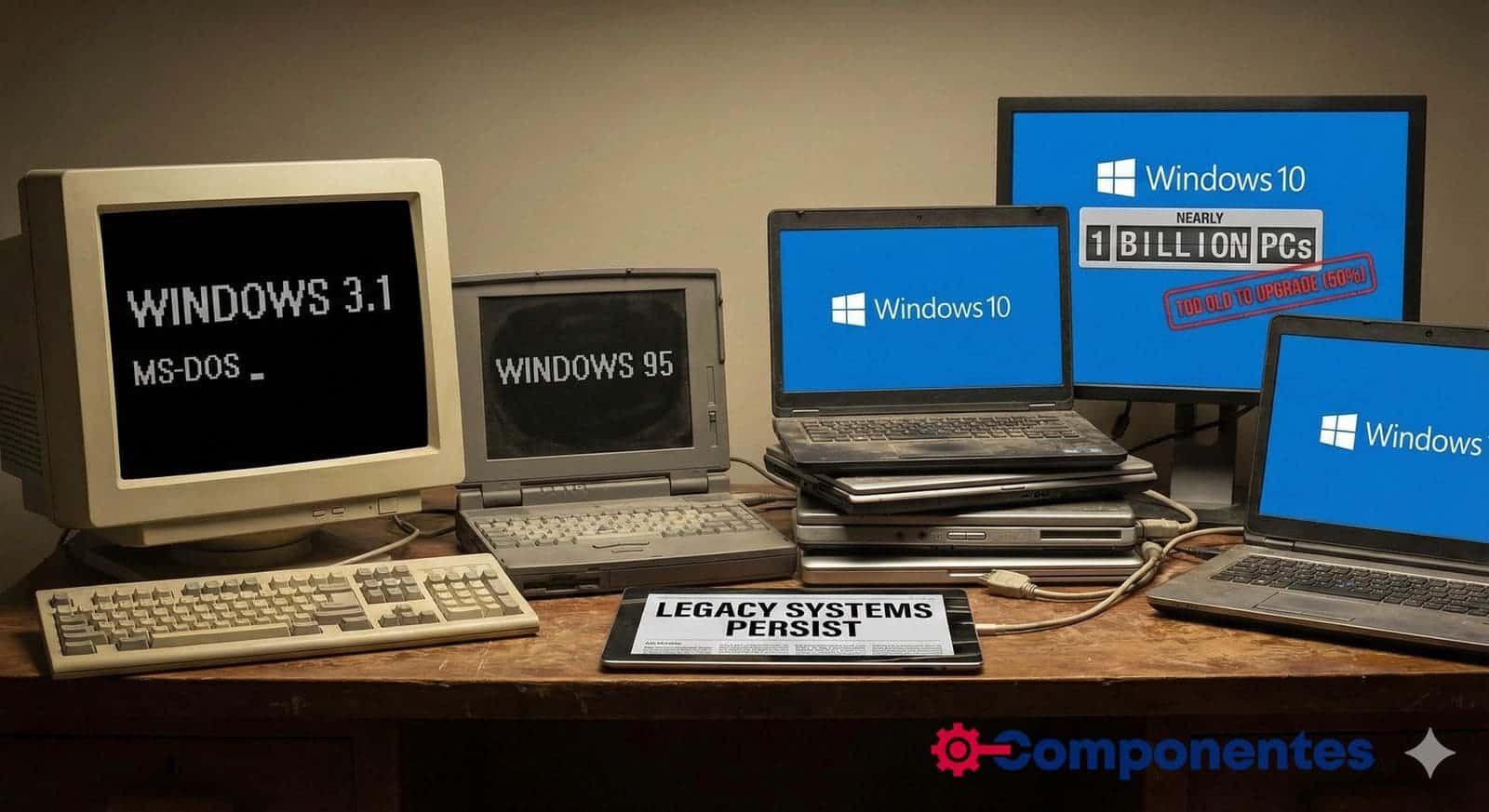
Microsoft has declared the “normal” life of Windows 10 over, but the operating system resists leaving the field. According to internal estimates from the company itself, in 2024 there were about 1.4 billion active devices running some version of Windows. And, according to recent statements by Dell, nearly 1 billion of those devices are still running Windows 10; around half of which don’t even meet the minimum requirements to upgrade to Windows 11.
The situation is clear: while manufacturers, Microsoft, and much of the industry push for upgrading the installed base, a huge number of machines continue to operate with legacy versions… and in the digital underground, copies of Windows 7, XP, and even systems as old as Windows 95 or Windows 3.x still breathe.
Windows 10 Still Very Much Alive… and Very Fragmented
Usage metrics confirm that the generational shift is proceeding more slowly than Microsoft would like. Recent data based on Statcounter indicate that Windows 11 accounts for around 53–54% of Windows installations on desktops, while Windows 10 remains in the neighborhood of 42–43%. Windows 7 has fallen below 3%.
Extrapolating these shares over the estimated 1.4 billion active devices by Microsoft, the approximate landscape looks like this:
| Windows Version | Estimated Share on Windows PCs | Estimated Devices in Use* |
|---|---|---|
| Windows 11 | ~50–55% | ~700–780 million |
| Windows 10 | ~40–45% | ~550–650 million |
| Windows 7 | ~2–3% | ~25–40 million |
| Windows 8 / 8.1 | ~1% | ~10–15 million |
| Windows XP / Vista | <1% | “A few million” |
| Windows 2000/ME/9x/3.x and others | <0.1% | Centuries of thousands, at most |
*Approximate estimates based on publicly available market shares. Figures for very old systems are necessarily indicative.
In other words: the main battle today is between Windows 10 and Windows 11, but the “long tail” of older versions remains relevant in absolute terms. Tens of millions of users are still tied to unsupported systems.
500 Million PCs Too Old for Windows 11
During a recent earnings call, Dell’s COO, Jeff Clarke, quantified a well-known secret: around 500 million Windows 10 PCs are too old to meet Windows 11’s requirements. Another 500 million are technically compatible but have not yet been upgraded.
The problem? Windows 11 significantly tightened the list of requirements for the first time:
- Relatively modern CPU officially supported.
- TPM 2.0 chip enabled.
- Secure Boot enabled.
This leap leaves out a large number of machines that, in practice, are perfectly valid for office tasks, web browsing, or basic corporate use, but cannot officially install Windows 11.
For Microsoft, this situation is a double-edged sword:
- On one hand, it’s a huge opportunity for hardware refreshes alongside OEMs like Dell, HP, or Lenovo.
- On the other, it risks perpetuating a massive pool of devices running an operating system entering extended support phase, which will eventually cease to receive security patches.
The Temporary Lifeline: Extended Security Updates
With support for Windows 10 standard updates ending in October 2025, Microsoft has launched an Extended Security Updates (ESU) program that extends critical patch delivery for an additional period. In the European Union, for example, a first year of free ESU has been announced for certain users, as part of commitments to regulators.
It’s a lifeline, but not a permanent solution:
- Delays the problem by a few years,
- Does not add new features or improve compatibility,
- And forces companies and administrations to seriously consider migration plans before extended support ends.
When that lifeline runs out, millions of still-operational PCs will have to choose between: staying on unsupported software, migrating (if hardware allows) to Windows 11, switching to Linux or other alternatives… or simply being decommissioned.
The “Second Life” of Windows 7, XP, and Others
If Windows 10 resists dying, earlier versions are basically immortal. Years after support ended, Windows 7 still holds a small but significant market share; Windows XP, officially retired in 2014, continued being used for a long time in ATMs, medical systems, POS terminals, and other critical infrastructure.
Today, XP, Vista, or even Windows 2000 have a marginal presence on the home desktop. However, there are several niches where these systems still make sense—at least from the perspective of those maintaining them:
- Industrial control and legacy machinery
Manufacturers of machinery, production lines, or control systems based on ISA/PCI cards and proprietary drivers written for Windows NT/2000/XP. As long as the machine functions and isn’t directly exposed to the internet, the incentive for modernization is low, and migration costs are high. - Medical and laboratory systems
Radiology equipment, laboratories, or clinical analysis tools with software validated on specific Windows versions, where system changes involve costly recertifications. - Government and legacy office software
Management applications developed 20–25 years ago that run stably only on very specific Windows versions (including 16-bit components). - Retro computing and collectors
Communities maintaining Windows 95, 98, or even 3.11 systems for historical hobby, usually disconnected from the internet and isolated from production environments.
In all these cases, the overall number is small in percentage, but not negligible in absolute terms—hundreds of thousands or a few million machines worldwide.
The Real Risk: More “Alive” PCs Than Secure
If you look at the overall picture, the core problem isn’t just that copies of Windows 3.11 still exist in museums or collectors’ garages, but that hundreds of millions of daily-use PCs will become trapped in unsupported systems:
- Home and medium-range laptops purchased between 2015 and 2018.
- Corporate fleets that haven’t been upgraded due to cost, application dependency, or inertia.
- Devices in SMBs, schools, training centers, cybercafés… where Windows 10 “works,” and that’s enough.
As long as these machines remain connected to the internet without up-to-date security patches, they represent a tempting attack surface for ransomware, botnets, and malware. The longer this phase lasts, the harder it will be to maintain a reasonably secure ecosystem.
What All This Means for the PC Ecosystem
For the tech industry, the scenario opens several clear paths:
- Accelerated hardware renewal
The 500 million PCs incapable of running Windows 11 represent a huge potential market for device and component manufacturers. - Increased push towards virtualization and DaaS
Companies that can’t or won’t upgrade legacy applications might choose to virtualize old Windows environments on modern servers and deliver them via VDI or remote desktop services, reducing direct exposure. - Opportunity for Linux and other systems
In environments where only browsers, office suites, and web applications are needed, migrating to enterprise Linux distributions or lightweight desktops can be a realistic way to extend hardware lifespan. - Regulatory and sustainability debates
Forcing the upgrade of millions of fully functional PCs due to stricter system requirements raises uncomfortable questions about sustainability, e-waste, and the right to repair.
Frequently Asked Questions
Is it safe to keep using Windows 10 after 2025?
As long as Windows 10 receives security updates (standard or extended), the risk is reasonably manageable if good practices are followed: up-to-date browser, antivirus, backups, common sense. The issue arises when the ESU program ends: after that, the system will no longer get patches for critical vulnerabilities, making connected use increasingly risky.
Can I install Windows 11 on a “non-compatible” PC?
Technically, yes: there are official and unofficial methods to bypass some compatibility checks. But these are not recommended in production environments, because Microsoft doesn’t guarantee support or updates on such devices. At best, it’s a solution for advanced users who accept the risks and perform regular backups.
Why are there still PCs with Windows XP, 7, or even 95 in 2025?
Mostly because the machine is tied to very specific and critical hardware or software that works well only on that Windows version. Upgrading involves investing in new hardware, adapting applications, or going through costly recertification processes—especially in industry and healthcare. As long as these systems are isolated from the internet and well segmented, risks are reduced but never eliminated.
Does it make sense to buy a new PC today with Windows 10?
Not anymore. The sensible choice is to buy machines certified for Windows 11, and only use Windows 10 temporarily if absolutely necessary due to compatibility issues. A new PC purchased in 2025 without official support for Windows 11 is practically obsolete from day one.
via: techspot and statcounter