
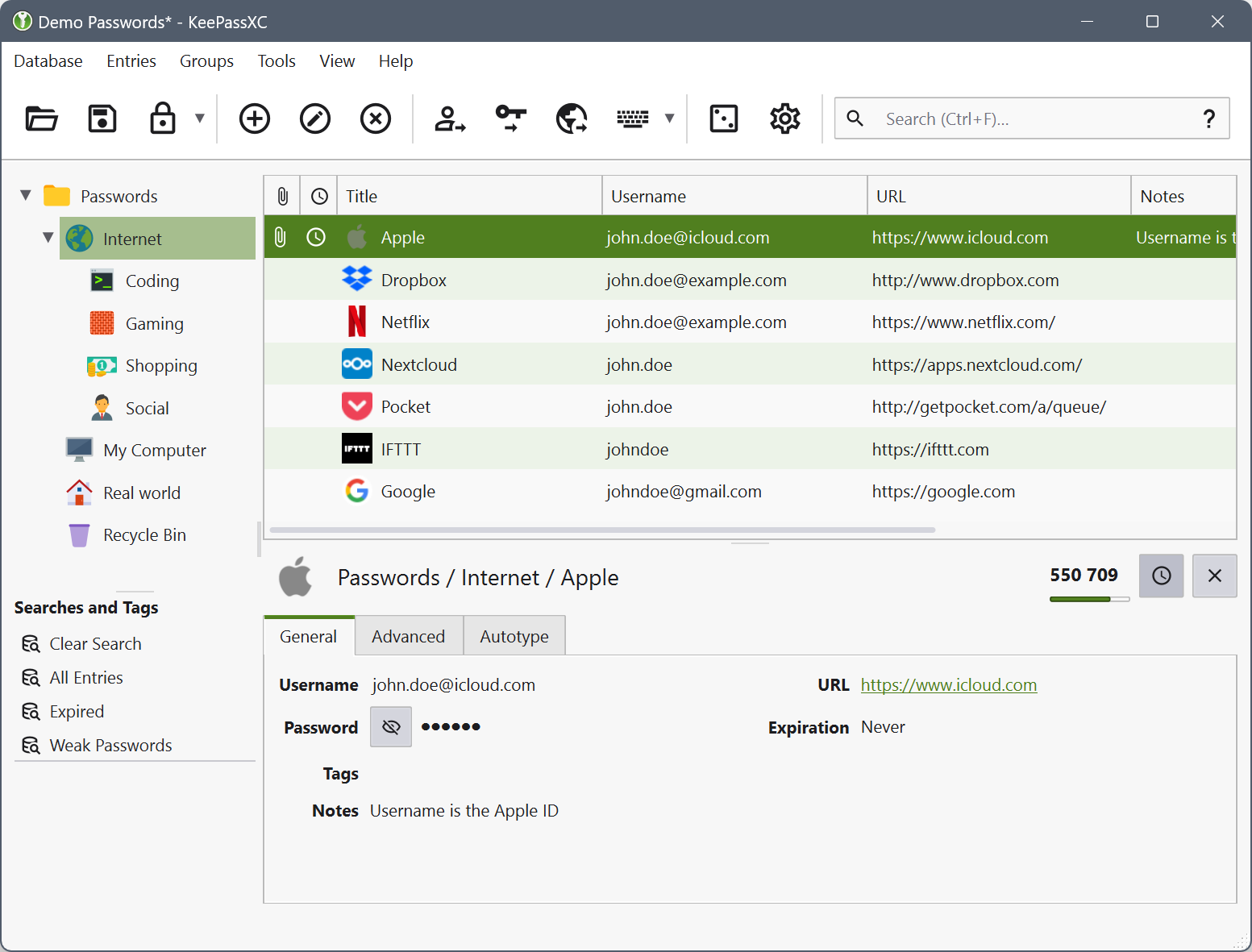
Today, we’re releasing KeePassXC 2.7.11, a version that brings many bug fixes and improvements. We’re also very happy to share that a previous version, 2.7.9, has received a Security Visa after passing the First-level Security Certification (CSPN) issued by the French National Cybersecurity Agency (ANSSI).
ANSSI Security Visa for KeePassXC 2.7.9
On November 17, 2025, KeePassXC (version 2.7.9 for Windows 10) was awarded a Security Visa by the French National Cybersecurity Agency (ANSSI) for a First-level Security Certification (CSPN), report No. ANSSI-CSPN-2025/16. The certification was sponsored by the agency and is valid for three years.
The CSPN Security Visa certifies that the product has been tested to comply with ANSSI’s first-level security standards. The certification is recognized by French authorities and internationally by the German Federal Office for Information Security (BSI). More details, including the audit report and certificate, can be found on ANSSI’s website.
We have also created a dedicated page listing all past security reviews of KeePassXC, which we’ll keep updated with future audits and certifications.
Version 2.7.9 is still available for download from GitHub. However, if you want the newest features, we recommend grabbing our latest release: KeePassXC 2.7.11. 😉
New release: KeePassXC 2.7.11
KeePassXC 2.7.11 includes a large number of bug fixes and enhancements. The most notable new features are:
- Support for more file types in the inline attachment viewer (images, HTML, and Markdown)
- The ability to edit text file attachments
- A new database merge confirmation dialog
- Group support in KeeShare
- An option to automatically generate passwords for new entries
We’ve also fixed long-standing issues such as the main window not restoring its previous size and position when starting in the tray, and KeePassXC not properly releasing secure input mode on macOS.
This version also introduces a brand-new “Liquid Glass” icon and new platform-specific Window and Help menus on macOS.
Changelog
Below is a summary of the changes in this release. You can also view the full list on the 2.7.11 release page.
Changes
- Add image, HTML, Markdown preview, and text editing support to the inline attachment viewer [#12085, #12244, #12654]
- Add database merge confirmation dialog [#10173]
- Add option to auto-generate a password for new entries [#12593]
- Add support for group sync in KeeShare [#11593]
- Add
{UUID}placeholder for use in references [#12511] - Add “Wait for Enter” search option [#12263]
- Add keyboard shortcut to “Jump to Group” from search results [#12225]
- Add predefined search for TOTP entries [#12199]
- Add confirmation when closing a database via the ESC key [#11963]
- Add support for escaping placeholder expressions [#11904]
- Reduce tab indentation width in notes fields [#11919]
- Cap default Argon2 parallelism when creating a new database [#11853]
- Enable “lock database after inactivity” by default and set it to 900 seconds [#12689, #12609]
- Copying TOTP now opens the setup dialog if none is configured for the entry [#12584]
- Make double-click action configurable [#12322]
- Remove unused “Last Accessed” field from the GUI [#12602]
- Auto-Type: Add more granular confirmation settings [#12370]
- Auto-Type: Add URL typing preset and add copy options to the menu [#12341]
- Browser: Don’t automatically allow sites when an entry is added from the browser extension [#12413]
- Browser: Add options to restrict exposed groups [#9852, #12119]
- Bitwarden import: Add support for timestamps and password history [#12588]
- macOS: Add Liquid Glass icon [#12642]
- macOS: Remove theme-based menu bar icon toggle [#12685]
- macOS: Add Window and Help menus [#12357]
- Windows: Add option to add KeePassXC to PATH during installation [#12171]
Fixes
- Fix window geometry not being restored correctly when KeePassXC starts in the tray [#12683]
- Fix potential database truncation when using direct-write save method with YubiKeys [#11841]
- Fix issues with saving database backups [#11874]
- Fix UI lockups during startup with multiple tabs [#12053]
- Fix keyboard shortcuts when the menu bar is hidden [#12431]
- Fix clipboard being cleared on exit even if no password was copied [#12603]
- Fix single-instance detection when the username contains invalid filename characters [#12559]
- Fix “Search Wait for Enter” setting not being saved [#12614]
- Fix hotkey accelerators not being escaped properly on database tabs [#12630]
- Fix confusing error message when a user cancels the key file edit dialog [#12639]
- Fix issues with saved searches and the “Press Enter to Search” option [#12314]
- Fix URL wildcard matching [#12257]
- Fix TOTP visibility on unlock and on settings change [#12220]
- Fix KeeShare entries with reference attributes not updating [#11809]
- Fix sort order not being preserved when toggling filters in database reports [#11849]
- Fix several UI font and layout issues [#11967, #12102]
- Prevent mouse-wheel scrolling on the username edit field [#12398]
- Improve base translation consistency [#12432]
- Improve inactivity timer [#12246]
- Documentation improvements [#12373, #12506]
- Browser: Fix ordering of
clientDataJSONin Passkey response object [#12120] - Browser: Fix URL matching for additional URLs [#12196]
- Browser: Fix group settings inheritance [#12368]
- Browser: Allow read-only native messaging config files [#12236]
- Browser: Optimize entry iteration in the browser access control dialog [#11817]
- Browser: Fix “Do not ask permission for HTTP Basic Auth” option [#11871]
- Browser: Fix native messaging path for the Tor Browser launcher on Linux [#12005]
- Auto-Type: Fix empty-window behavior [#12622]
- Auto-Type: Take delays into account when typing TOTP [#12691]
- SSH Agent: Fix out-of-memory crash with malformed SSH keys [#12606]
- CSV import: Fix modified and creation time import [#12379]
- CSV import: Fix duplication of root groups on import [#12240]
- Proton Pass import: Fix email addresses not being imported when no username is set [#11888]
- macOS: Fix secure input getting stuck [#11928]
- Windows: Prevent launch as SYSTEM user from MSI installer [#12705]
- Windows: Remove broken MSVC Redistributable check from MSI installer [#11950]
- Linux: Fix startup delay caused by the
StartupNotifysetting in the desktop file [#12306] - Linux: Fix memory initialization when
--pw-stdinis used with a pipe [#12050]
Download
You can download the new release from our downloads page, the Microsoft Store, our Ubuntu PPA, and Flathub.
Feedback
If you run into any bugs, please report them on our GitHub issue tracker. We’re also available on Matrix for real-time feedback and discussion. See our contact page for more ways to get in touch.
source: keepassxc