
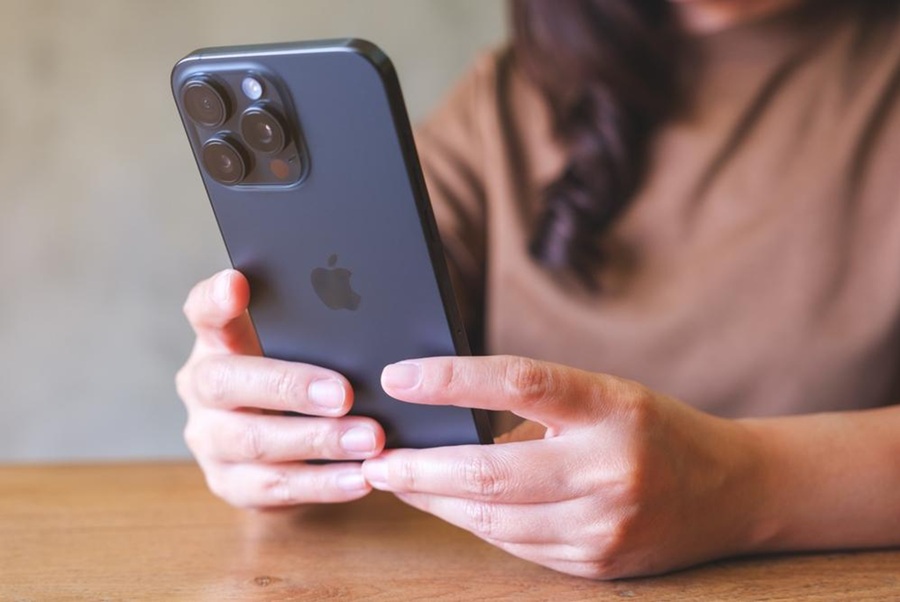
Choosing an iPhone is not just about getting the latest model. The best decision depends on how you use your phone, how important the camera is to you, what level of performance you need, and how long you plan to keep it.
For some people, a standard model may be enough for social media, photos, messaging, and entertainment. For others, a Pro or Pro Max version might make more sense due to camera capabilities, display size, battery life, and sustained performance.
Differences Between the Lines: Standard, Plus, Pro, and Pro Max
Apple’s phone lineup typically organizes into standard models, Plus versions, and Pro or Pro Max options. Each caters to a different profile, so it’s helpful to compare sizes, capacities, and available models on the iPhone showcase before deciding.
Standard models are usually designed for those seeking a balanced experience: reliable performance, dependable camera, high-quality display, and several years of updates.
Plus versions, when available, target users who prefer a larger screen and longer battery life without necessarily opting for a Pro line.
Pro models add advanced camera features, premium materials, enhanced performance, and higher-quality displays. They are recommended if you record a lot of video, edit content, play games, or need more power for demanding tasks.
Pro Max versions typically offer the most comprehensive experience: a larger display, better battery life within the lineup, and the most advanced camera system. That’s why the iPhone 16 Pro Max can be an appealing choice for users prioritizing photography, videography, and battery life.
What Changes in Camera, Display, and Performance Between Models
The differences among models are most noticeable in three areas: camera, display, and processor. While these aren’t always necessary for everyone, they can significantly impact your experience depending on your use.
In camera, standard models typically handle daily photos, portraits, landscapes, and social media videos well. In contrast, Pro versions offer more versatility, especially with telephoto lenses, improved video options, and tools aimed at demanding users.
In display, consider size, brightness, resolution, and refresh rate. A larger screen can be great for streaming, photo editing, reading, or gaming, while a more compact device is convenient for one-handed use.
Performance-wise, the chip is key to the device’s lifespan. Newer models generally offer better efficiency, more power, and compatibility with new features. That’s why the iPhone 16 might make sense if you want a balance of current technology, performance, and future-proofing.
The iPhone 16 Pro is better suited if you need a more advanced camera, gaming, editing, or multitasking capabilities. If your routine is more casual, you might not notice much difference compared to a standard or older model.
Storage: How Much Do You Need Based on Your Use
Storage is one of the most important decisions because it can’t always be expanded later. Choosing wisely prevents running out of space for photos, videos, apps, or files.
As a general guide:
- 128 GB: suitable for moderate use, especially if you rely on cloud services, make few downloads, and don’t record many videos.
- 256 GB: a balanced option for photos, apps, occasional videos, and several years of use.
- 512 GB: ideal if you record a lot of content, play games, download series, or work with large files.
- 1 TB: makes sense for content creators, high-resolution videos, or intensive professional use.
If you’re coming from a phone with limited storage and tend to delete files every few weeks, opting for higher capacity is recommended. If you use iCloud or other backup services, you might choose a smaller internal storage without sacrificing much user experience.
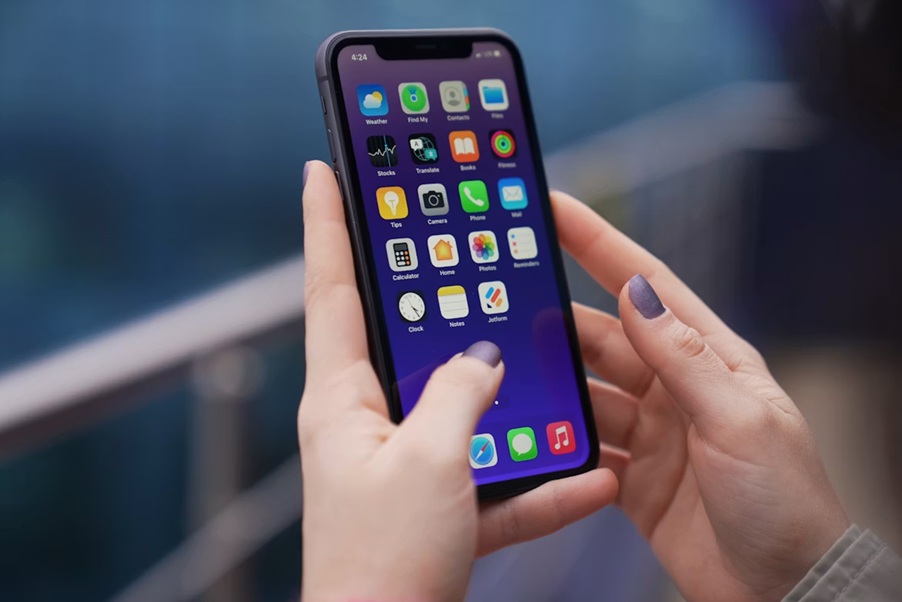
Advantages of the Apple Ecosystem
One of the main reasons many choose Apple is the seamless integration among devices. If you already use a Mac, iPad, Apple Watch, or AirPods, the phone becomes part of a broader system.
Some practical benefits include:
- Continuity across devices: start an activity on your phone and continue on a Mac or iPad.
- AirDrop: transfer photos, videos, and files quickly between Apple devices.
- Automatic synchronization: contacts, photos, notes, calendars, and reminders stay updated across all your devices.
- Simple backups: iCloud makes restoring information straightforward when switching devices.
- Built-in accessories: AirPods, Apple Watch, and other devices connect effortlessly, maintaining synced functions.
- Better migration experience: transferring apps, photos, passwords, and settings from another device is easier.
For Android users, adapting to the Apple ecosystem may take some time, but the experience is generally intuitive if you value stability, updates, privacy, and continuity between devices.
When is the latest model the right choice over an older one
The newest model isn’t always the best choice for everyone. It’s especially worth considering if you want longer update support, better performance, compatibility with new features, and a more advanced camera.
However, an older generation can still be very practical if it offers good support, solid cameras, and sufficient performance for your needs. For example, the iPhone 15 can remain a reasonable option for users seeking a modern experience without needing the latest release.
Your choice depends on your profile:
- If you upgrade your phone every few years, it’s worth looking at newer models.
- If you prioritize price and good performance, an older generation might be enough.
- If you focus on photography, videography, or editing, Pro models usually justify the extra investment.
- If your use is basic, you may not need the most advanced version.
It’s also advisable to check battery health, storage capacity, and support timeline when considering older models.
Tips for transferring your data from another phone
Before switching devices, back up your photos, contacts, messages, and important files. If you’re moving from another Apple device, iCloud or direct transfer during setup works well.
For Android users, the “Move to iOS” app helps transfer contacts, messages, photos, videos, email accounts, and calendars. It’s best to perform this transfer with both devices charged, connected to Wi-Fi, and allowing enough time to complete without interruptions.
Review your essential apps beforehand; some may require re-logging in, re-verification, or re-activation of payment methods and authentication.
How to Keep Your Battery Healthy
Battery health significantly impacts your daily experience. To maintain it, avoid exposing your device to extreme heat, don’t leave it in the sun for long periods, and use certified chargers.
Activating optimized charging can help reduce battery wear by learning your habits and controlling charging cycles. If you charge overnight, this feature can be especially beneficial.
Keeping your iOS updated is also recommended, as updates often include improvements in performance, security, and energy efficiency.
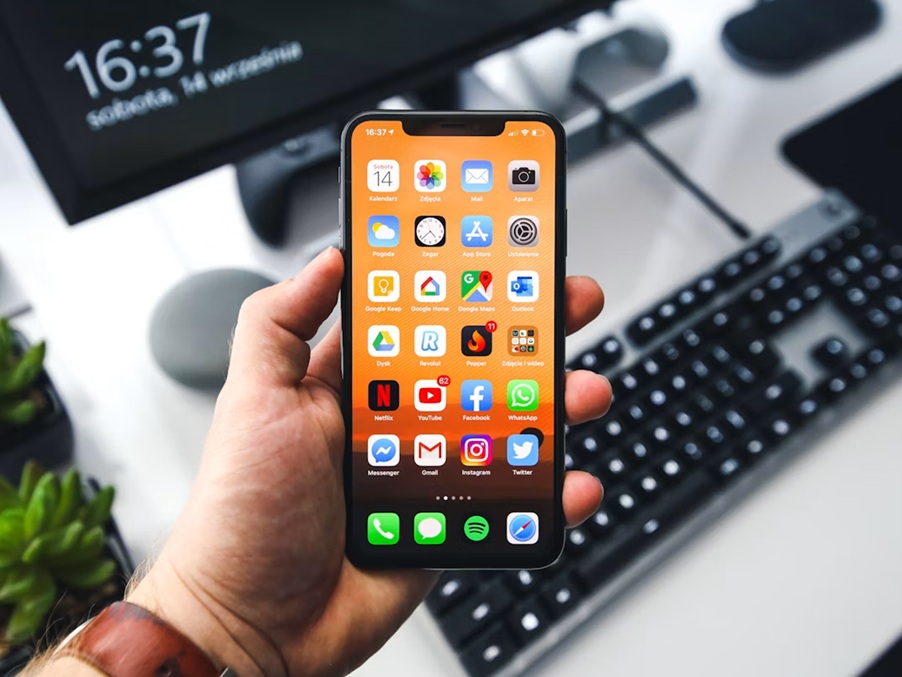
Before choosing, think about your actual routine: if you need an advanced camera, power, and longer support, a recent or Pro model might make sense; if you want a balanced device for everyday tasks, an older generation could suffice. The best iPhone is the one that fits your usage, budget, and how you leverage the Apple ecosystem.
