
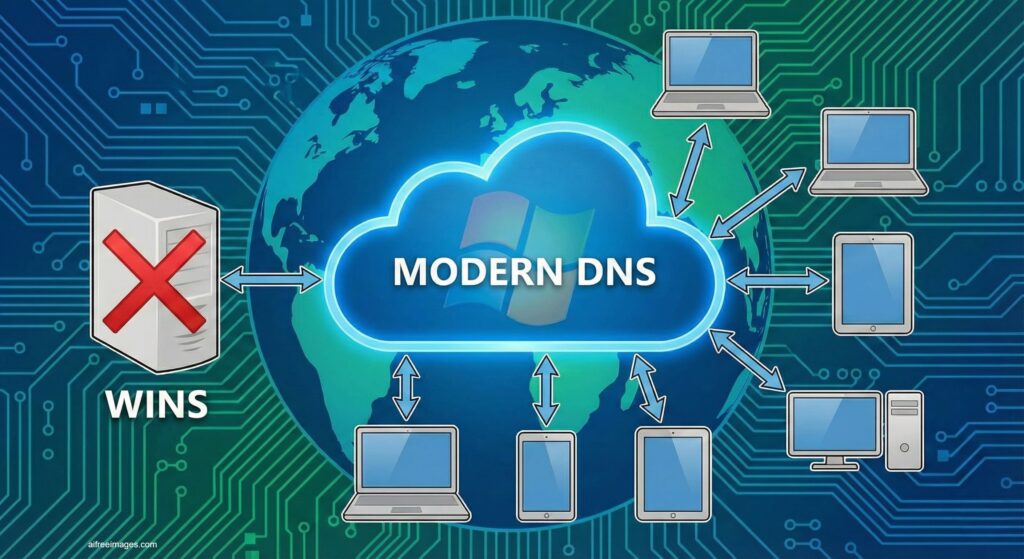
Microsoft has officially confirmed something that many system administrators have been expecting for years: Windows Internet Name Service (WINS) has its days numbered. The historic NetBIOS name resolution service, which has been present in Windows networks since the nineties, will reach its final stage with Windows Server 2025, which will be the last version of the system to include it.
According to the company’s published documentation, WINS will continue to receive standard support until November 2034, but it will be removed from all Windows Server versions released after 2025. The message is clear: organizations still relying on WINS should start planning their migration to modern solutions based on DNS.
What is WINS and why was it so important
To understand the scope of the announcement, it’s helpful to recall the role WINS played in Windows history.
In enterprise networks of the Windows NT and Windows 2000 era, devices and servers were often identified by NetBIOS names, a flat naming system designed for local area networks long before the dominance of the Internet domain. WINS appeared as a centralized service that allowed:
- Dynamic resolution of NetBIOS names to IP addresses.
- Prevent conflicts and duplications that occurred with classic broadcast methods on large networks.
- Maintaining a central database of devices, servers, and shared services.
For years, it was an essential component in environments with legacy applications, NT domains, and mixed networks. However, the industry shifted toward DNS as a universal standard, relegating NetBIOS to very specific scenarios.
DNS becomes the standard and WINS enters the “waiting list”
Microsoft emphasizes in its notice that DNS is the modern name resolution standard, defined in RFCs 1034 and 1035, offering a hierarchical, distributed, and scalable structure suitable for both internal networks and the Internet.
Furthermore, DNS has been reinforced in recent years with technologies like DNSSEC, which shields against spoofing and cache poisoning attacks—threats that WINS/NetBIOS does not have mechanisms to counter.
This technological shift is complemented by changes in Microsoft’s own software:
- Active Directory, cloud services, modern Windows APIs, and most new corporate applications are designed directly for DNS.
- Microsoft’s documentation has long labeled WINS as deprecated, meaning it’s maintained but not actively developed or enhanced.
Given this context, the decision to retire WINS completely was only a matter of time.
The official roadmap: Windows Server 2025 will be the last to include WINS
Microsoft’s plan involves two major milestones:
- WINS was officially deprecated in Windows Server 2022.
- This means the feature remains available and supported, but will not see further development.
- Windows Server 2025 will be the last LTSC release to include the WINS server role.
- From that point onward, future versions of Windows Server will no longer include WINS at all.
Throughout the support lifecycle of Windows Server 2025, WINS will be under standard support, providing a wide window for organizations to migrate. This window extends until November 2034, when mainstream support ends.
Microsoft stresses that announcing this years in advance allows IT teams to plan calmly, avoiding rushed migrations and last-minute decisions.
What exactly will disappear when WINS is retired
Once the removal is effective in versions after Windows Server 2025, administrators will no longer find the classic WINS components on the system. Microsoft lists, among others:
- The WINS server role and its binaries.
- The WINS snap-in for the MMC console.
- The automation APIs and related management interfaces.
In other words, WINS will cease to exist as a system feature. Environments still dependent on it for NetBIOS name resolution will not be able to install it on new Windows servers, and will need to adopt transitional solutions or, ideally, fully migrate to DNS.
Why Microsoft urges migrating as soon as possible
Although support extends nearly a decade, Microsoft’s strong recommendation is: organizations should start planning the migration now.
The reasons include:
- Dependence on legacy systems
The longer the transition is delayed, the more applications, scripts, and internal procedures stay “hooked” on WINS. This complicates the migration when it finally becomes unavoidable. - Future compatibility
New versions of enterprise applications, management tools, or third-party solutions may stop supporting environments that depend on WINS, leading to difficult troubleshooting. - Security and compliance
Auditors and cybersecurity teams tend to be cautious about deprecated technologies. Moving to DNS with modern mechanisms like DNSSEC aligns better with regulatory compliance and best practices. - Leverage modernization projects
Many companies are updating infrastructure, consolidating services, or adopting hybrid and multicloud models. Microsoft suggests integrating WINS decommissioning into these initiatives rather than treating it as an isolated issue.
Practical recommendations for migrating from WINS to DNS
Microsoft’s own guidance outlines concrete steps for those still relying on WINS. Summarized, they include:
- Audit dependencies
- Identify applications, servers, and services still using NetBIOS name resolution.
- Review client configurations, legacy scripts, domain controllers, and old systems.
- Design a robust DNS strategy
- Implement conditional forwarders, split-brain DNS, and search suffix lists to cover scenarios previously resolved via WINS.
- Ensure high availability for DNS servers, both internal and public.
- Update or retire legacy applications
- Whenever possible, modernize applications to use DNS directly.
- For critical, outdated software, consider replacing or encapsulating in controlled environments, avoiding architecture-wide dependency.
- Avoid “band-aid” solutions
- Microsoft discourages solutions like static HOSTS files, which may serve as temporary fixes but do not scale in large networks nor are sustainable long-term.
- Plan testing and phased rollout
- Conduct pilots in controlled network segments.
- Gradually migrate groups of devices and services, measuring impact and resolving issues before broader deployment.
A foreseeable farewell to a key 90s technology
Ultimately, the end of WINS represents the closing of a chapter for those managing Windows networks for decades. This service was vital for many companies to grow without their local NetBIOS traffic overwhelming their LANs.
Today, in a world dominated by DNS domains, cloud services, microservices, and distributed applications, keeping WINS alive would bring unnecessary complexity. Microsoft opts for a gradual but firm transition: a final Windows Server version with WINS, a decade of standard support, and a clear message of modernizing networks.
For IT leaders, this announcement isn’t so much an alarm as a priority reminder: if WINS still appears in your network diagram, it’s time to circle it in red and start planning how to remove it before 2034 arrives too quickly.
Frequently Asked Questions about WINS ending support on Windows Server
How long will WINS be supported on Windows Server 2025?
WINS will remain available in Windows Server 2025 and under standard support throughout its lifecycle, which lasts until November 2034. After that, it will no longer receive updates or support from Microsoft, and it will not be present in later versions.
What if my organization still depends on NetBIOS names?
In that case, it’s critical to audit dependencies immediately. Identify applications, servers, and processes using NetBIOS names and plan a migration to DNS. Sometimes, adjusting network settings and search suffixes will suffice; in other cases, updating or replacing legacy applications will be necessary.
Can I still install the WINS role in future Windows Server versions via external tools?
No. Once Microsoft removes WINS from versions after Windows Server 2025, the role and its components will no longer be part of the system. Its use will not be supported. Attempting to maintain it via unofficial methods poses security risks, support issues, and potential compatibility problems.
What alternatives does Microsoft recommend to replace WINS?
The main alternative is a well-designed, redundant DNS infrastructure, supported by features such as conditional forwarders, split-brain DNS, and search suffix lists. For environments requiring enhanced security, evaluating DNSSEC and other protections against spoofing and cache poisoning is advisable. Additionally, Microsoft encourages modernizing applications to use DNS natively.
via: support.microsoft