
Fedora is winning over Linux users who are no longer just looking for an easy distribution to install, but for an up-to-date desktop, fewer layers of customization, and more control over how applications are managed. Ubuntu remains one of the most accessible options in the ecosystem, but Fedora offers an interesting alternative for anyone who wants to stay closer to GNOME and get new features sooner.
Key takeaways on Fedora and Ubuntu, in 30 seconds
- Fedora uses Flatpak as one of its main ways to distribute applications and doesn’t install Snap by default.
- Ubuntu takes a more conservative approach and maintains deep integration with Snap.
- Fedora offers a GNOME experience closer to the upstream project, while Ubuntu adds its own extensions and tweaks.
- SELinux is enabled by default on Fedora; Ubuntu uses AppArmor as its application control system.
- Ubuntu keeps an edge in ease of entry and compatibility with software distributed directly as
.debpackages.
The difference between the two distributions isn’t so much about what they can do, but about the decisions they make to reach the same goal. Both let you code, browse, work with containers, or use desktop applications, but they offer different experiences around updates, packages, security, and configuration.
For someone who spends several hours a day at the terminal and the Linux desktop, those details end up carrying real weight.
Fedora wants to give you a Linux closer to upstream
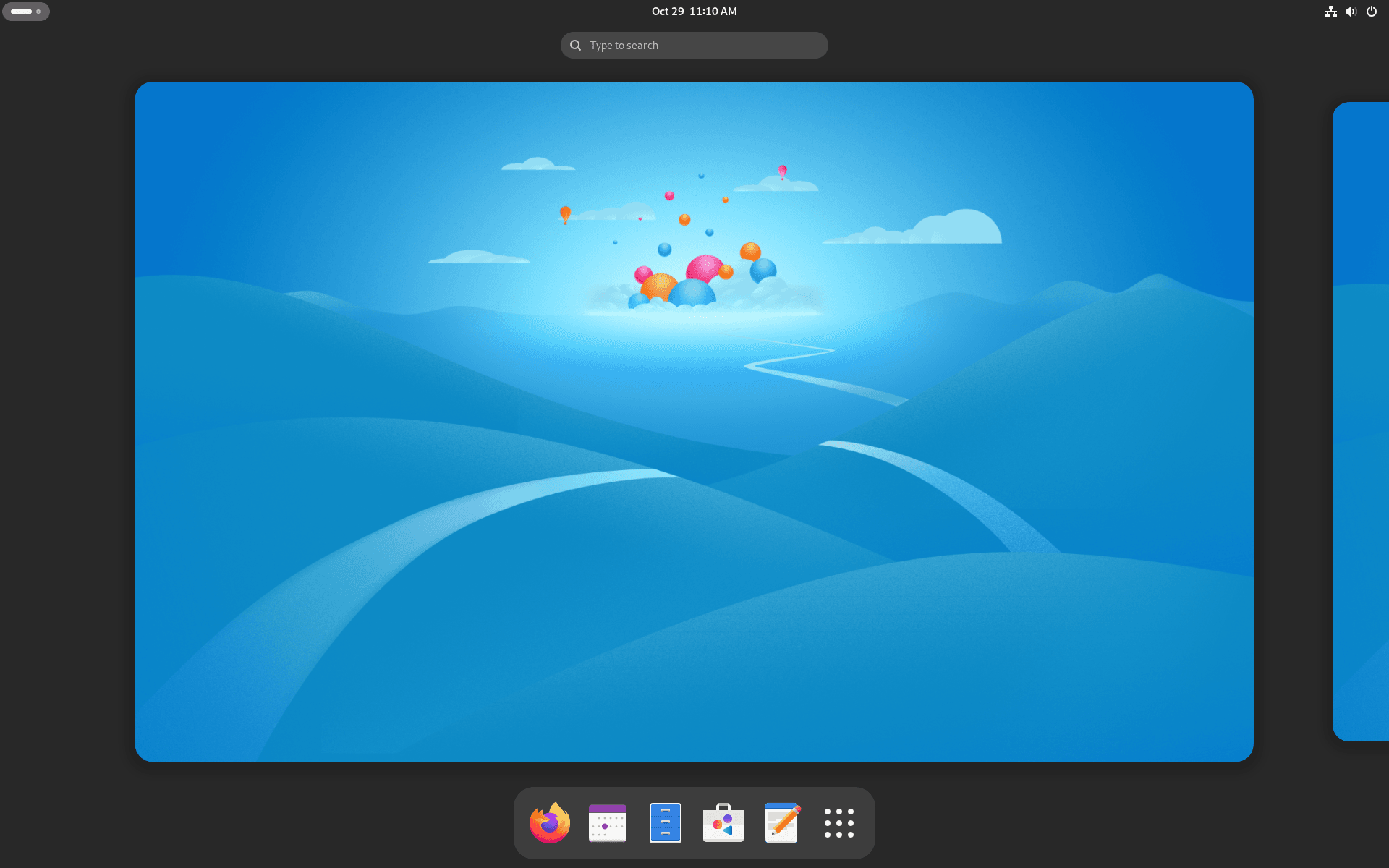
Fedora has a trait you notice from the very first boot: its GNOME desktop is less modified.
Ubuntu also uses GNOME, but Canonical adds extensions and changes that significantly alter the experience. The dock, certain desktop behaviors, and other visual decisions are part of Ubuntu’s identity.
Fedora starts from a setup much closer to standard GNOME.
That doesn’t mean Fedora is less configurable — quite the opposite. A user can install extensions, change desktop behavior, or add a dock in just a few steps. The difference is in how much comes already decided before the user starts customizing the system.
For developers who follow GNOME’s documentation or prefer an interface closer to what its own developers maintain, Fedora offers a cleaner starting point.
Ubuntu, on the other hand, can feel more familiar to those who’d rather have an interface that’s already set up with certain tools built in.
The Snap vs. Flatpak debate goes beyond the format
Application management is another of the biggest differences between Fedora and Ubuntu.
Ubuntu has made Snap a key part of its software distribution strategy. Snap lets you package applications together with their dependencies and distribute them in a common format.
Fedora relies mainly on RPM and Flatpak.
The difference isn’t purely technical — it also affects the distribution model. Snap’s infrastructure is closely tied to Canonical and the Snap Store, while Flatpak allows apps to be distributed from different repositories.
For some users, that difference matters because it fits better with Linux’s traditional open, decentralized philosophy.
Fedora can also use Snap. There’s no technical block preventing you from installing applications in that format, but the system needs snapd added first.
For anyone already using Flatpak, this probably isn’t an issue. For anyone who depends on an application that’s only offered as a Snap package, it can become an extra step.
Fedora bets on updating sooner
This is where one of the most important decisions for any developer comes in.
Fedora tends to ship newer software before Ubuntu does. That can affect the desktop, libraries, development tools, and other system components.
The upside is clear for anyone who wants to use new versions as soon as possible. So is the downside: a recent update can introduce an issue that hasn’t yet been caught or fixed across every configuration.
Ubuntu takes a more conservative approach. The priority is maintaining a mix of stability and compatibility for longer.
The source material uses Blender to illustrate this difference. The author ran into a GNOME-related issue on Ubuntu 25.10 that affected certain Blender functions and ended up going back to Ubuntu 24.04.
From that angle, having a fixed version sooner can make Fedora more appealing.
But the same philosophy can cut the other way. A developer with a critical workstation might prefer to wait until a new version has gone through more testing cycles.
It’s the classic trade-off between getting new features sooner or reducing the risk that an update changes the machine’s behavior too much.
SELinux vs. AppArmor
Security is another area where Fedora and Ubuntu take different paths.
Fedora enables SELinux by default. Security-Enhanced Linux lets you apply access control policies that limit what processes and services are allowed to do.
Ubuntu uses AppArmor as its default security mechanism.
The fact that Fedora uses SELinux doesn’t make Ubuntu an insecure distribution. Both come with built-in protection mechanisms and receive security updates.
The difference is that Fedora starts with a configuration that applies SELinux from the very first moment, which some users find appealing if they want to get used to this security model on their desktop too.
For a developer working with servers, containers, or services that need specific security policies, knowing SELinux can also be useful beyond the desktop.
Ubuntu still has an edge that’s hard to ignore
Fedora may appeal more to certain technical profiles, but Ubuntu keeps a practical advantage: its massive software ecosystem.
Many vendors ship .deb packages directly for Ubuntu and Debian. When an application only publishes that format, installing it on Fedora can mean hunting for an alternative package, using Flatpak, or relying on other methods.
The source material cites Amazon WorkSpaces as an example of software distributed as a .deb package.
The same situation can come up with certain drivers and enterprise tools.
NVIDIA is another case flagged in the comparison. Setting up its drivers can require an extra step on Fedora, while Ubuntu offers a more automated process in certain scenarios.
For an experienced user, running one extra command usually isn’t a problem. For someone who wants to install the system and start working right away, it can be a meaningful difference.
Which distro fits which kind of user?
The comparison makes more sense once you break it down by user profile.
| Profile | Best fit |
|---|---|
| User just starting out with Linux | Ubuntu |
| Developer who wants recent software | Fedora |
| User who prefers GNOME close to upstream | Fedora |
User who depends on .deb packages | Ubuntu |
| User who wants Flatpak without Snap by default | Fedora |
| User looking for a conservative system | Ubuntu |
| User interested in SELinux | Fedora |
| User who prioritizes a simple initial setup | Ubuntu |
These aren’t absolute rules. Both distributions let you tweak most of these aspects.
The difference lies in how much work it takes to reach the environment you want.
A developer installing Fedora gets, right from the start, a GNOME desktop that’s relatively close to upstream, recent packages, and SELinux enabled. Someone installing Ubuntu finds a very well-known platform, wide availability of .deb packages, and an especially accessible experience.
Switching distros no longer means starting from scratch
There’s another important difference compared to Windows or macOS: on Linux, switching distributions is relatively easy.
A developer can move from Ubuntu to Fedora and keep many of the tools they already use. Git, Docker, editors, programming languages, browsers, and other applications remain part of the same ecosystem.
What largely changes is how you install and maintain software.
Ubuntu uses apt and Fedora uses dnf. Packages also switch from .deb to .rpm, though Flatpak narrows that gap for desktop applications.
That freedom lets you try Fedora without turning the decision into a permanent commitment.
If the new environment doesn’t convince you, there’s always the option to go back to Ubuntu or try another distribution such as Debian, Linux Mint, Pop!_OS, or Zorin OS.
That variety can make the choice harder for newcomers, but it’s also one of the features that makes the Linux desktop appealing — see our roundup of the most popular Linux distributions for a broader view of the options.
Fedora doesn’t need to replace Ubuntu to win users. It just needs to offer a different alternative for those who prefer updating sooner, using a less modified GNOME, and working with a different security setup.
Ubuntu remains one of the best gateways into Linux. Fedora, on the other hand, can be more appealing once a user already knows what they expect from their system and wants more control over how it behaves.
Frequently Asked Questions
Is Fedora better than Ubuntu for developers?
It depends on your priorities. Fedora can be a better fit for those looking for newer software, a less modified GNOME, and SELinux enabled by default. Ubuntu offers a more conservative experience and broad compatibility with software distributed as .deb packages.
Why doesn’t Fedora include Snap by default?
Fedora relies mainly on RPM and Flatpak. Snap can be installed later via snapd, so the distribution doesn’t prevent you from using it.
What’s the difference between SELinux and AppArmor?
They’re different security mechanisms. Fedora uses SELinux by default, while Ubuntu uses AppArmor to apply restrictions to applications and services.
Is Ubuntu easier than Fedora?
For many beginners, yes — especially because of the availability of .deb packages and certain hardware configurations. Fedora is also designed to be accessible, but it can require an extra step in certain scenarios.
