
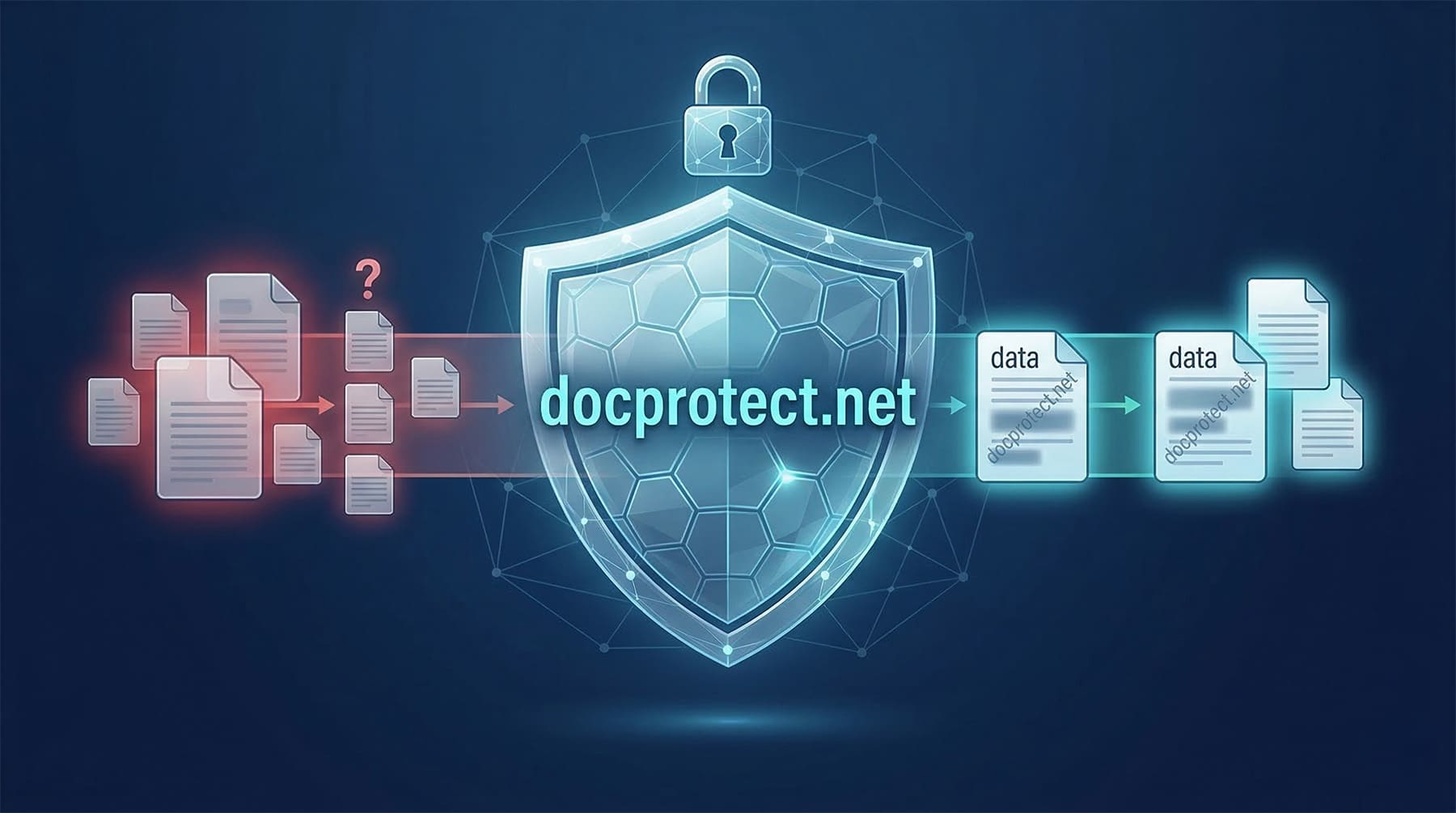
Sharing a personal document online has become a common gesture, but it is also one of the most delicate from a privacy standpoint. A copy of your ID, a proof of income, a payslip, or certification can contain much more information than necessary to complete a process. DocProtect aims to position itself in this area, offering a very specific solution: hide sensitive data and add watermarks before sharing the file, all done locally without sending anything to external servers.
This approach aligns well with an increasingly common concern in the tech world: minimizing the exposure of personal data in online services. Unlike other tools that require uploading images or PDFs to a web platform, DocProtect emphasizes that processing is performed on the device itself. The promise is clear: 100% offline, with no cloud storage and no data sent to third parties.
This method does not automatically make the tool a comprehensive solution to all document-related risks, but it does address a very real need. Often, the problem isn’t just who receives the document, but also that the file passes through intermediate services over which the user has little control. If processing occurs on the device, that exposure surface is significantly reduced.
A simple tool for a very common problem
DocProtect presents itself as a editor designed to protect documents before sharing. Its operation is based on three steps: upload the file, hide sensitive information, and download or share the protected version. The tool supports JPG, PNG, and PDF, covering most common formats used in such procedures.
In practice, it offers two main functions. The first is manual data hiding through brushes of different sizes, useful for covering numbers, signatures, addresses, or any information that shouldn’t be visible. The second is a custom watermark, intended to add texts such as “Copy for hotel X,” “For verification only,” or any other reference that limits the document’s reuse afterward.
From a technological perspective, the value of this proposal isn’t in promising a complex infrastructure or platform but rather in the opposite: addressing a specific use case with the least friction possible. Open, edit, protect, and download. This simplicity can work in its favor, especially in a context where many privacy tools fail not for lack of intent but because they are too complicated for the average user.
Web, PWA, and native apps on the way
One interesting aspect of DocProtect is its multiplatform approach. The service is already available as a web/PWA, allowing use from a browser without installing traditional software. This can be especially useful for users who need quick, one-off solutions or those working in environments where installing additional apps isn’t possible.
At the same time, DocProtect makes it clear that it does not want to be limited to the web. The project also announces plans for iPhone and iPad and Android applications, both indicated as coming soon. For iOS, there is mention of support for Apple Pencil, hinting that an optimal tablet editing experience is a priority.
This distinction is important for a tech audience because it shows that the product isn’t just a simple web utility but aims to establish itself as a versatile tool across mobile, tablet, and browser platforms. The promise of native versions for iOS and Android could boost its relevance if it manages to deliver a truly smooth experience on these increasingly used devices for such tasks.
Practical privacy, not just rhetoric
DocProtect also differentiates itself with a very direct privacy message: no registration, no tracking cookies, and no data collection. In a time when almost every online service asks for an account, permissions, or third-party integrations, this positioning can appeal to users tired of sharing more information than necessary—even when trying to protect their own data.
Beyond the marketing tone, the underlying logic makes sense. Protecting a document before sharing it shouldn’t force the user to expose it first to another platform. In this sense, DocProtect aligns with a growing software trend: bringing more processing to the client side and reducing dependency on the cloud for privacy-sensitive tasks.
It’s not a classical technological revolution, but it is a well-focused response to a very current issue. And in many digital products, that already counts as a significant advantage.
Frequently Asked Questions
What formats does DocProtect support?
According to the service’s public information, it supports JPG, PNG, and PDF.
Does DocProtect upload documents to the cloud?
No, at least according to its public proposition. The tool claims to be 100% offline and that processing occurs on the device itself.
Can I use it now on mobile?
Yes, via browser or as a PWA. Additionally, DocProtect indicates that native versions for iOS and Android will be available soon.
What is the purpose of a watermark on such documents?
It serves to contextualize the use of the copy and make it more difficult for the document to be reused for purposes other than the specific process it was created for.