
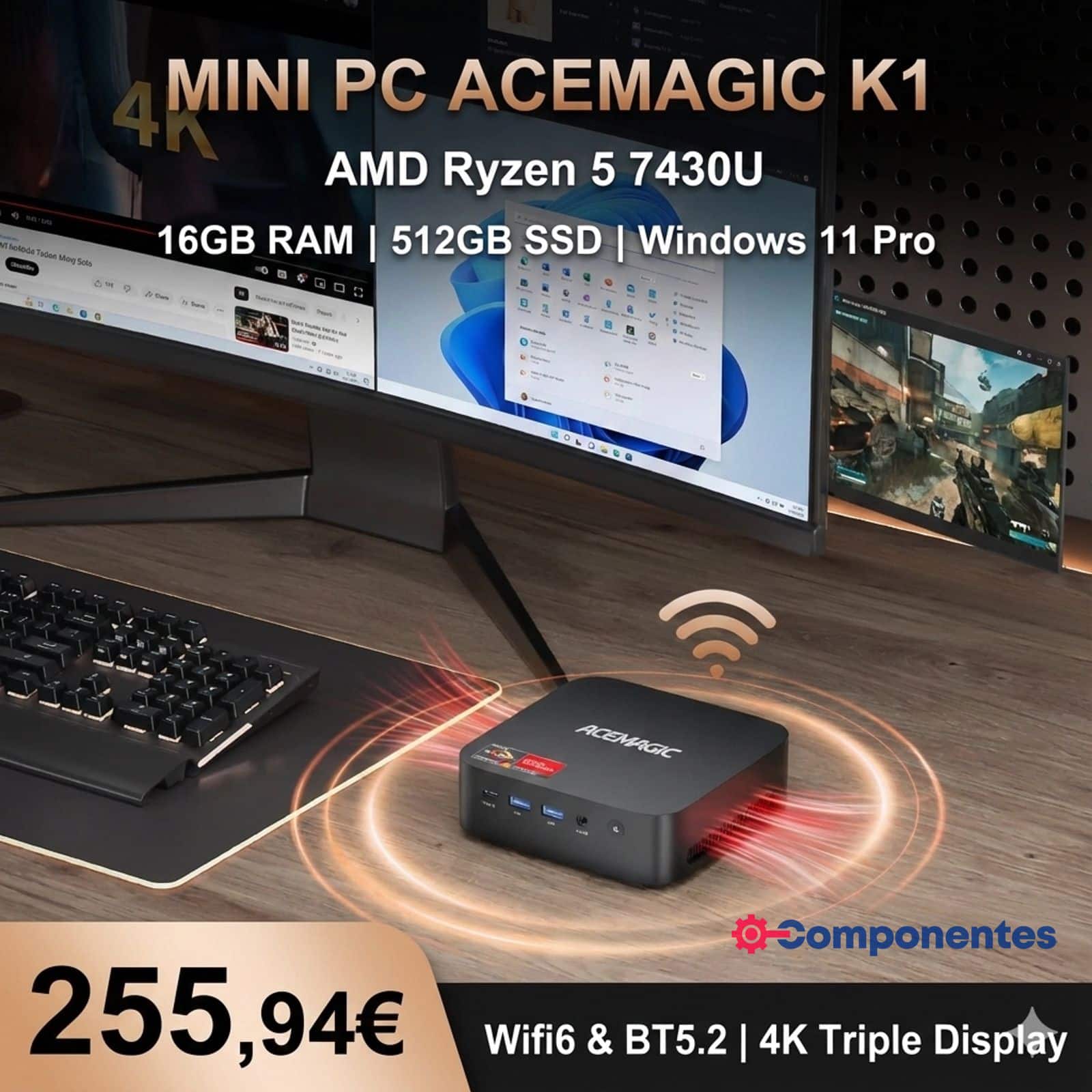
The Mini PCs have long stopped being just “small computers” and are now becoming essential components within increasingly hybrid ecosystems: remote work setups, minimalistic desks, multi-monitor configurations, and even auxiliary devices for home laboratories or conference rooms. In this landscape, the AceMagic K1 lately appears with an announced price of €255.94 on AliExpress, offering a clear proposition: AMD Ryzen CPU, 16 GB of RAM, 512 GB SSD, and connectivity for three 4K displays.
It’s not a machine designed to compete with a modern tower in raw power, but it can confidently handle 90% of daily tasks—especially when housed in a small chassis that can be hidden behind a monitor or placed in any corner of the desk. The question is whether the K1 delivers a “no excuses” experience and where expectations might need to be adjusted.
Ryzen 5 7430U: Reasonable Performance with a Focus on Efficiency
The K1 features an AMD Ryzen 5 7430U with 6 cores and 12 threads, and an indicated frequency range of 2.3 GHz to 4.3 GHz. These processors, common in laptops, are well matched for Mini PCs thanks to their balance: real multitasking, smooth handling of office tasks, demanding browsing, and productivity tools, all while maintaining low power consumption—important when heat dissipation space is limited.
The integrated graphics is AMD Radeon Graphics, enough for desktop work, multimedia playback, and high-resolution monitor setups. In terms of technology, the K1’s message isn’t “gaming,” but rather productivity and versatility, especially by leveraging its strong point: multi-monitor setups.
Triple 4K Output: The Key Differentiator
One of the most attractive features of the AceMagic K1 is its ability to support up to three screens. According to the specifications, it offers:
- HDMI 2.0 (4K@60 Hz)
- DisplayPort 1.4 (4K@60 Hz)
- USB-C 3.2 Gen 2 full-feature (4K@60 Hz)
Practically, this turns a Mini PC into a serious desktop hub: one monitor for video calls, another for documents or coding, and a third for tools, dashboards, or references. Unlike models that rely on adapters or limit refresh rates/resolutions, the K1’s setup is direct and, on paper, designed for comfortable working conditions.
Memory and Storage: Solid Base, Better with Upgrades
The promoted model comes with 16 GB of DDR4 RAM at 2,666 MHz, which is a sensible baseline for 2026 if your goal is general use without being tight on memory. Additionally, the specifications indicate two DDR4 SO-DIMM slots and a maximum of 64 GB, crucial for users aiming to extend the device’s lifespan or run heavier workloads (like lightweight virtual machines, development environments, many tabs/apps simultaneously).
For storage, it includes 512 GB in M.2 2280 SATA format. This typically suffices for the OS, applications, and a good amount of documents, but the interesting part is expandability: the device features two M.2 2280 slots, with a key distinction:
- One slot supports NVMe PCIe 3.0 or SATA
- The other supports only SATA
In translation: performance can be enhanced with an NVMe drive (in the compatible slot), but it’s important to know where each drive is installed. The specifications mention support for capacities “up to 2 TB” per interface, so scalability depends on the final configuration and chosen storage types.
Connectivity and Ports: A Mini PC Designed for Peripherals
In a device this size, connectivity shapes the user experience. The AceMagic K1 includes:
- Wi-Fi 6
- Bluetooth 5.2
- Gigabit Ethernet (10/100/1,000 Mbps)
The inclusion of an RJ45 port is especially useful if stability is a priority (remote work, video calls, downloads, streaming, or small home server tasks). Regarding ports, the specs highlight a generous set for a Mini PC:
- 2× USB 3.2 Gen 2 Type-A (10 Gbps, front)
- 4× USB 3.2 Gen 1 Type-A (5 Gbps, rear)
- USB-C 3.2 Gen 2 full-function
- 3.5 mm audio jack
- HDMI 2.0 + DP 1.4
This setup avoids dependence on hubs for mouse, keyboard, external drives, capture cards, or dongles. In professional environments, fewer adapters mean fewer points of failure and less cable clutter.
Windows 11 Pro Included: Practical Advantage, Not Just an Extra
The device is announced with Windows 11 Pro, which for many users is a significant detail: it simplifies deployment in professional settings, grants access to typical Pro features, and offers a more straightforward initial setup. In the Mini PC segment, this often adds to the “perceived value”: just plug in and start working.
Specifications Table for the AceMagic K1
| Feature | Specification |
|---|---|
| Model | K1 |
| CPU | AMD Ryzen™ 5 7430U (6 cores / 12 threads) |
| Frequency | 2.3 GHz – 4.3 GHz |
| Integrated Graphics | AMD Radeon™ Graphics |
| RAM | 16 GB DDR4 2,666 MHz (option for 32 GB) |
| RAM Slots | 2× DDR4 SO-DIMM, up to 64 GB |
| Storage | 512 GB M.2 2280 SATA SSD |
| M.2 Slots | 2× M.2 2280 (1× NVMe PCIe 3.0 or SATA + 1× SATA only) |
| Connectivity | Wi-Fi 6 + Bluetooth 5.2 (M.2 2230) |
| LAN | 1× RJ45 10/100/1,000 Mbps |
| Video Outputs | HDMI 2.0 (4K@60), DP 1.4 (4K@60), USB-C full-function (4K@60) |
| USB Ports | 2× USB 3.2 Gen 2 Type-A + 4× USB 3.2 Gen 1 Type-A |
| Power | DC 19 V / 3.42 A (5.5×2.1 mm) |
| OS | Windows 11 Pro |
The Essentials: Who It Makes Sense For (And Who Doesn’t)
The AceMagic K1 is particularly well suited as a office/remote work PC, family device, multi-monitor workstation, or auxiliary computer for moderate technical tasks. Where it’s worth tempering expectations is in demanding gaming or intensive GPU workloads: the integrated graphics handle everyday tasks, but that’s not its primary purpose.
If the promotional price holds, the appeal of the K1 isn’t just in a single figure: it’s the combination of triple 4K support + 16 GB RAM + a good array of ports + Wi-Fi 6 + upgrade potential, all within a compact form that easily integrates into any desk setup.
Frequently Asked Questions
Is the AceMagic K1 a good choice for working with three 4K monitors?
Yes, according to the specs, it supports triple output via HDMI 2.0, DisplayPort 1.4, and full-function USB-C, all at 4K and 60 Hz.
Can I upgrade the RAM to 32 GB or 64 GB in this Mini PC?
The table indicates two SO-DIMM slots supporting up to 64 GB, so upgrading beyond 16 GB is possible.
What’s the practical difference between M.2 SATA and M.2 NVMe in the K1?
The device includes a 512 GB M.2 SATA SSD, but one of its slots supports NVMe PCIe 3.0, which typically offers faster speeds; installing an NVMe in that slot can improve performance.
For remote work, is Wi-Fi 6 better than Gigabit Ethernet?
Wi-Fi 6 is very capable, but Ethernet tends to be more stable and predictable; having both options allows choosing based on environment and network quality.
Source: Componentes