
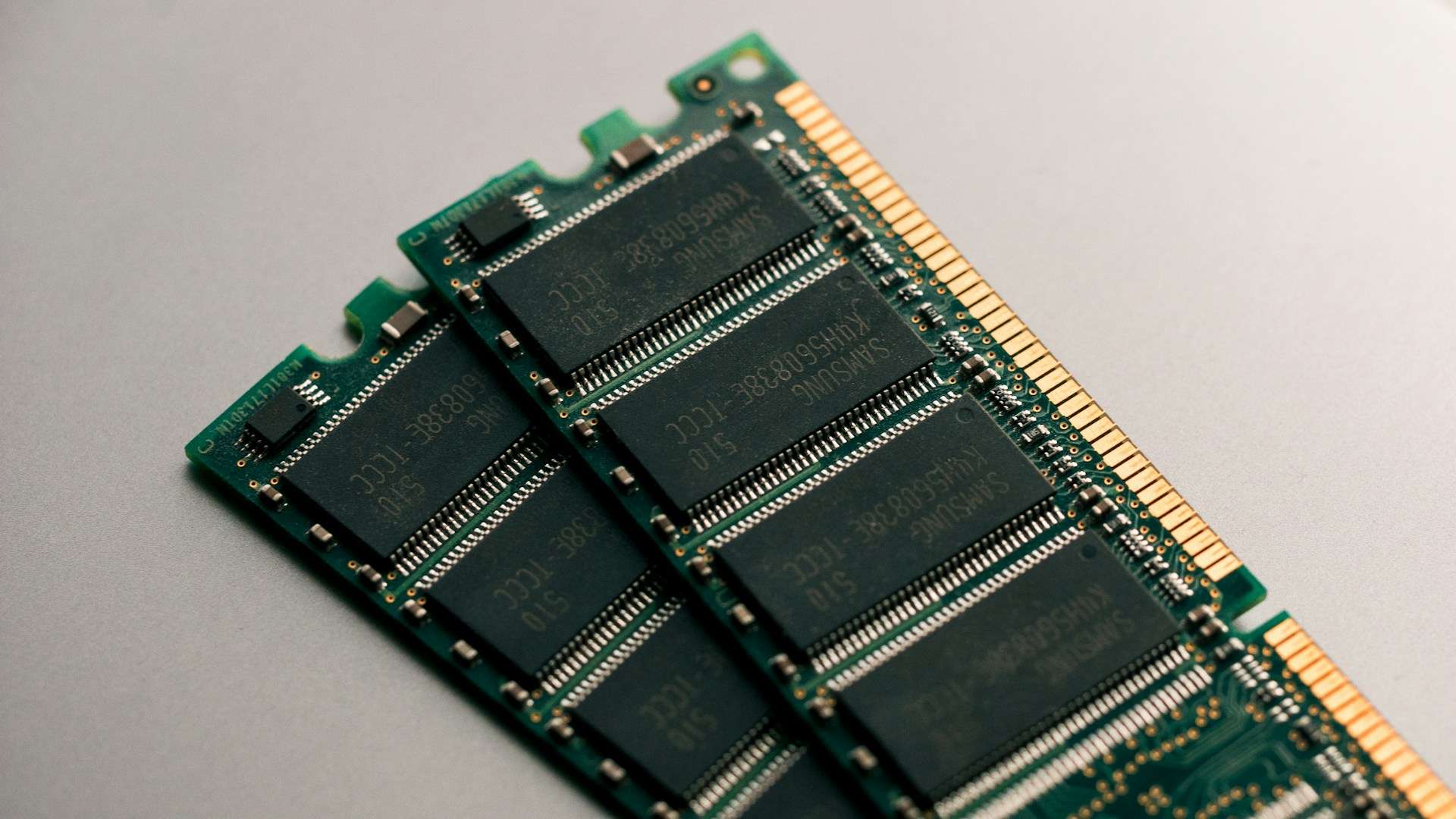
Assembling a computer to run AI models locally has become much more complicated in 2026. Memory has become one of the components that most influence both the price and the size of the model that can be run, while data center demand is absorbing a significant portion of the production growth. The result is noticeable in DRAM, SSDs, and graphics cards, to the point that some common recommendations from just a year ago now need to be reconsidered.
The key hardware factors for local AI in 20 seconds
- TrendForce predicts that the memory shortage will continue and that AI-related demand will keep growing.
- The RTX 5090 maintains 32 GB of VRAM, but its market price far exceeds the $1,999 launch price.
- The veteran RTX 3090 offers 24 GB and remains of interest on the secondhand market.
- gpt-oss-20b requires around 16 GB, whereas gpt-oss-120b is designed to run with 80 GB.
- Large-capacity unified memory systems are gaining appeal for models that no longer fit into consumer GPUs.
This situation stems from a shift that goes well beyond the consumer PC market. In February, TrendForce estimated that contractual prices for conventional DRAM could grow between a 90% and 95% quarter-over-quarter during Q1 2026, with DRAM for PCs potentially doubling in price.
In Q2, the firm predicted increases of 58% to 63% for conventional DRAM. Manufacturers are allocating more capacity to servers, High Bandwidth Memory (HBM), and data center-related products.
And this doesn’t seem like a short-term issue. In July, TrendForce warned that AI-driven demand might continue outpacing supply expansion through 2027.
For those aiming to run a Large Language Model (LLM) at home or in the office, this shift alters a fundamental question: it’s no longer enough to look for the GPU with the highest operations per second within budget. You also need to ask how much memory the model really requires.
Memory regains control over computational power
LLMs need to store their weights in memory during inference. Usually, larger models require more memory, although quantization can significantly reduce this by representing weights with lower precision.
This is why references like Q4, Q6, or 8-bit quantization keep appearing in discussions about local AI.
The practical difference can be huge.
OpenAI, for example, explains that gpt-oss-20b can run with 16 GB of memory, while gpt-oss-120b is designed to operate within the 80 GB capacity of a single GPU. Both models utilize MXFP4 quantization.
This provides a rough initial guideline:
| Available Memory | Reasonable use in local AI |
|---|---|
| 8-12 GB | Small, quantized models |
| 16 GB | Models like gpt-oss-20b and similar sizes |
| 24 GB | Quantized models around 20B-30B, depending on architecture and context |
| 32-48 GB | More room for medium models and larger contexts |
| 64 GB | Much larger models via unified memory or CPU/GPU pairing |
| 80 GB or more | Running models like gpt-oss-120b |
| 128 GB | More possibilities with large models and MoE configurations |
These are not absolute boundaries. The memory needed varies depending on quantization, context length, KV cache, runtime, and model architecture.
Additionally, fitting a model in memory does not guarantee fast execution.
This is a common mistake when comparing hardware for local AI.
The RTX 3090 refuses to retire
One of the most curious consequences of the current market is that a GPU launched by NVIDIA in 2020 remains attractive six years later.
The GeForce RTX 3090 has 24 GB of GDDR6X and 936 GB/s memory bandwidth.
Its 350 W power draw, age, and lack of the latest architectural improvements work against it. But there’s something hard to replace: those 24 GB.
On the secondhand market, units now go for around €1,000-€1,200, though prices vary greatly depending on model, condition, and location. You also find cheaper offers and some inflated prices.
For running local models of roughly 30 billion quantized parameters, those 24 GB can be more appealing than a modern GPU with only 16 GB.
An interesting paradox emerges in 2026: a newer, faster GPU may be a worse buy for certain LLMs if it has less VRAM.
A RTX 5070 Ti or RTX 5080 with 16 GB can outperform a RTX 3090 in various calculation loads, but cannot store a model requiring 20 GB just because its processor is faster.
Capacity primarily determines what can be loaded. Speed then defines how it is executed.
The RTX 5090 faces a different challenge: its price
The GeForce RTX 5090 represents the other extreme.
NVIDIA launched it with 32 GB of GDDR7 and a recommended price of $1,999, making it excellent for local AI as well as graphics.
The issue lies in the market. During August 2026, RTX 5090s have been found priced above $4,300, with some US market analyses indicating average prices around $4,700.
This situation led NVIDIA to offer Founders Edition units at the recommended price during QuakeCon 2026 as an exceptional deal compared to typical market prices.
That doesn’t make the RTX 5090 a bad AI GPU; technically, it’s quite the opposite.
But paying over $4,000 for 32 GB requires considering other options if the main goal is running LLMs, not gaming, rendering, or specific compute tasks.
For about the same amount, it might make sense to look for systems with larger memory, multiple GPUs, or even professional accelerators.
Apple Silicon and Strix Halo play a different game
This involves computers with unified memory architecture.
In a conventional GPU setup, the system has RAM for the CPU and dedicated VRAM for the graphics card. Apple Silicon and platforms like AMD Ryzen AI Max use architectures where CPU and GPU can share a common memory pool.
For local AI, this offers a clear advantage: it allows building systems with much more memory accessible to the GPU without needing to buy a professional accelerator with 80 GB.
However, recent guides sometimes contain inaccuracies that need correction.
Apple still sells the basic Mac mini M4 with 16 GB of memory and 256 GB storage, according to its own Spanish store. It also continues to sell the Mac mini with M4 Pro.
So, it’s not accurate to broadly claim that Apple has phased out the basic Mac mini.
The main changes are in higher-end configurations. The current Mac Studio specs show the M4 Max with 36 GB and options up to 64 GB, while the M3 Ultra starts from 96 GB.
This matters because, for some time, Macs with large amounts of unified memory became an especially attractive option for local AI.
They don’t offer CUDA, which is decisive for certain projects, but frameworks like MLX, llama.cpp, and Ollama enable leveraging Apple Silicon for many models.
AMD’s compelling alternative: Strix Halo
Another increasingly discussed option is Ryzen AI Max+ 395, known as the Strix Halo platform.
AMD combines Zen 5 CPU cores with a substantially more powerful integrated Radeon GPU compared to traditional integrated solutions, with support for large memory pools.
There are systems with this platform offering up to 128 GB of unified memory, a feat difficult to match with standard consumer GPUs.
The appeal lies exactly there.
It’s not just about GPU power. It’s about having enough memory space to load models that simply don’t fit into a RTX with 16, 24, or 32 GB.
That doesn’t mean a 128 GB Strix Halo will outpace a RTX 5090 in speed.
Probably, that’s the wrong comparison.
The point is that it can run certain loads that a 32 GB GPU can’t fully store, even if it generates tokens more slowly.
For home labs, development, local agents, and experimenting with large models, this difference can be more critical than a few extra tokens per second.
128 GB doesn’t mean any model can run
Another common misconception is to consider 128 GB as a hard limit.
Current models show that’s not the case.
A system with 128 GB provides ample room for local inference, especially with quantization, but larger models can easily surpass that capacity.
Plus, memory must be reserved for OS, runtime, KV cache, context, and other operations.
Architecture also matters. Mixture of Experts (MoE) models activate only part of their parameters during each inference, reducing calculation needs, but model weights still need to be stored somehow.
Therefore, total parameters, active parameters, and required memory shouldn’t be viewed as identical metrics.
Practical buying guide for 2026
Given current prices, a reasonable rough estimate could be:
| Approximate Budget | Hardware | Memory for AI | Profile |
|---|---|---|---|
| €0 | Existing PC | Available RAM | Test small models |
| €250-€400 | Used/Refurbished RTX 3060 | 12 GB VRAM | Entry to CUDA |
| €800-€1,200 | Used RTX 3090 | 24 GB VRAM | Very interesting for 20B-30B quantized |
| €1,500-€2,500 | Mac / Strix Halo | 32-128 GB depending on configuration | Local AI with unified memory |
| €2,000-€3,500 | Strix Halo 128 GB | up to 128 GB | Large models prioritizing capacity |
| > €4,000 | RTX 5090 / Workstation | 32 GB or more | High performance, CUDA, mixed workloads |
| Variable | GPU cloud | 80-192 GB or more | Occasional large model use |
Prices are indicative and can change rapidly. In 2026, it’s wise to verify the real cost on the actual purchase day.
And there’s another often overlooked factor: electricity.
A RTX 3090 has a reference power consumption of about 350 W. A system with one or multiple GPUs running for many hours makes energy costs a significant part of the total expense.
Sometimes, the best home GPU is in a data center
The hardware cost increase also makes an apparently counterintuitive option more attractive: don’t buy dedicated hardware.
For someone needing to experiment a few hours a week with large models, renting an H100, H200, MI300X, or other professional GPU may be more financially sensible than spending thousands on a system that remains idle most of the time.
This comparison isn’t just about multiplying hourly rates to match the GPU’s price.
Cloud solutions also involve storage costs, data transfer fees, and setup time. Maintaining models of hundreds of gigabytes downloaded can make an otherwise cheap instance more expensive.
Own hardware offers other benefits: constant availability, no hourly costs, and most importantly, control over data.
For confidential documents, private codes, corporate data, or continuously running agents, this independence can justify the initial higher investment in a local machine.
For running a large model four hours a month, the opposite applies.
Memory shortage likely won’t end tomorrow
The less optimistic forecast from industry predictions highlights that the memory consumption increase driven by AI is structurally ongoing.
Inferencing is evolving from a single request to chains of operations, while longer contexts demand more memory for KV caching.
In May, TrendForce raised its global memory market forecast for 2026 to $889.3 billion and expects it to surpass $1.28 trillion in 2027.
This is a major revision from previous estimates.
Furthermore, Samsung, SK hynix, and Micron continue expanding capacity, but a significant part of the new investments target HBM, servers, and AI-related products.
It doesn’t mean consumer RAM prices will keep rising indefinitely, nor that all components will become more expensive at the same pace.
But it does mean that betting on a quick return to 2024-2025 prices for memory is now quite uncertain.
The decision should start from actual use cases.
For small models, most existing computers probably already have enough hardware. For 20B-30B models, 16-24 GB is an especially interesting range. Above that, unified memory systems and professional GPUs come into play.
The real question in purchasing a local AI machine in 2026 is no longer just “which GPU is fastest.”
First, decide which model to run, how much memory it really needs, and how many hours it will be used.
Only then does it make sense to look at price tags.
Frequently asked questions
How much VRAM does a computer need to run a local LLM?
It depends on the model, quantization, and context length. For reference, OpenAI specifies about 16 GB for gpt-oss-20b and 80 GB for gpt-oss-120b, while many intermediate quantized models can work with 24-32 GB.
Is a RTX 3090 still worth it for AI in 2026?
It might still be interesting for its 24 GB VRAM, especially used. Its power consumption and age are disadvantages, but the memory capacity allows running models that don’t fit into modern cards with 16 GB.
Is a Mac better than an NVIDIA GPU for local AI?
It depends on the workload. NVIDIA’s advantage lies in its extensive CUDA ecosystem, while Macs with large unified memory can load bigger models than a typical GPU with less VRAM.
Is it better to buy hardware or rent a GPU in the cloud?
For occasional use, renting can avoid the thousands of euros investment. Owning hardware becomes attractive if you run many hours, need permanent availability, or must keep data local.
