
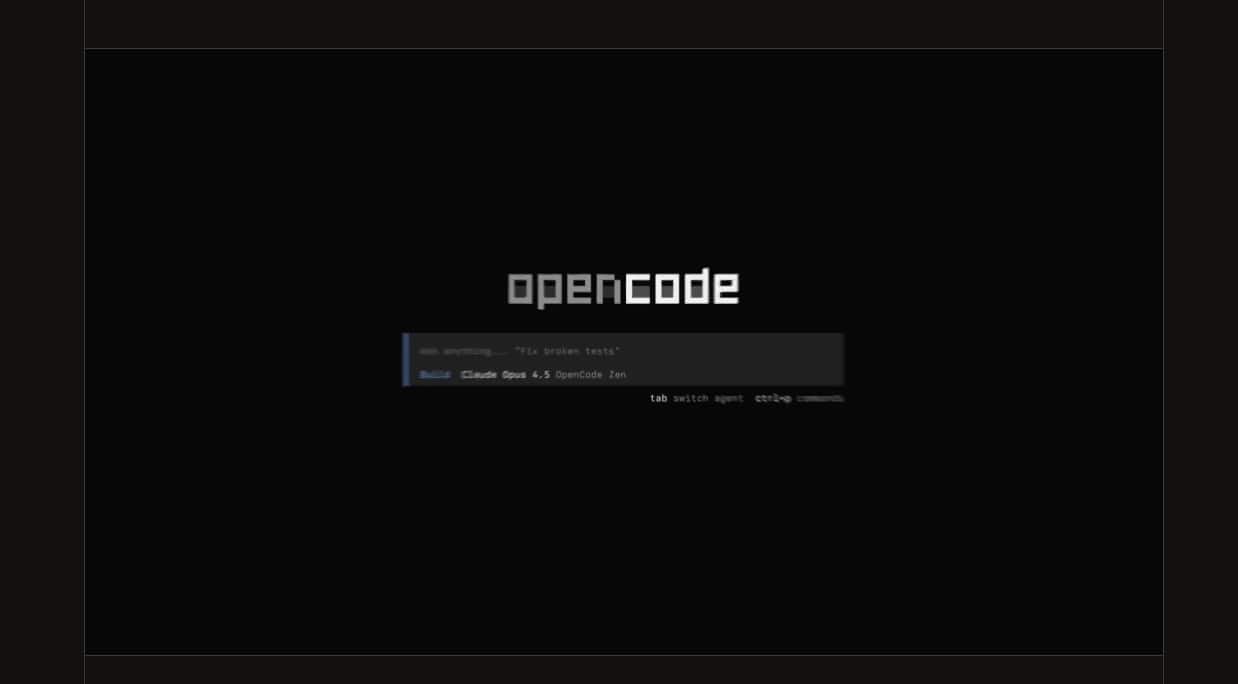
For years, “AI assistance” for programming has been a balancing act: faster development in exchange for dependence on a provider, greater convenience at the cost of ceding part of the workflow to a closed platform, and increased productivity… with the recurring fear that costs or rules may change at the worst moment. In this context, OpenCode is carving out a space with a clear proposition: an open-source coding agent designed to run locally, used from the terminal, and capable of connecting to multiple models and providers.
The idea isn’t new — copilots and agents have been discussed for a while — but OpenCode aims to address a very specific friction: making the “agent” a neutral layer. That is, ensuring that the development experience (the interface, shortcuts, workflows with repositories) isn’t permanently tied to a single model engine or a single company.
An agent that lives where teams already work: the terminal (and more)
OpenCode describes itself as an “AI coding agent” available as a terminal interface, desktop app, or IDE extension. This multiplatform approach is important because it avoids the classic dilemma of “stick with this editor or stay out.” The project favors a “terminal-first” experience, with a text-based UI (TUI) that doesn’t aim to compete with a full IDE but to integrate into the environment where many developers already run commands, review logs, execute tests, and automate tasks.
Installation is designed to be straightforward yet flexible: from a script to package managers like npm/pnpm/bun, with specific options for Windows (including the recommendation to use WSL for broader compatibility). In daily use, the promise is simple: open OpenCode in a repository and start requesting changes, diagnostics, or refactors without leaving the workflow.
“Any model”: the key argument against lock-in
One of the most repeated points in the official documentation is compatibility with more than 75 model providers through an integration layer supported by AI SDK and Models.dev, along with the ability to run local models. Practically, this means users can adapt the agent to their cost policies, internal restrictions (e.g., not sending code outside), or quality preferences for different tasks (a model for debugging, another for writing tests, another for documentation).
The connection system relies on commands and configuration: adding credentials, selecting models, with support for “variants” and recommendations. This part may be less flashy than a demo video, but it’s where the real scalability decisions are made: governing which models are used, how they’re distributed, and preventing each laptop from ending up with a different setup.
Permissions, plugins, and the awkward reminder: an agent is not a sandbox
OpenCode provides a permissions system to control which actions are automatically executed, which require confirmation, and which are blocked. This is a key feature for tools that can edit files and run commands, as it makes the agent’s intentions auditable: “This will execute bash,” “This will write to such a path,” “This will read that file.”
However, the project emphasizes an important nuance: OpenCode does not “isolate” the agent. The permission system enhances user awareness of what the agent is doing but isn’t designed as a security barrier. In other words, organizations needing true isolation should run the agent within a container or a virtual machine. This is a crucial warning because, in the rush of adopting agents, it’s easy to confuse “asking for confirmation” with “being protected.”
Adding to this, a relevant security note is that early 2026 saw a vulnerability (CVE-2026-22812) related to executing commands via an unauthenticated HTTP server in earlier versions, which was fixed in a specific release. The lesson: a popular tool isn’t immune to vulnerabilities, and when dealing with agents that touch systems and repositories, quick updates are not optional.
“Local-first” privacy, with practical nuances
OpenCode positions itself as “local-first,” with no central storage of code or context as a service. But in practice, using any modern agent requires tracking two levels:
- What the tool stores locally: sessions, logs, authentication data, caches.
- What is sent to the chosen model provider: prompts, code snippets, context, tool results.
Its troubleshooting documentation details where logs are written and where local data is stored, including files containing tokens or keys. This doesn’t invalidate the “local-first” approach; it clarifies it. For professional teams, this means handling those directories as sensitive material and applying basic practices: disk encryption, separate profiles, cache cleaning, and internal credential policies.
And in a company? SSO, centralized configuration, and an internal “AI gateway”
OpenCode also promotes a corporate adoption narrative: centralized configuration, integration with SSO, and the possibility of routing traffic through an internal AI “gateway.” The goal is clear — to avoid the chaos of “each developer with their API key,” and to enable security and compliance teams to audit, restrict, and monitor usage.
This approach aligns with a trend seen in large organizations: not banning agents but putting guardrails in place. Internal gateways, allowed model lists, per-user cost controls, and traceability. OpenCode aims to position itself as a tool compatible with that governance model without sacrificing its community-driven advantage: remaining open source and not dependent on a sole provider.
The full picture: why there’s so much talk about OpenCode
OpenCode’s relevance isn’t solely about its features. It’s about the current moment. AI-assisted programming is transitioning from “just a plugin” to a cross-cutting layer of development: repo reading, command execution, change generation, TypeScript assistance, debugging, automating repetitive tasks. In this landscape, teams are starting to ask an uncomfortable question: “If the agent becomes critical, who controls the lever?”
This is where OpenCode seeks to succeed: presenting itself as a stable, open, adaptable interface with interchangeable models. It doesn’t promise magic. But it assures that when the magic works, it won’t enforce a dependency for good.
Frequently Asked Questions
Does OpenCode support programming with local models without sending code to the cloud?
Yes. The documentation indicates support for local models along with multiple providers, enabling workflows where code stays within the developer’s environment if required by the organization.
How is control over what the agent can do (edit files or run commands) managed?
OpenCode includes a configurable permission system that allows, prompts, or denies actions such as editing and command execution. For sensitive environments, it’s common to require confirmation for “bash” commands and restrict external paths outside the project.
What security measures should be taken before using OpenCode in a professional setting?
Besides configuring permissions, the project recommends real isolation (container or VM) if needed. Keeping the tool updated and reviewing security advisories is also vital, especially considering recent vulnerabilities that have been fixed.
How is OpenCode deployed in a company with SSO and an internal AI gateway?
The project describes options for centralized configuration with SSO integration and the use of an internal “AI gateway,” so users don’t rely on individual keys and traffic is governed by organizational policies.
Source: OpenCode
