
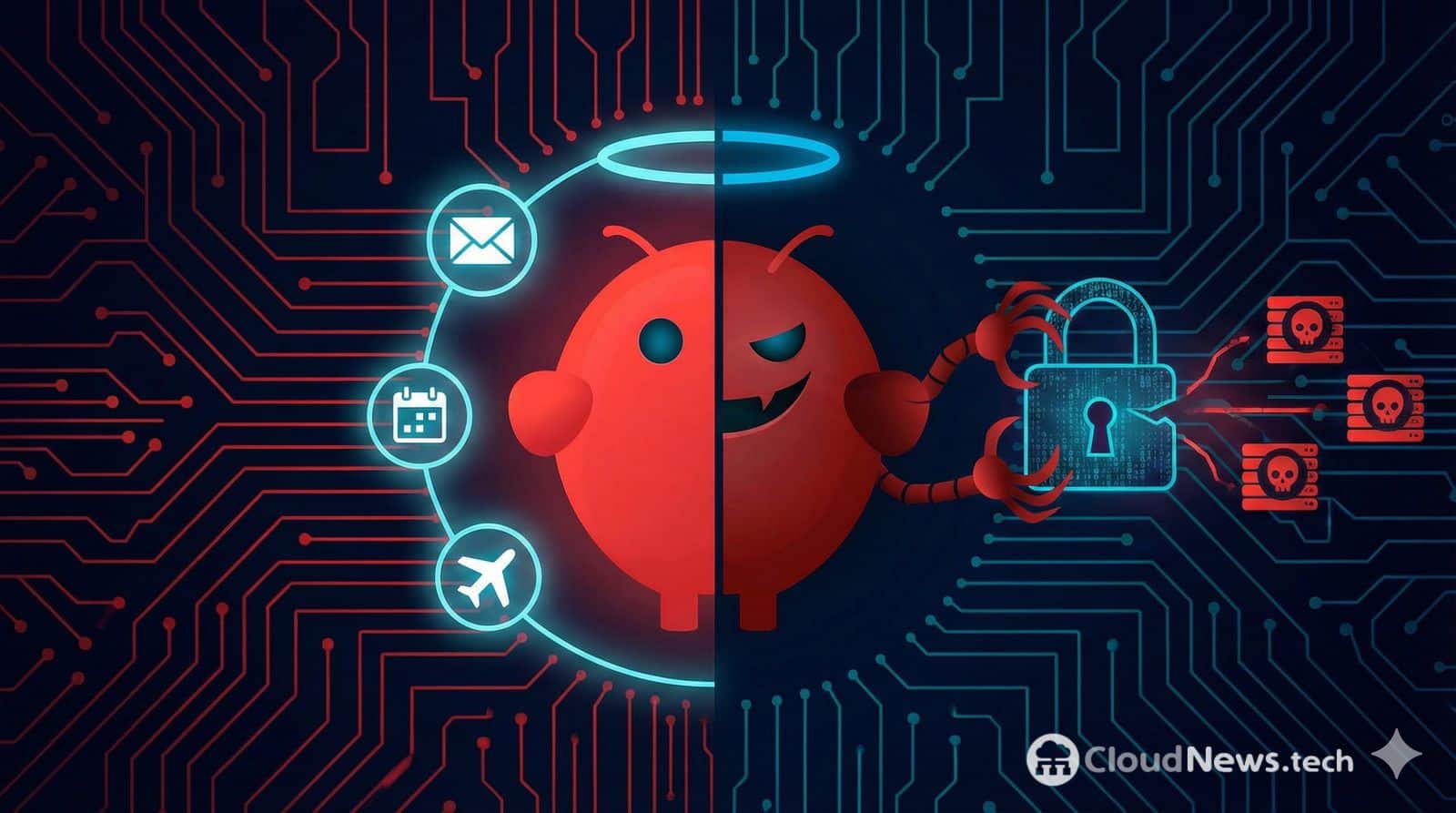
In recent months, an idea has gained traction that, until recently, sounded like domestic science fiction: an AI-powered assistant that doesn’t just answer questions but connects to real channels — messaging, work tools, Slack/Discord-like integrations, and more — acting as an orchestration layer to execute tasks. This is the realm where Moltbot operates (with the name Clawdbot still very present in routes, examples, and its historical branding), a project combining language models, a gateway, and a control panel to turn an LLM into something resembling a digital operator.
The promise is powerful: operational “memory,” automation, sessions, tools (skills), scheduled tasks (cron), and a web console to view — in real time — what the bot is doing, which integrations are active, and which permissions have been enabled. In practice, Moltbot exposes a Gateway with a web interface and WebSocket (by default on port 18789) through which channels, configuration, and agent actions are managed.
The issue is that this leap — from “chat” to “agent with hands” — transforms user cybersecurity into a serious concern. It’s no longer about whether the model makes mistakes, but about what happens when the model receives malicious instructions via a channel that the bot itself considers “valid input,” especially when it has permissions to act.
From chatbot to agent: why does the risk change
A traditional chatbot operates, so to speak, within its cage: it responds with text. An agent like Moltbot aims to go further with:
- Messaging channels (the panel mentions WhatsApp/Telegram/Discord/Slack and plugin channels).
- Session management, behavior control, scheduled tasks, and installable skills.
- Configuration editing within the system itself (documentation uses paths like
~/.clawdbot/moltbot.json, indicating continuity with Clawdbot). - Controlled execution mechanisms (appearing as “exec approvals” and allowlists for gateway or node executions).
- Environment variables and shell access: examples include options to enable shell environments (
shellEnv) and manage keys/APIs.
While this architecture is useful — and tempting for technically advanced users — it introduces an uncomfortable reality: each integration increases attack surface, and each permission broadens the potential impact of errors, misconfigurations, or abuses.
The most underestimated vector: prompt injection
In “agentic” tools, the star risk isn’t just classic phishing but an adapted variant: prompt injection. That is, inserting instructions within content that the bot will process (a message, text, document) to cause the model to “obey” something it shouldn’t.
When the agent can act — for example, consult information, execute tools, modify configuration, or trigger integrations — prompt injection ceases to be a creative anecdote and turns into a possible incident: data exfiltration, unintended actions, and more. Security researchers have warned that such assistants, if deployed carelessly or with broad permissions, can be especially vulnerable to abuse (and exposure errors).
The key lies in the coupling: untrusted input (messaging/channels) + unified model context + tools with permissions.
The other major Achilles’ heel: console exposure and authentication
In Moltbot, the “Control UI” is served from the Gateway and connects via WebSocket. The documentation emphasizes that the onboarding assistant generates a default token, and authentication can be included in the WebSocket handshake, with recommended modes for remote access (e.g., using Tailscale Serve over HTTPS).
It also highlights a crucial point: by default, it is recommended to keep the Gateway in loopback; for remote access, use a secure proxy (like Tailscale Serve) or “bind to tailnet” with a strong token.
Nevertheless, in practice, many people “open ports,” publish services on LAN/WAN, or reuse weak tokens. That’s where practical risks arise: a control panel with operational capacity exposed where it shouldn’t be can become a entry point.
Quick table: common threats and how to reduce impact
| Risk | Cause | Potential outcome | Practical mitigation |
|---|---|---|---|
| Prompt injection | Messages/content processed as instructions | Unwanted actions, data leakage, abuse of integrations | Separate contexts, strict tool rules, “deny by default,” human review for sensitive actions |
| Excessive permissions | Enabling integrations “just because” or executing without control | Credential/data exfiltration, configuration changes, lateral movement | Principle of least privilege, segregated accounts, allowlists, and approval workflows (“exec approvals”) |
| Gateway/UI exposure | Publishing port 18789 or allowing remote access without best practices | Takeover of the panel, session/channel manipulation | Loopback by default, HTTPS via Tailscale Serve, strong tokens, avoid “insecure HTTP” |
| Key management | Unprotected API keys and OAuth | Token theft, fraudulent API use | Secure vaults, rotation, scope limiting, redacting sensitive info in logs (redactSensitive) |
| Automation and cron jobs | Recurring tasks without monitoring | Persistence of errors or repeated abuse | Auditing, logs, alerts, periodic reviews, disable unused tasks |
“Powerful, yes; but treat it as critical infrastructure”
In a professional context — especially within corporate environments — the sensible recommendation is to treat such a bot as you would a server with access to internal tools: segmentation, access control, action logging, and auditing.
From this perspective, a useful (though unglamorous) approach is to assume that a messaging-connected agent with access to work tools is, in essence, a new “user” within the system: with credentials, permissions, and communication routes. If left to operate without barriers, the bot not only automates tasks but also automates mistakes.
Best practices if someone insists on deploying it
- Don’t expose the Gateway to the internet. Keep it in loopback, and if remote access is needed, use a secure approach like Tailscale Serve with HTTPS.
- Use strong tokens and rotate them. Avoid “exceptions” that weaken security for convenience (the documentation warns about insecure modes).
- Apply the principle of least privilege: start with the bot “almost blind” and grant permissions only when impact is understood.
- Isolate the runtime (container/VM), with restricted network access and only essential resources.
- Implement auditing and logs: essential for investigating “what the agent did” when something goes awry and for detecting abuses.
Ultimately, Moltbot/Clawdbot exemplifies the current industry moment: we’re moving from “talking to AI” to “delegating actions to AI.” And without controls, that delegation transforms automation into a risky gamble.
Frequently Asked Questions
What distinguishes Moltbot/Clawdbot from a regular chatbot?
It’s designed to operate as an agent: integrates channels (like WhatsApp/Telegram/Slack/Discord), manages sessions, scheduled tasks, and tools, and is managed via a Gateway with a control panel.
Does a local model eliminate security risks?
It reduces exposure to third parties but doesn’t eliminate the core issues: malicious data inputs (prompt injection) and excessive permissions still exist if the agent can act on systems or integrations.
What’s the most common mistake when deploying such an assistant?
Granting broad permissions “for testing” while also enabling remote access without secure measures (strong tokens, HTTPS, closed networks). Documentation emphasizes approaches like loopback + secure proxy.
What minimal measures should companies enforce?
Segregated accounts, least privilege, network segmentation, action logging/auditing, and approval models for sensitive operations.
