
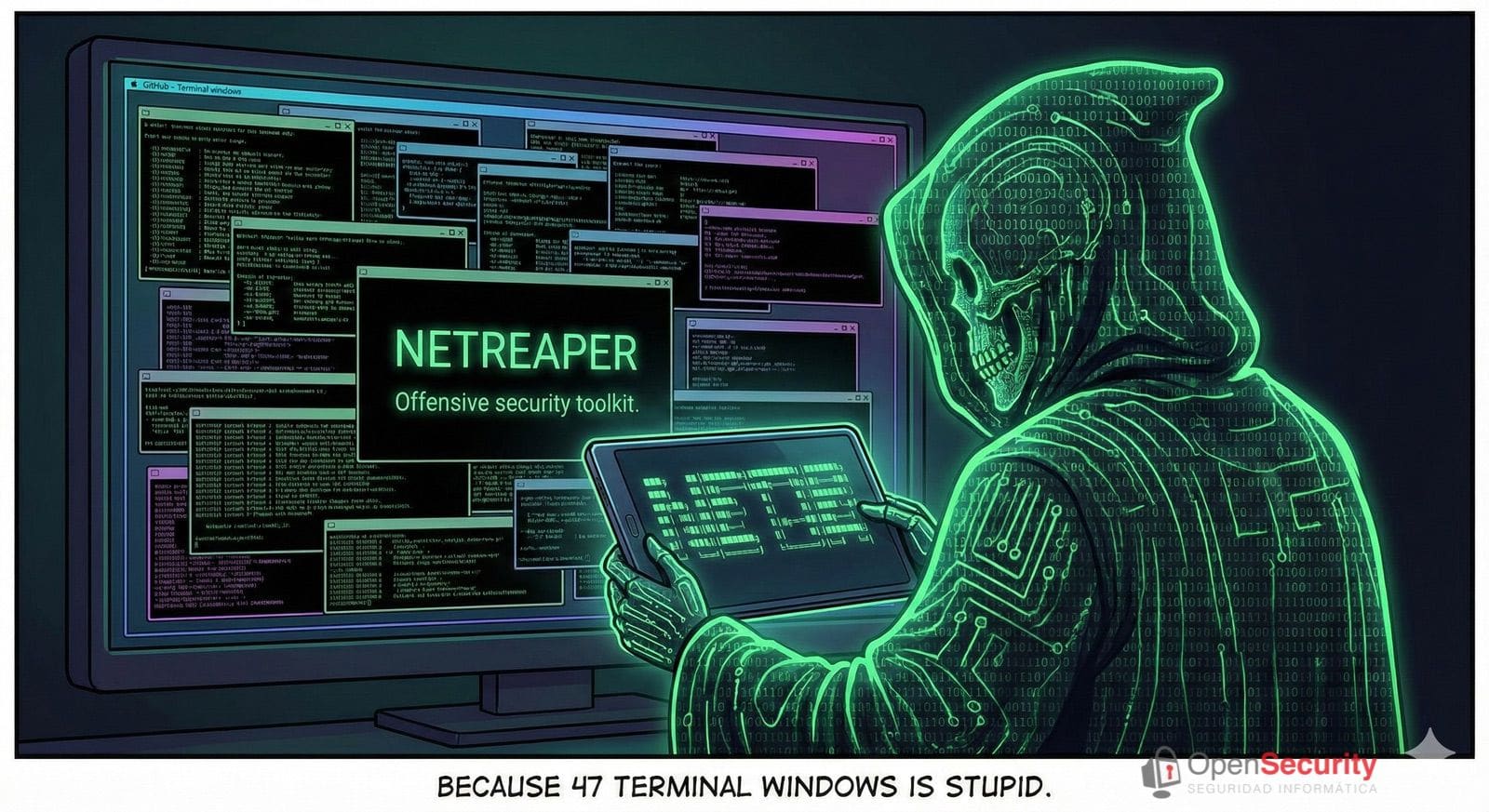
In offensive cybersecurity, the scene is almost always the same: multiple terminal windows open, dozens of different commands, scattered logs throughout the system, and a desktop that looks more like a makeshift control room than a workspace. In that context, NETREAPER appears—a network security framework aiming to reduce that chaos to a single console.
Available on GitHub and licensed under Apache 2.0, NETREAPER presents itself as an “offensive toolkit” that consolidates over 70 security tools into a single command-line interface. Its slogan leaves no doubt: “70+ security tools. One CLI. Stop juggling terminals.”
For a generalist tech reader, the idea can be summarized as follows: instead of manually launching tools like nmap, Metasploit, sqlmap, aircrack-ng, or Wireshark one by one, NETREAPER organizes them, wraps them with guided menus, and centralizes their outputs. Fewer clicks, less confusion, and more traceability.
From “47 open terminals” to a single panel
The creator of NETREAPER shares that the project was born out of frustration: constantly repeating the same sequence of commands across multiple terminals whenever analyzing a device or network. Initially, he built a small “wrapper” to automate part of this repetitive work. Then came menus, support for multiple distributions, action logging… and over time, the wrapper evolved into a comprehensive framework, currently known as v5.3.2 — Phantom Protocol.
Its philosophy can be summarized in three clear objectives:
- Make the work faster.
- Make the work cleaner.
- Make the work repeatable.
Instead of memorizing long parameter chains or switching between tabs, NETREAPER offers a text-based interface with category menus: Recon, Wireless, Exploitation, Credentials, OSINT, etc. The user selects what they want to do, and the framework launches the appropriate tools, saving the results where they should.
What NETREAPER can (and cannot) do
Though internally it’s all classic Linux commands, externally NETREAPER acts like a sort of “command center” for security testing. Notable categories include:
- Network Reconnaissance: scans with nmap, masscan, or rustscan; device discovery, port analysis, services, and certificates.
- WiFi Networks: attacks and audits using aircrack-ng, airodump-ng, wifite, bettercap, reaver, or hcxdumptool, among others.
- Web and Service Exploitation: employing Metasploit, sqlmap, nikto, gobuster, wpscan, or nuclei to find and exploit vulnerabilities.
- Credential Management: hash cracking and brute-force testing with hashcat, John the Ripper, hydra, medusa, or impacket tools.
- Traffic and Performance: capture and analyze with tcpdump, Wireshark, tshark, or network testing with hping3 and iperf3.
- OSINT: gathering public information with utilities like theHarvester, recon-ng, Shodan, or Amass.
All of this is executed from simplified commands such as:
sudo netreaper→ opens the main menu.sudo netreaper scan 192.168.1.0/24→ initiates a network scan.sudo netreaper wifi --monitor wlan0→ activates WiFi mode on a specific interface.sudo netreaper status→ displays installed and operational tools.
It’s important to emphasize: NETREAPER does not “hack alone”. The user must understand what they’re doing. The framework doesn’t replace foundational tool knowledge; it only organizes and automates part of the workflow.
Designed for Linux… and for those who live in the terminal
While many built-in utilities are common in security-oriented distributions like Kali Linux or Parrot OS, NETREAPER is designed to run across a wide range of systems:
- Kali, Parrot
- Ubuntu, Debian
- Fedora, RHEL
- Arch, Manjaro
- openSUSE, Alpine
The installation follows the typical open-source pattern: clone the repository and run a script with administrator privileges. The installer offers several profiles:
- Essentials: a basic set of tools (around 500 MB).
- All: full installation, roughly 3 to 5 GB in size.
- Wireless: focus on WiFi audit tools.
- Or the uninstall option when no longer needed.
One practical detail for mixed environments is that NETREAPER detects the package manager of each distribution and handles dependencies automatically. It adapts seamlessly to Debian/Ubuntu, Arch, Fedora, or RHEL systems without requiring the user to manually install each package.
Ordered logs and traceable tests
Beyond convenience, there’s a crucial aspect for companies, consultants, and security teams: traceability.
In complex audits, it’s not enough to just “perform” scans or tests; one must be able to reconstruct what was run, when, and with what results. NETREAPER centralizes all traces within a clear structure inside the user’s directory:
config/→ settings and configurations.logs/→ logs with timestamps of actions.output/→ scan and tool results.sessions/→ saved sessions and states.captures/→ traffic captures or other sensitive data.
Additionally, the framework includes basic controls to prevent obvious errors, such as attempting wireless attacks on a wired network interface. While not foolproof, these checks help reduce oversights in environments with many network adapters, virtual machines, or USB WiFi dongles.
Ethics and legality: a reminder you can’t forget
In a time when cyberattacks make headlines almost daily, having advanced offensive tools can cause concern among the general public. Hence, the project emphasizes a message worth repeating:
NETREAPER is designed for authorized testing only.
Before executing any action on a network or system, developers remind users to:
- Obtain written permission from the owner.
- Define and document the scope of the test (what can be touched or tested).
- Ensure legal compliance within the relevant jurisdiction.
- Maintain an audit trail throughout the process.
Misusing such tools can constitute a criminal offense. The software itself is neutral; responsibility always lies with the user.
A sign of maturity in the cybersecurity ecosystem
The existence of projects like NETREAPER speaks volumes about the current state of cybersecurity. The industry no longer only needs powerful tools but also environments that enable organized, repeatable, and defensible work for third parties.
For tech media readers, NETREAPER exemplifies where ethical hacking software is heading: away from ad-hoc scripts and toward platforms that act as productivity hubs for professional teams.
It’s not a beginner’s solution or toy, but a valuable piece in the puzzle of how networks and systems are robustly tested today—before malicious actors do.
Frequently Asked Questions about NETREAPER
What exactly is NETREAPER?
It’s a Linux network security framework that consolidates over 70 offensive cybersecurity tools into a single command-line interface. It facilitates organizing scan, exploitation, WiFi auditing, traffic analysis, credential management, and OSINT tasks from a central menu.
Can NETREAPER be used to learn hacking from scratch?
No. It’s intended for professionals or advanced users already familiar with tools like nmap, Metasploit, sqlmap, or hashcat. The framework streamlines daily tasks but doesn’t teach the fundamentals or replace cybersecurity training.
In which environments is NETREAPER most useful?
Particularly suited for security-focused distributions (Kali, Parrot) or Linux servers used for pentesting, red team exercises, network audits, advanced training labs, and cybersecurity R&D environments.
Is it free, and can it be used commercially?
Yes. NETREAPER is distributed as free software under the Apache 2.0 license, allowing its use and adaptation for personal or corporate projects, provided the license terms are respected. Usage must always be authorized and legal.
Sources:
Official repository of NETREAPER on GitHub (Nerds489 / NETREAPER) and Open Security
