
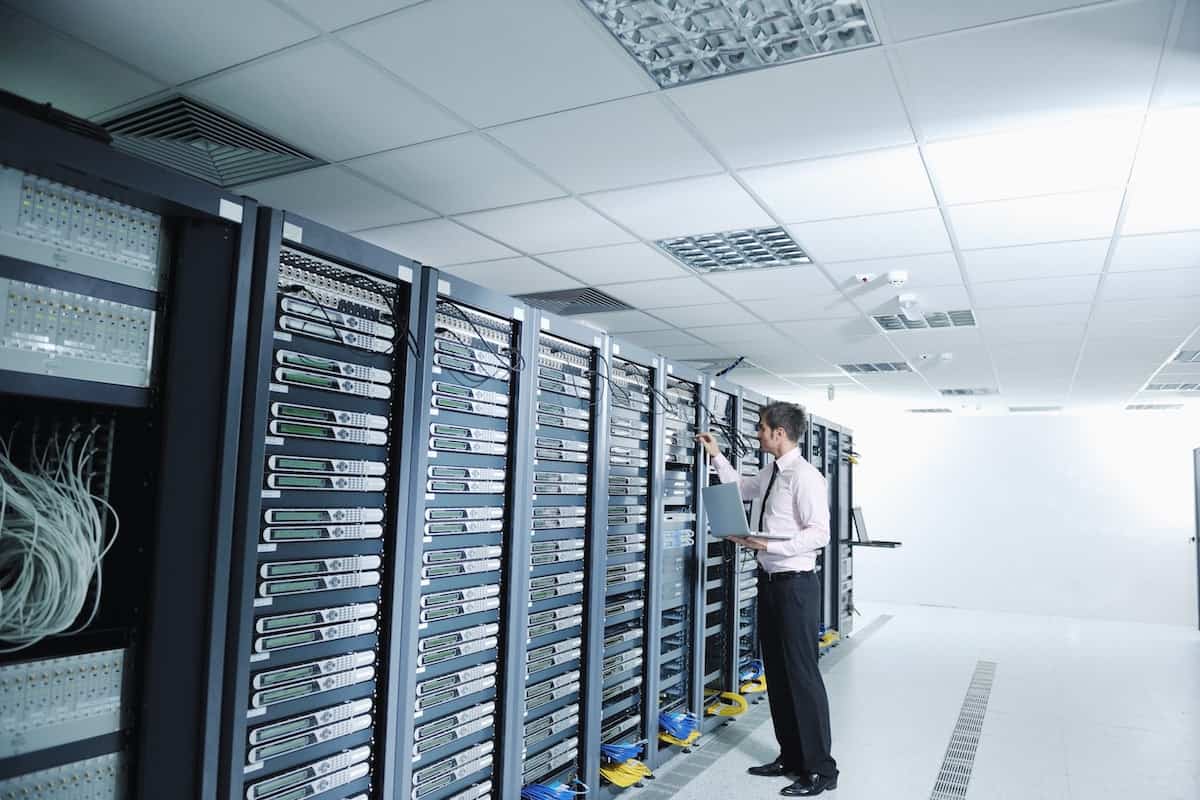
On a daily basis, millions of people browse the internet, send emails, or upload files to the cloud without thinking about everything happening “behind the scenes.” Behind every click, there are specialized machines supporting that invisible infrastructure: servers. And, although we often talk about “the server” as a generic entity, not all servers do the same things or are designed for the same tasks.
Below, we review some of the most common types of servers and the role they play in ensuring the network operates as expected: fast, relatively secure, and almost always available.
Web Server: The Gateway to the Internet
The web server is probably the most well-known type of server, even if indirectly. It is responsible for storing and delivering web pages to users.
When a person types an address into their browser or clicks a link, the browser sends an HTTP request to the server. The server responds with an HTTP response that includes the HTML code of the page, CSS stylesheets, JavaScript scripts, and images needed to display the site.
The main mission is clear: publish websites and web applications. In practice, most sites visited daily run on technologies like Apache, NGINX, or IIS (Internet Information Services). These servers handle thousands or even millions of simultaneous requests, manage access to protected resources, and serve static or dynamic content.
Mail Server: The Digital Post Office
Email remains a key component of personal and business communication, and its operation directly depends on mail servers.
This type of server is responsible for:
- Sending messages, usually via the SMTP protocol.
- Receiving and enabling the reading of emails, typically through IMAP or POP3.
- Managing mailboxes, user authentication, aliases, distribution lists, and forwards.
Technically, there is usually a distinction between the server that sends emails (SMTP) and the one that stores and serves messages for reading (IMAP/POP3). Without these components, clients like Outlook, Thunderbird, or mobile email apps wouldn’t have a place to connect and display user mailboxes.
DNS Server: The Naming System That Makes the Network Usable
Remembering an IP address like 100.101.102.103 isn’t convenient or realistic for most users. This is where the DNS (Domain Name System) server comes in, acting as a kind of phonebook for the internet.
Its role is to translate readable domain names like example.com into numerical IP addresses that machines understand. Every time someone accesses a website, their device queries one or more DNS servers to find out which IP address to connect to.
This is one of the most critical services on the internet: if DNS fails, websites may still run on the server level, but become inaccessible by their domain name. From the user’s perspective, it’s like the internet “went down,” even if the underlying infrastructure remains operational.
Proxy Server: The Intermediary That Filters and Protects
In many companies, universities, or institutions, internet traffic doesn’t go directly from user devices but passes first through a proxy server.
This server acts as a middleman between the client and the rest of the network and is used to:
- Filter traffic and block certain content or websites.
- Enhance security by hiding the internal device IPs.
- Speed up browsing by caching frequently accessed content.
- Apply access policies (e.g., limiting hours or site categories).
The result is greater control over network traffic and potential improvements in response times when many users access the same resources.
FTP Server: Centralized File Transfer
Although many modern alternatives have emerged, FTP servers remain widely used tools for transferring files between devices. They operate using the FTP protocol or secure variants like SFTP or FTPS, which are recommended today.
Common uses include:
- Uploading and downloading files within a company.
- Managing content on legacy websites.
- Exchanging files with clients and suppliers.
- Simple backups.
A key point is that traditional FTP does not encrypt data, including user login credentials. For environments requiring higher security, encrypted options like SFTP or FTPS are preferred, reducing risks of interception and credential theft.
Origin Server: The “Source of Truth” in a World with CDNs
In an era where users access content from all continents, CDNs (Content Delivery Networks) have become crucial to reduce latency and improve browsing experience. In this setup, the origin server plays a central role.
The origin server is the main server hosting the actual content of a site or application. The CDN replicates this content to edge servers or perimeter nodes located around the world. This way, users receive content from a nearby node, decreasing load times and download speeds.
However, if the origin server experiences performance issues or a prolonged outage, the entire chain is affected. While the CDN can mitigate part of the impact with caching, the origin remains the “authentic source” for updates and the latest content.
An Infrastructure Composed of Specialized Pieces
In practice, a single organization often combines several of these servers in its daily operations: web servers for the company site, mail servers for internal and external communication, DNS servers (owned or third-party), proxies to filter traffic, and origin servers behind a CDN to serve global clients.
Understanding what each one does benefits not only technical profiles but also business managers who need to make decisions about infrastructure, security, or outsourcing. After all, much of today’s economy relies on these specialized systems working silently 24/7.
Frequently Asked Questions About Server Types
What type of server does a small business need to start on the internet?
Usually, at minimum, a web server (or hosting plan providing one) for the company’s website and a mail server for managing email accounts under the domain. Many times, these services are bundled into shared hosting packages.
What is the difference between a web server and an origin server in a CDN?
A web server can operate directly in front of the public without intermediaries. When a CDN is used, that same web server becomes the origin server, serving as the source from which the CDN replicates and distributes content to edge nodes.
Why is the DNS server so important in a network infrastructure?
The DNS server allows users to access resources via domain names instead of numeric IPs. If DNS fails, services can still run on the server, but they become inaccessible via domain name—causing serious disruption for websites, emails, and applications.
Is it safe to continue using traditional FTP servers for file transfers?
Classic FTP does not encrypt data, so it’s not advisable when handling sensitive information. Instead, use SFTP or FTPS, which provide encryption and significantly reduce risks of credential interception and data theft during transfer.

