
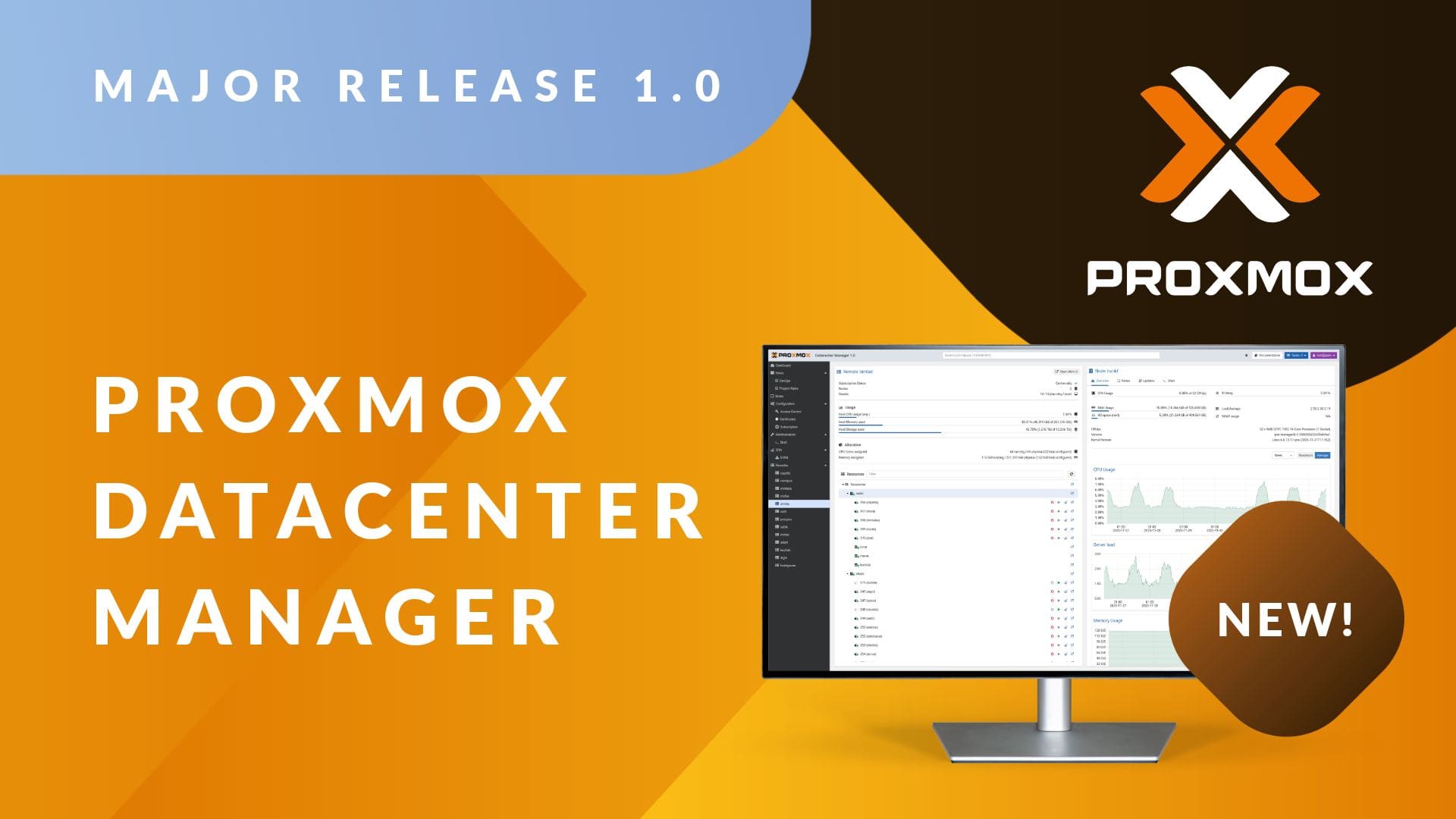
The Proxmox ecosystem has just made a qualitative leap with the arrival of Proxmox Datacenter Manager 1.0 (PDM), the first stable release of its multi-cluster centralized management platform. The tool is built with a clear mission: to provide a unified and operational view of dozens or hundreds of Proxmox VE nodes and clusters and Proxmox Backup Servers, even when distributed across multiple data centers and remote locations.
For companies already working with Proxmox-based infrastructures—for example, Stackscale customers deploying dedicated high-availability clusters—PDM becomes something very similar to a “vCenter for Proxmox,” but maintaining an open source philosophy and full control over the infrastructure.
“For many of our clients, Proxmox Datacenter Manager is the missing piece to manage large platforms with the same ease as they did with VMware, but without relying on a closed vendor or unpredictable licensing models,” emphasizes David Carrero, co-founder of Stackscale (Grupo Aire).
What exactly is Proxmox Datacenter Manager?
Proxmox Datacenter Manager is a “single pane of glass” platform designed to monitor and manage multiple Proxmox environments from a single web console. From this central dashboard, you can see:
- Proxmox VE nodes and clusters
- Proxmox Backup Server instances
- Virtual machines and LXC containers
- Backup storage and datastores
…even when they are distributed across different data centers, racks, or even on-premises sites connected via VPN or dedicated links.
On a technical level, version 1.0 is built on Debian 13 “Trixie”, with a Linux Kernel 6.17 and ZFS 2.3. It is fully developed in Rust—including backend, CLI, and a new web interface based on the Yew framework—focusing on performance, security, and long-term maintainability.
It does not aim to replace the classic interface of each Proxmox VE cluster but instead serves as a multi-cluster governance and orchestration layer, ideal for system teams managing many dispersed nodes.
Key features of Proxmox Datacenter Manager 1.0
1. Centralized view and aggregated metrics
PDM allows registering multiple “remotes” (Proxmox VE clusters, nodes, and backup servers) and displaying a global dashboard:
- CPU, RAM, and storage usage
- Available capacity and saturation levels
- Alerts, statuses, and recent tasks
The data is cached locally, ensuring a recent “snapshot” of the environment even if some remotes are temporarily inaccessible.
For a client with several clusters across different Stackscale data centers, this enables quick answers to questions like:
- “Where do I have the most free capacity?”
- “Which cluster is under the most load?”
- “How is a critical service evolving across all sites?”
2. Multi-cluster management and live migration
One of PDM’s strengths is managing multi-cluster environments and enabling live migrations of virtual machines between independent clusters without downtime.
This opens the door to:
- Load balancing between clusters when nearing capacity limits
- Performing maintenance or hardware upgrades without downtime windows
- Designing high-availability scenarios across data centers with much greater flexibility
On Proxmox platforms hosted at Stackscale, it integrates especially well with setups where the client has multiple dedicated clusters (production, pre-production, DR, etc.) and wants to move workloads seamlessly without manual export/import processes.
3. Basic lifecycle operations from a single panel
From Proxmox Datacenter Manager, you can:
- Start, stop, and restart VMs and containers
- Query and manage associated storage resources
- Review a centralized history of tasks and logs
For sysadmins, this means less dispersed “clickops” and more capacity to standardize processes and automate via a common API.
4. Advanced search and custom views
The integrated search uses a powerful syntax (inspired by tools like Elasticsearch or GitHub), allowing filtering by:
- Resource type (VM, container, remote, etc.)
- Status (running, stopped, degraded, etc.)
- Labels and metadata
Based on this, you can create custom views—by project, internal client, environment (dev, pre, prod), etc.—and assign them to specific roles. Development teams can view “their” resources without access to the entire infrastructure.
5. Backup, networking, and SDN with EVPN
PDM 1.0 integrates with Proxmox Backup Server, showing datastores, namespaces, and snapshots in dedicated panels, along with usage and performance metrics. This facilitates monitoring backup health at a global level, crucial for disaster recovery (DR) strategies across multiple sites.
In networking, it includes initial capabilities for SDN with EVPN, allowing configuration of zones and VNets across multiple remotes from a single interface. In architectures with distributed L2/L3 overlays between data centers, this is a significant help in maintaining configuration consistency.
6. Security, identity management, and granular RBAC
Proxmox Datacenter Manager supports authentication via:
- LDAP
- Active Directory
- OpenID Connect
Along with 2FA and tokens, it relies on a granular role-based access control (RBAC) system. It’s possible to give teams visibility over certain views without granting direct access to underlying nodes.
7. Centralized updates management and remote shell access
The platform features a centralized update interface, showing the status of repositories and pending packages across connected Proxmox VE and Proxmox Backup Server instances. From there, updates can be launched using the new remote shell access, avoiding the need for independent sessions on each node.
For operators and providers, this significantly reduces the risk of desynchronized clusters or unpatched vulnerabilities in the environment.
What does this mean for Stackscale clients?
Within Stackscale, Proxmox Datacenter Manager arrives at a time when many organizations are shifting from VMware to open source platforms due to licensing changes and strategic considerations.
“We are seeing more projects where the client wants to maintain the level of control and resilience they had with VMware, but based on open source and dedicated infrastructure. Proxmox VE already addressed the hypervisor aspect very effectively; with Datacenter Manager, the scaling management challenge is finally solved,” explains David Carrero.
Among the clearest benefits for Stackscale customers are:
- Unified multi–site and multi–cluster view: Moving away from treating each Proxmox cluster as a silo, managing the entire platform—even connected on-premise environments—as a single “logical park.”
- Advanced workload mobility: Live migration between clusters combined with Stackscale’s network facilitates relocating services, clearing clusters for hardware upgrades, or planning cross-site movements as part of resilience strategies.
- Better governance and auditing: Views by business unit, role-based permissions, and centralized tasks and logs reinforce compliance and role segregation.
- More efficient daily operations: Global search, unified task panel, update management, and shell access from a single console reduce repetitive tasks and human errors.
“Our approach is clear: enable the client’s sysadmin team to think of ‘their Proxmox data center’ as a whole, even if underneath there are different clusters, racks, and data centers. PDM fits perfectly with that vision of Proxmox private cloud over dedicated hardware,” adds Carrero.
Deployment, support, and getting started
Proxmox Datacenter Manager 1.0 is available as a bootable ISO image for bare-metal deployment or an existing Debian installation, and is distributed as free software under the GNU AGPLv3 license. For production environments, Proxmox offers subscriptions with enterprise repositories and support.
In the context of Stackscale, typical scenarios include:
- Deploying PDM as a dedicated machine (or node) within the client’s Proxmox environment.
- Integrating it with existing corporate directories (LDAP/AD/OIDC) and security policies.
- Designing, together with Stackscale’s team, a view, role, and permission strategy aligned with organizational structure.
It makes sense to start with a limited pilot—for example, connecting some non-critical clusters—and expand to full management of the Proxmox fleet as confidence grows.
FAQs about Proxmox Datacenter Manager and Stackscale
How does Proxmox Datacenter Manager differ from Proxmox VE?
Proxmox VE is the hypervisor platform (where VMs and containers run), and Proxmox Datacenter Manager is the multi-cluster centralized management layer, designed to view and operate many Proxmox VE and Proxmox Backup Server instances from a single dashboard.
What benefits does PDM offer over managing each cluster separately?
It provides aggregated metrics, live migration between clusters, role-based views and permissions, a global update dashboard, and a unified platform status overview. This reduces operational complexity and enhances capacity planning and resilience.
How can Stackscale clients start using PDM 1.0?
Most commonly, deploy a dedicated PDM instance within their Stackscale environment and progressively connect clusters. Stackscale can assist with designing, deploying, and maintaining the solution on their dedicated infrastructure.
Is PDM suitable for multi-site and disaster recovery strategies?
Yes. PDM is specifically designed for distributed environments with multiple clusters across data centers, and it works particularly well with Proxmox Backup Server for overseeing datastores, snapshots, and cross-site replication as part of multi-site DR planning.
